
DISCOUNTED EDUCATION PRICING! CALL 1-877-891-8411. We Gladly Accept School Purchase Orders!
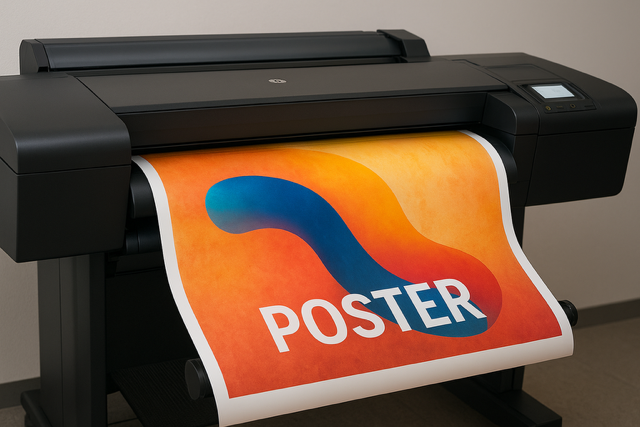
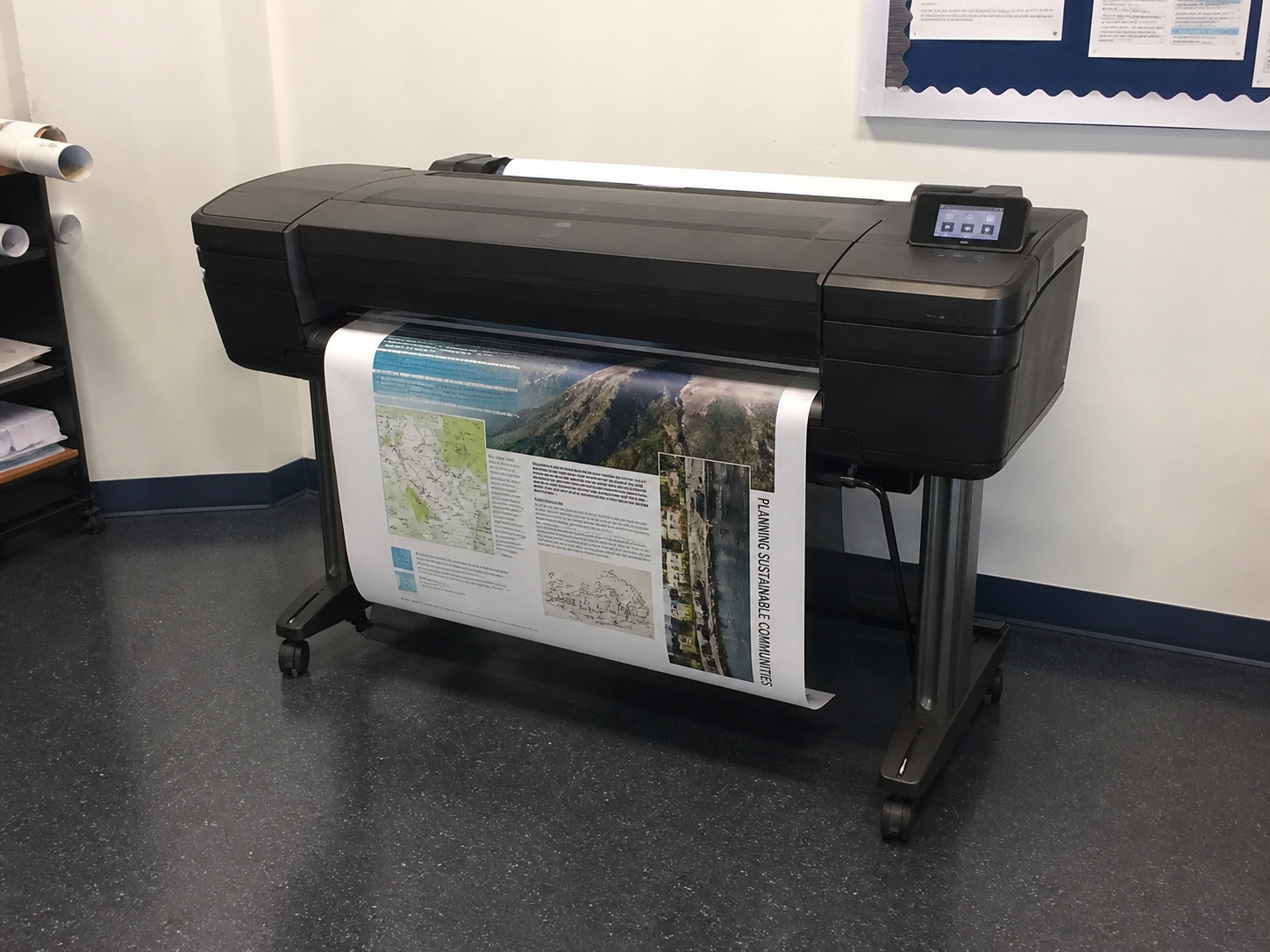
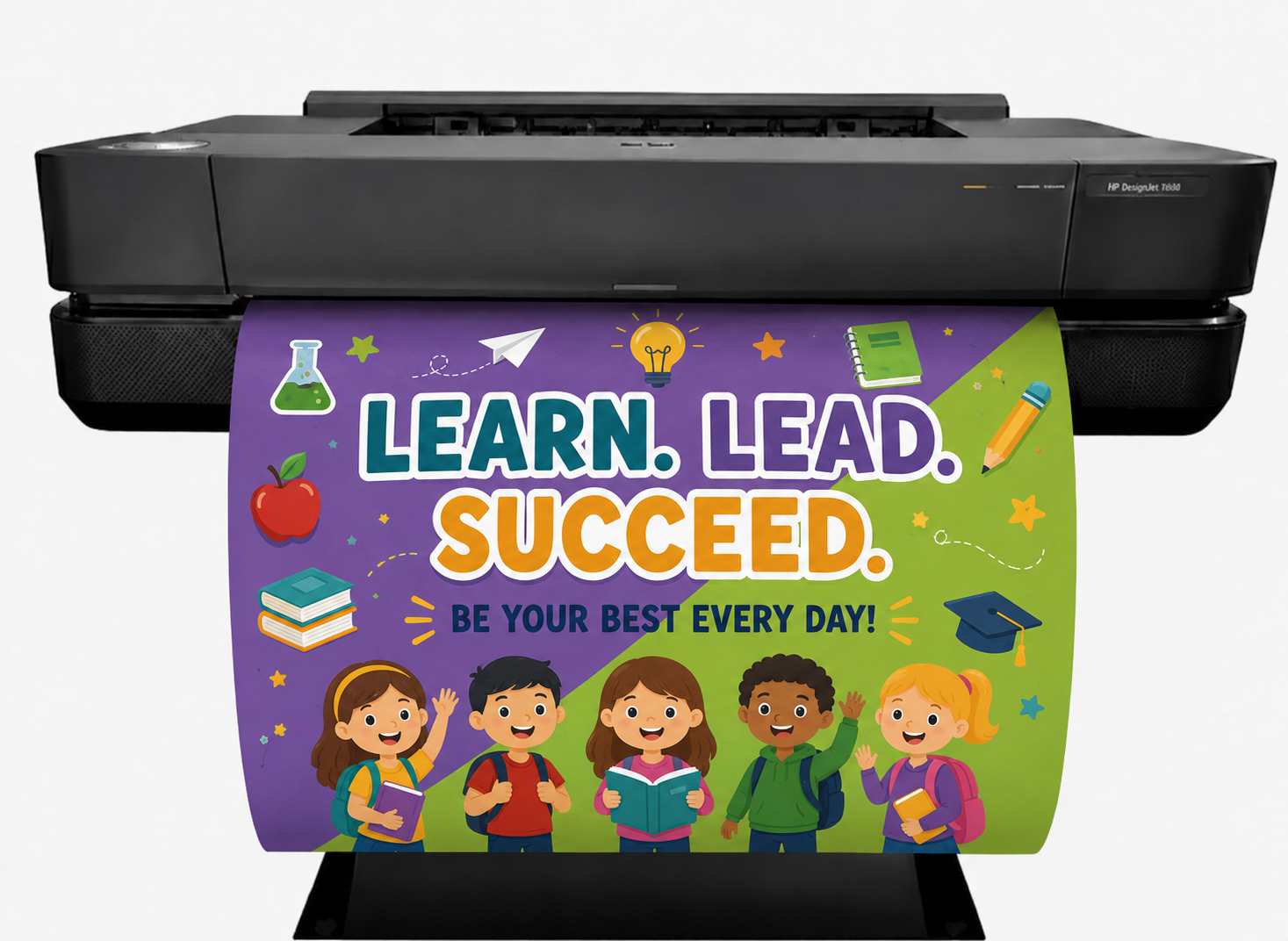
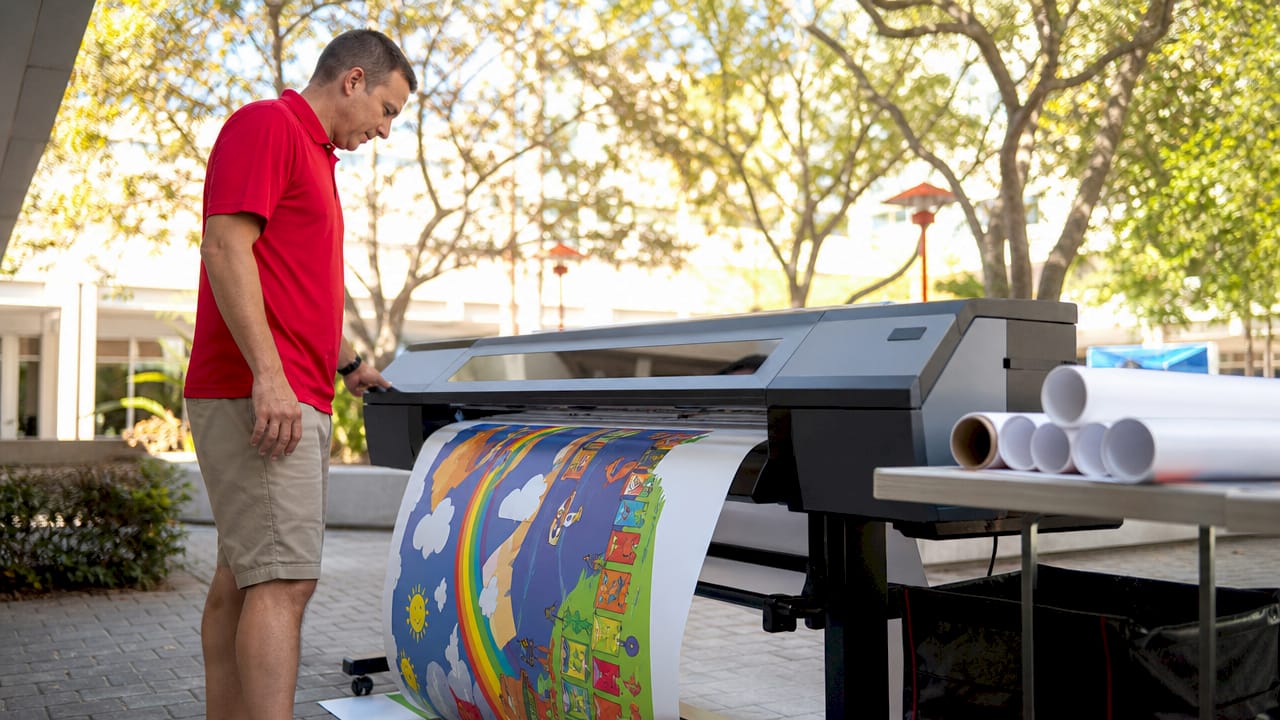
A poster maker printer, such as the HP DesignJet T630, is a large format printer engineered to produce high-quality posters, banners, and signage, transforming digital designs into vibrant, professional prints. These roll-fed poster maker printers handle widths up to 36 inches or more, making them indispensable for businesses, educators, artists, and event planners. With 2025 advancements in eco-friendly inks and AI-driven color management, poster maker printers offer unmatched versatility for creating impactful visuals across diverse applications. This guide explores the top 5 applications for using a poster maker printer, detailing how to use them, specific use cases, technical tips, benefits, and funding options for schools to acquire these machines. Let’s dive into creating posters that captivate!
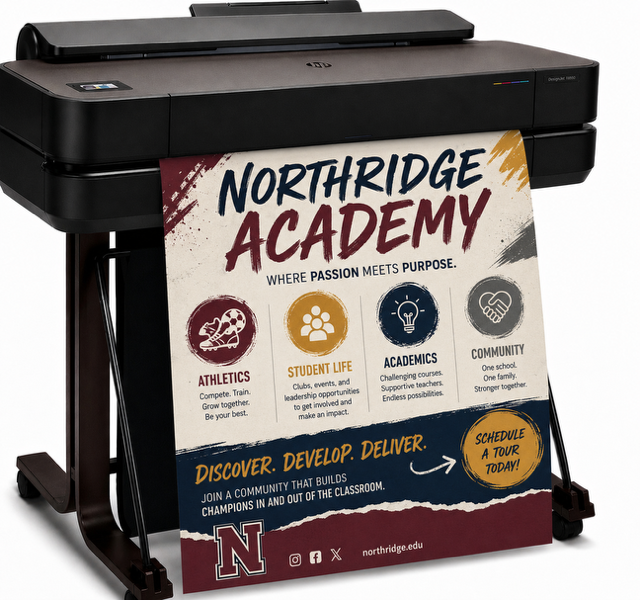
Using a poster maker printer to create promotional posters is a top application, delivering eye-catching visuals for retail sales, trade shows, or event promotions. Machines like the HP DesignJet T630 print vibrant A1 (23.4 x 33.1 inches) or larger posters on glossy or matte media at 2400×1200 dpi, ensuring sharp, professional results.
How to Use It:
Use Case: A local gym prints 50 posters for a fitness expo to advertise new classes. The poster maker printer’s pigment inks ensure weather-resistant prints for outdoor booths, costing ~$0.40 per square foot.
Snippet: “Our gym’s expo posters popped with color, drawing crowds all weekend!” – Fitness Manager, 2025.
Benefits:
Funding for Schools: Schools can fund a poster maker printer through grants like the U.S. Department of Education’s Small, Rural School Achievement Program, which offers up to $60,000 for tech upgrades. Crowdfunding platforms like DonorsChoose also support classroom equipment purchases, with 70% of campaigns funded within 90 days.
Tip: Enable borderless printing for full-bleed designs to boost visual impact.
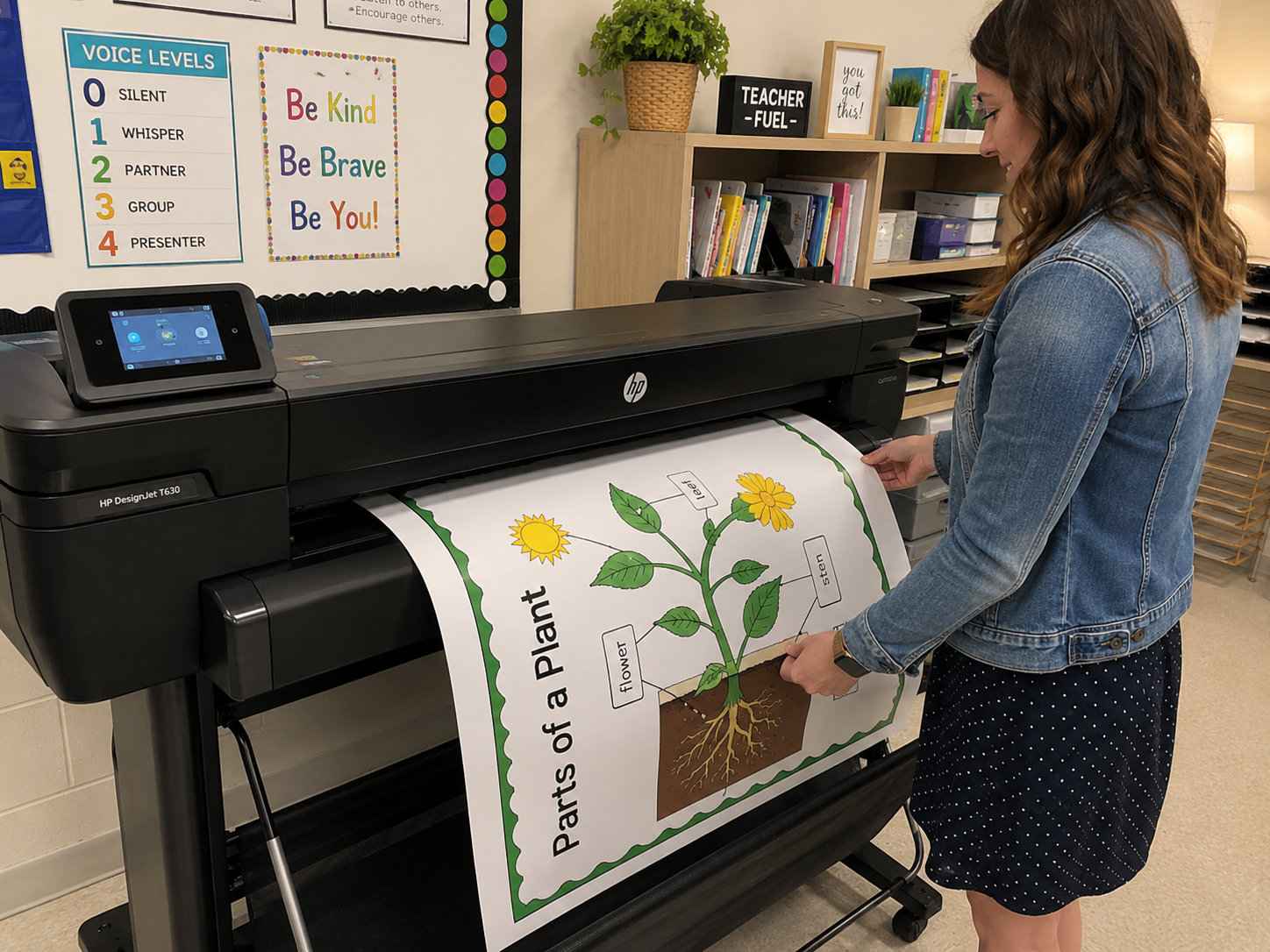
A poster maker printer transforms educational settings by producing posters like charts, infographics, or motivational visuals for classrooms and lecture halls. The Canon imagePROGRAF TC-20M, with its built-in scanner, lets educators digitize sketches and print polished posters up to 24×36 inches.
How to Use It:
Use Case: A high school prints 30 biology lab posters, scanning teacher-drawn diagrams via the TC-20M’s scanner and printing at ~$0.50 per square foot. The posters last years in classrooms.
Snippet: “Our students love the colorful science posters—they spark curiosity daily!” – Biology Teacher, 2025.
Benefits:
Funding for Schools: Schools can apply for STEM grants from the National Science Foundation, offering $10,000–$100,000 for educational tools. Local PTA fundraisers or corporate sponsorships from tech firms like HP also provide viable funding.
Tip: Calibrate colors monthly for accurate diagrams.
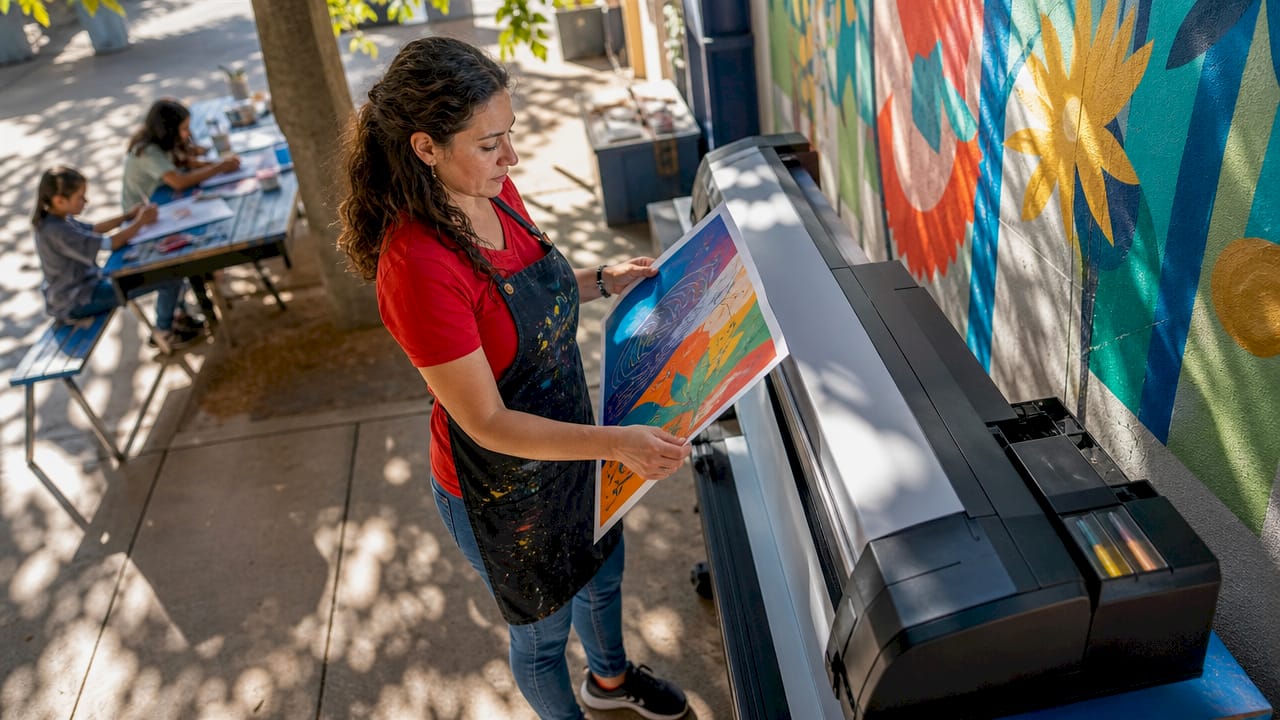
Artists and galleries use poster maker printers to produce fine art posters, replicating artwork with archival quality. The Epson SureColor T2170, with PrecisionCore TFP technology, delivers ultra-fine lines and gradients at 2880×1440 dpi, ideal for gallery prints.
How to Use It:
Use Case: An artist prints limited-edition 24×36-inch posters for a gallery show. The poster maker printer’s four pigment inks ensure vibrant, fade-resistant colors, with prints sold at $50 each.
Snippet: “My art posters sold out thanks to the T2170’s stunning quality!” – Artist, 2025.
Benefits:
Funding for Schools: Art departments can seek grants from the National Endowment for the Arts, offering up to $20,000 for creative projects. Crowdfunding or local art council sponsorships also help fund poster maker printers.
Tip: Use Epson’s Smart Panel app to monitor ink levels remotely.
Poster maker printers excel at producing event signage and banners, from directional signs to large-scale backdrops for festivals, conferences, or weddings. The HP DesignJet Studio 24 handles roll media up to 24 inches wide, printing durable banners for indoor or outdoor use.
How to Use It:
Use Case: An event planner prints 10 banners for a music festival’s stage backdrop using weatherproof vinyl on the poster maker printer. Costs are ~$0.45 per square foot, with setup done in hours.
Snippet: “Our festival banners were a hit—vibrant and weatherproof!” – Event Planner, 2025.
Benefits:
Funding for Schools: Schools hosting events can tap into state education grants or partner with local businesses for sponsorships, covering costs for poster maker printers like the Studio 24.
Tip: Test vinyl settings to avoid ink smudging on non-porous media.
Poster maker printers are critical for producing architectural and engineering posters, such as blueprints, site plans, or presentation visuals. The Canon imagePROGRAF PRO-2100, with 11 LUCIA PRO inks, delivers precise lines and vibrant renders at 2400×1200 dpi.
How to Use It:
Use Case: An architect prints 20 site plans for a client pitch using the PRO-2100’s precision at ~$0.30 per square foot. Clients approve designs on-site.
Snippet: “The PRO-2100’s crisp plans won our client’s trust instantly!” – Architect, 2025.
Benefits:
Funding for Schools: Engineering programs can apply for NSF STEM grants ($10,000–$100,000) or use school district budgets to fund poster maker printers for technical labs.
Tip: Use the optional spectrophotometer for exact color matching in renders.
To optimize your poster maker printer:
From promotional posters to architectural plans, these five applications highlight the power of poster maker printers like the HP T630, Canon TC-20M, or PRO-2100. Whether you’re a marketer, educator, artist, or engineer, these machines enable professional in-house prints. Schools can leverage grants and crowdfunding to acquire them. Fire up your poster maker printer and create—what poster will you print first? Share below!
What’s the best media for promotional posters? Glossy or coated paper for vibrant colors; vinyl for outdoor use.
How fast is an A1 poster printed? 27–35 seconds on plain paper.
Are these printers good for small businesses? Yes, they save costs and enable custom prints.
Can I print art posters at home? Yes, with canvas or photo paper and pigment inks.