
DISCOUNTED EDUCATION PRICING! CALL 1-877-891-8411. We Gladly Accept School Purchase Orders!

By: The Education Graphic Solutions Editorial Team Expertise: 20+ Years in Educational Printing Solutions
In the modern K-12 environment, the walls are no longer just static surfaces; they are “learning scaffolds.” However, teachers face a constant hurdle: the gap between a brilliant digital idea and a physical, large-format reality.
Whether you are looking for a digital classroom poster maker to design visuals or a professional classroom poster maker printer to produce them, the goal is the same—enhancing student retention. In this comprehensive guide, we explore the software-to-hardware workflow that is saving schools thousands of dollars in 2025.
Before selecting a classroom poster maker, it is vital to understand what makes a poster “work.” According to dual-coding theory, students learn better when words and visuals are combined. To maximize this, your posters should follow the 3-3-3 Rule:
A common mistake in many classroom poster maker apps is “over-designing.” Using too many colors or complex backgrounds creates “visual noise.” We recommend a 60-30-10 color split: 60% white space, 30% primary instructional content, and 10% accent colors for emphasis.
Most people searching for a classroom poster maker are actually looking for one of two things.
Today’s teachers use tools like Canva for Education, Adobe Express, or even Google Slides. These platforms offer:
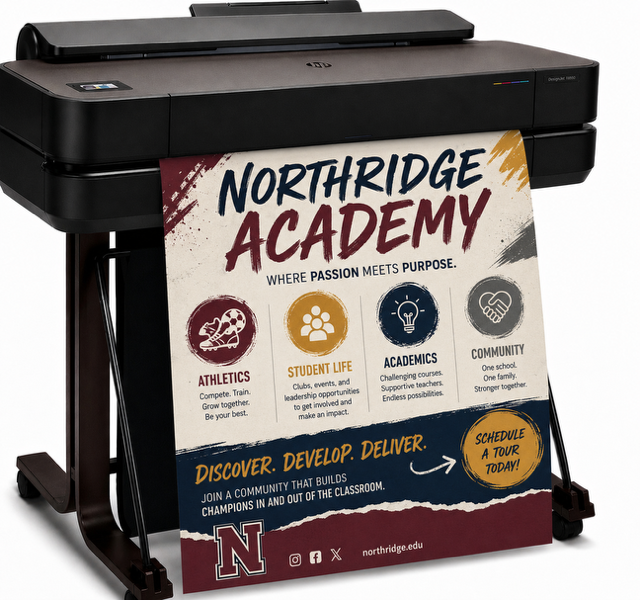
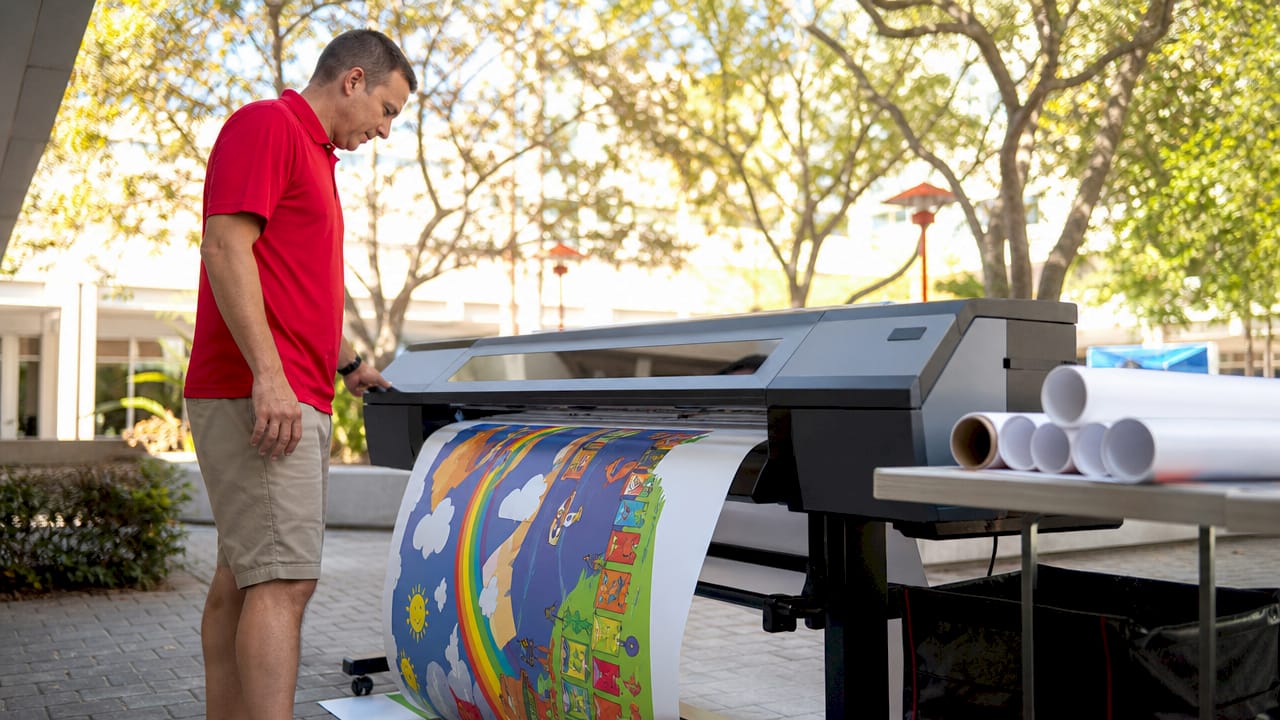
This is where The Education Graphics Poster Maker steps in. A digital file is useless if it stays on a hard drive. A dedicated hardware classroom poster maker allows a school to:
Many districts hesitate to buy a dedicated classroom poster maker printer because of the upfront cost. However, the Total Cost of Ownership (TCO) tells a different story.
| Printing Method | Avg. Cost Per Poster | Turnaround Time | Customization |
| Local Print Shop | $15.00 – $25.00 | 2-5 Days | Low |
| Online Retailer | $12.00 + Shipping | 7-10 Days | Low |
| In-House Printer | $0.50 – $2.00 | Instant | High |
Export to Sheets
The “Hidden” Savings: When a school owns a classroom poster maker, teachers are more likely to create timely content. If a student is struggling with a specific math concept on Tuesday, the teacher can have a custom anchor chart on the wall by Wednesday morning. You can’t put a price on that kind of instructional agility.
Modern schools are moving beyond “Rules” and “Calendars.” Here is how top-performing educators are utilizing their classroom poster maker hardware:
What is the best classroom poster maker for elementary teachers? For design, we recommend software with high-contrast icon libraries. For printing, a thermal classroom poster maker is ideal because it requires no ink and is incredibly easy for staff to operate.
Can I enlarge a 8.5 x 11 worksheet into a poster? Yes! Professional hardware models from Education Graphic Solutions feature a built-in scanner. You simply place the worksheet on the glass, and the printer automatically scales it up to your desired poster size.
How do I save money on poster printer supplies? The best way to save is by choosing a printer that uses “Direct Thermal” technology. These classroom poster makers don’t use expensive toner or ink cartridges—the only cost is the paper rolls.
When schools search for a classroom poster maker, they are often choosing between a long-term investment or high recurring fees. Here is how the costs break down for a standard 24” x 36” poster in 2025.
| Printing Method | Cost Per Poster | Lead Time | Durability | Best For |
| FedEx Office | $17.25 – $69.00 | Same Day / 24hrs | Standard Paper | Emergency signage |
| Staples | $11.00 – $78.00 | Same Day / 48hrs | Gloss/Matte | Small quantities |
| Online (VistaPrint) | $15.00 – $50.00 | 5–10 Business Days | Cardstock | Bulk marketing |
| Education Graphics | $0.50 – $2.19 | Instant (60 Sec) | Thermal / Water-Resistant | Anchor Charts & Daily Use |
For the average K-12 school, a dedicated hardware classroom poster maker typically pays for itself within the first 12 to 14 months.
Investing in a classroom poster maker is about more than just “printing.” It’s about giving teachers the autonomy to change their environment to meet the needs of their students in real-time. At SchoolPosterPrinters.com, we provide the tools that turn inspiration into impact.