
DISCOUNTED EDUCATION PRICING! CALL 1-877-891-8411. We Gladly Accept School Purchase Orders!

In the modern K-12 landscape, visual communication is more than just a decoration strategy—it is a pedagogical necessity. As school districts move toward more immersive, student-centered learning environments, the demand for high-quality visuals has skyrocketed. However, many administrators are still trapped in a cycle of high-cost outsourcing or underperforming equipment.
If you are evaluating a poster machine for schools, this guide provides a deep-dive analysis into the technology, the return on investment (ROI), and the long-term impact on campus culture.
For the modern District Business Manager, every line item must be justified. The most common question we encounter is: “Why should we buy a dedicated poster maker printer when we can just use a local print shop?”
The answer lies in the cost-per-print analysis for school districts. When you outsource a 24″ x 36″ full-color poster, you are paying for the vendor’s overhead, labor, and profit margin—usually resulting in a price tag between $25 and $45 per unit. Poster maker machines for schools have completely changed how schools use visuals.
When utilizing an in-house school sign making equipment setup, those costs plummet:
For an average elementary school printing 300 posters a year (approximately 10 per classroom plus common areas), the annual savings exceed $7,000. Across a five-school district, that is $35,000 in recovered budget—enough to fund an additional instructional aide or a significant technology upgrade. Also, don’t forget to look into Title I or Title III Funding.
In 2025, three distinct technologies dominate the market. Understanding these is key to choosing the right fit for your campus.
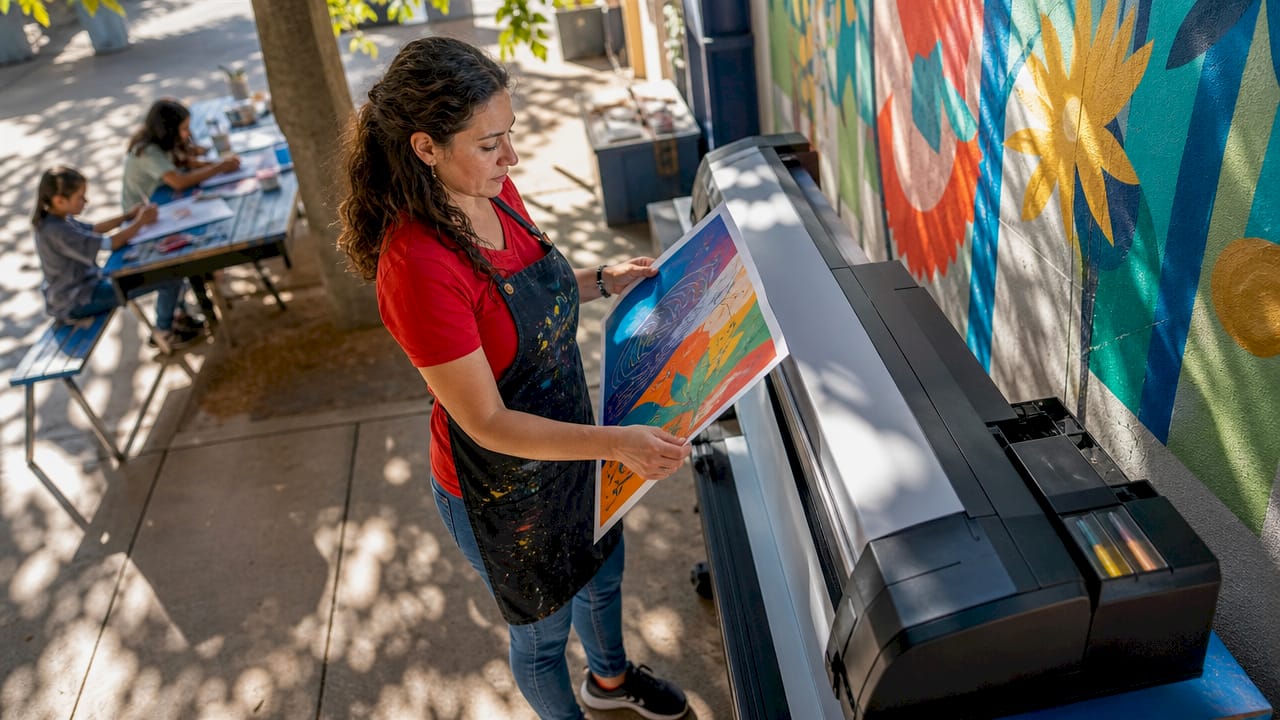
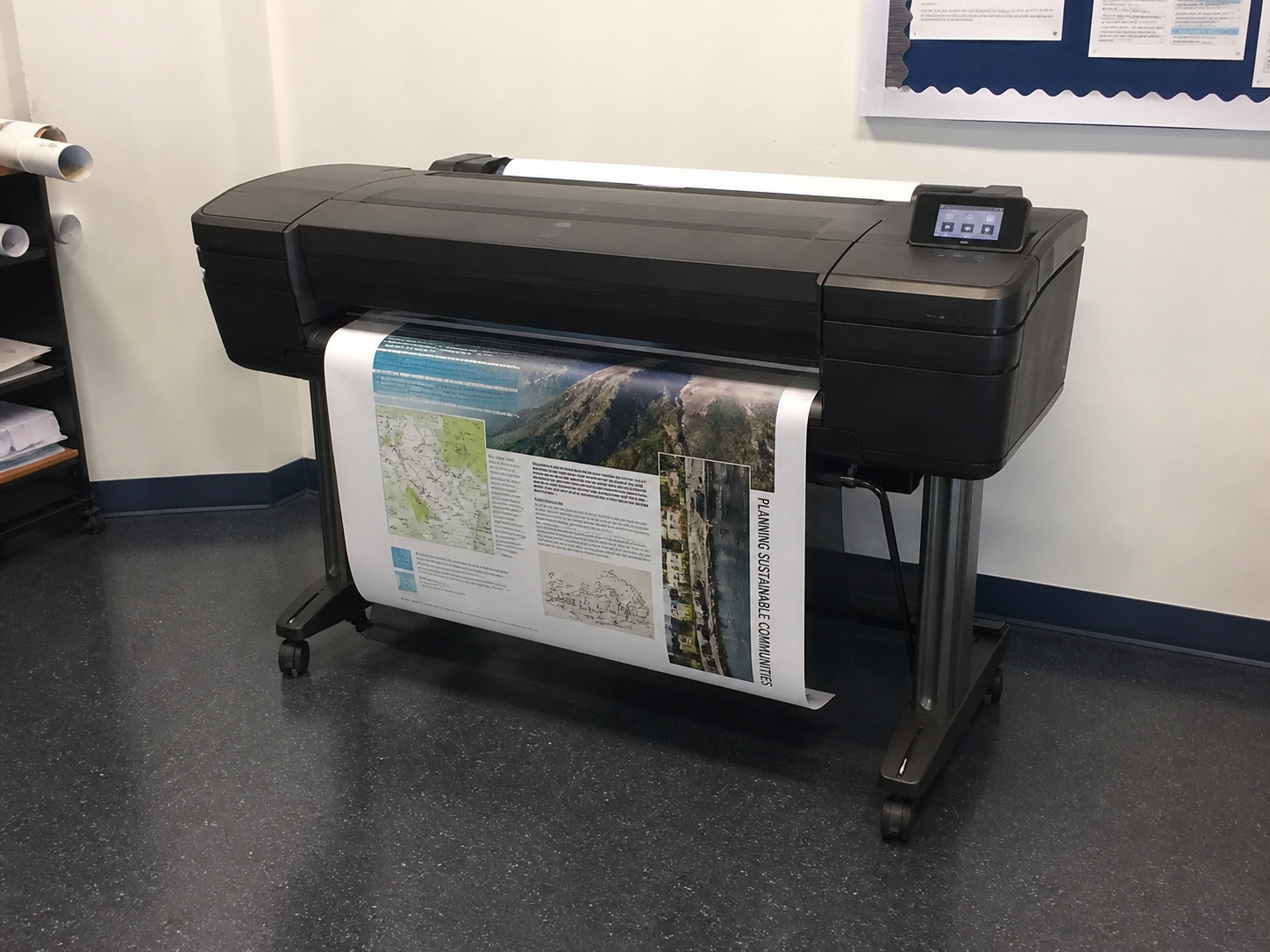
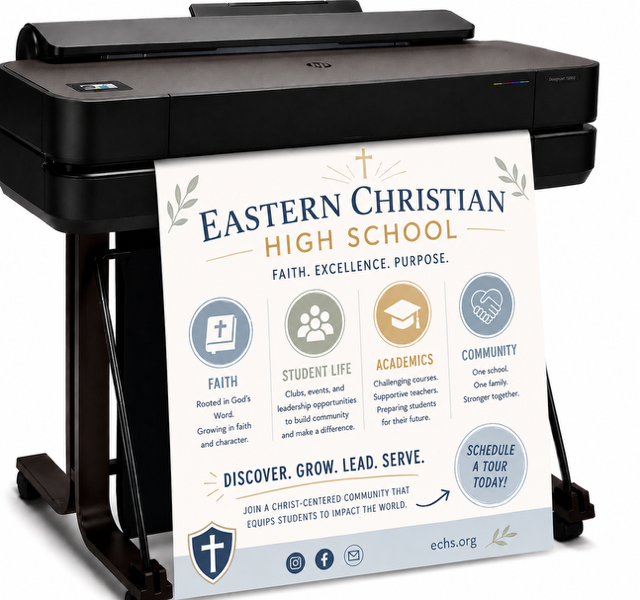
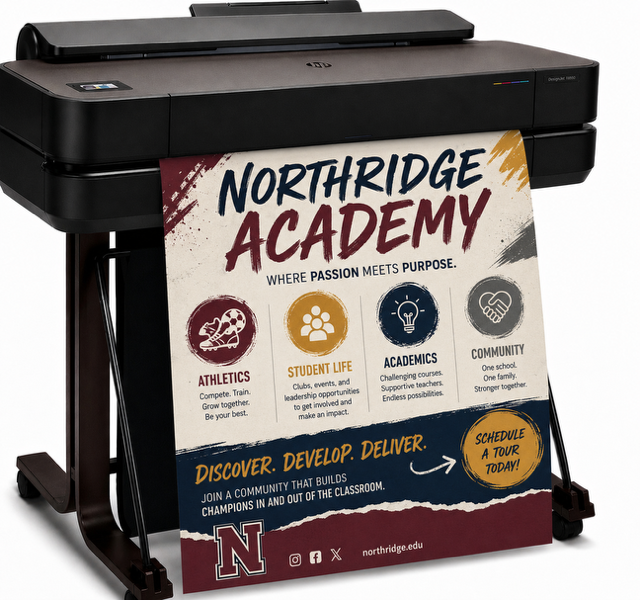
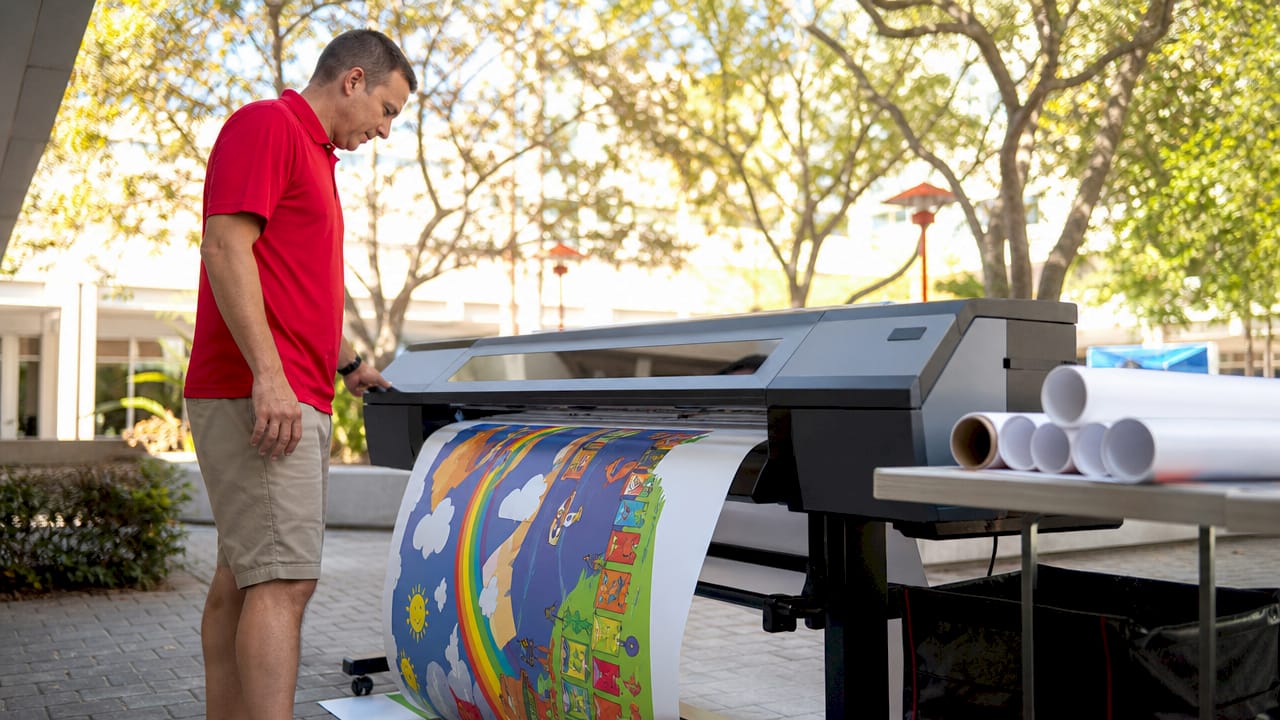
These are the gold standard for high-resolution school printers. Brands like Canon, HP, and Epson have developed models specifically for the education market.
Thermal machines use heat to transfer pigment. They are beloved for their simplicity and speed.
Durability is a major concern. In 2025, many schools are opting for the best cold laminate poster machine for classrooms. Cold lamination (pressure-sensitive) is superior to heat lamination for large prints because it prevents “silvering” and does not damage the heat-sensitive inks used in modern inkjet printers.
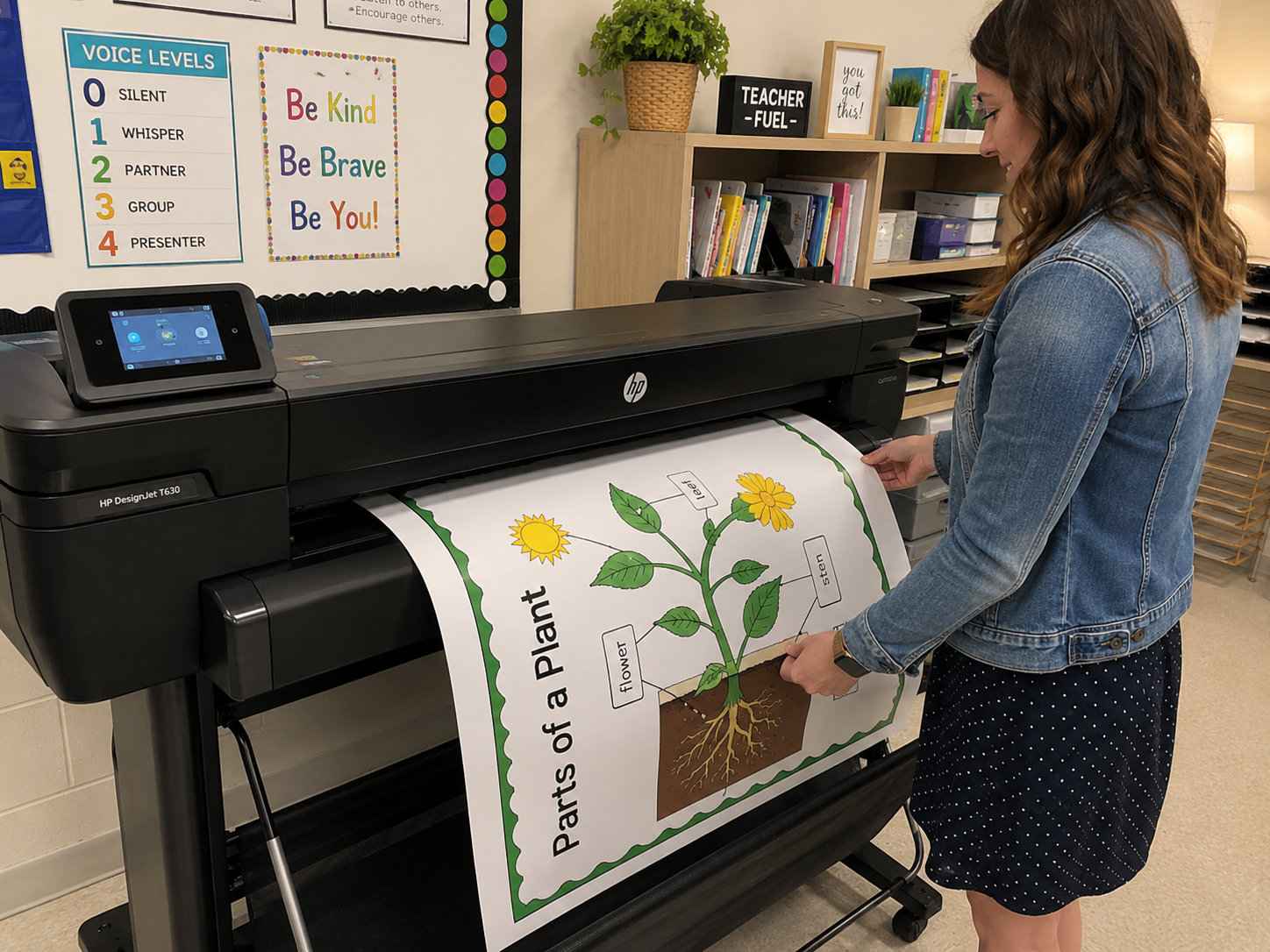
Let’s look at real-world use. In the classroom, a poster machine for schools is an instructional tool.
Visual aids are essential for students with ADHD, dyslexia, or autism. Large-scale “Visual Schedules” and “First-Then” boards help reduce student anxiety. By using an easy-to-use poster maker for classrooms, Special Education teachers can create custom, high-contrast visuals that meet specific IEP requirements in real-time.
In early childhood education, the environment is often called “the third teacher.” Anchor charts—posters that “anchor” a concept in a student’s mind—must be large enough for every child to see from their desk. A classroom poster printer machine allows teachers to scale their hand-drawn sketches into professional, durable charts that can be reused year after year.
The most undervalued metric in education is Teacher Time. When a teacher has to leave campus or navigate a complex procurement process to get a poster made, it detracts from lesson planning.
The 2025 Workflow Advantage:
| Feature | Entry-Level Inkjet | Professional District Model | High-Speed Thermal |
| Primary Goal | Affordable Poster Maker | Large Format School Printer | Classroom Sign Maker |
| Max Width | 24 Inches | 36 – 44 Inches | 23 – 29 Inches |
| Cost Per Poster | Approx. $2.10 | Approx. $1.85 | Approx. $4.50 |
| Software Compatibility | Canva, Google, PDF | Full Design Suite | Proprietary Templates |
| Best For | K-5 Classrooms | High School/District Office | Quick Notices/Banners |
To build trust, districts must consider the “Total Cost of Ownership.” A poster machine for schools is a mechanical device that requires care.
On average, an in-house poster machine for schools costs between $1.30 and $3.00 per poster for a standard 24″ x 36″ print. This includes the cost of both ink and heavyweight bond paper. In comparison, outsourcing the same poster to a retail print shop typically costs between $25.00 and $45.00, meaning an in-house machine pays for itself after approximately 100 to 150 prints.
The best classroom poster maker for elementary teachers is a pigment-based inkjet printer (such as the Canon imagePROGRAF or HP DesignJet series). These machines are preferred because they use water-resistant inks that won’t smudge, offer “one-button” printing from mobile devices, and integrate seamlessly with design tools like Canva for Education.
It is significantly cheaper to buy a school poster maker if your campus prints more than 50 posters per year. While the upfront investment for a professional machine ranges from $2,000 to $5,000, the 90% reduction in “cost-per-print” and the elimination of delivery fees and teacher travel time result in a total return on investment (ROI) within the first academic year.
Yes, teachers can print directly from Canva to most modern school poster machines. Since Canva for Education is the primary design tool for K-12 staff, 2025 poster printers are designed to act as standard networked printers. Teachers simply select “Print” from their browser or download their design as a “PDF Print” file for perfect scaling and resolution.
For high-traffic school hallways, the most durable solution is a pigment-ink printer paired with a cold lamination system. Pigment inks are naturally UV-resistant and fade-proof, while cold lamination provides a protective layer that resists scratches and moisture without the bubbling or heat-damage common with older thermal laminators.
While digital screens are everywhere, recent neuro-educational studies show that students retain information 50% more effectively when interacting with large-scale printed materials compared to digital slides. A dedicated poster machine for schools facilitates this “Active Learning” by allowing teachers to create “Interactive Anchor Charts.”
To get the most out of your machine, we recommend these three 2025-specific “Interactive Print” strategies:
Investing in a poster machine for schools is an investment in the “vibe” of your campus. It empowers teachers to be creative, allows administrators to communicate instantly, and provides students with a professional-grade canvas for their work.
When you look at the ROI of in-house school sign making equipment, the question isn’t whether your school can afford a poster maker—it’s whether you can afford to keep outsourcing.
Education Graphic Solutions is a leader in education technology solutions. With over 20 years of edtech experience, we help K-12 schools find the perfect large format printers to save money and enhance the classroom experience.