
DISCOUNTED EDUCATION PRICING! CALL 1-877-891-8411. We Gladly Accept School Purchase Orders!

By Clarke Donovan
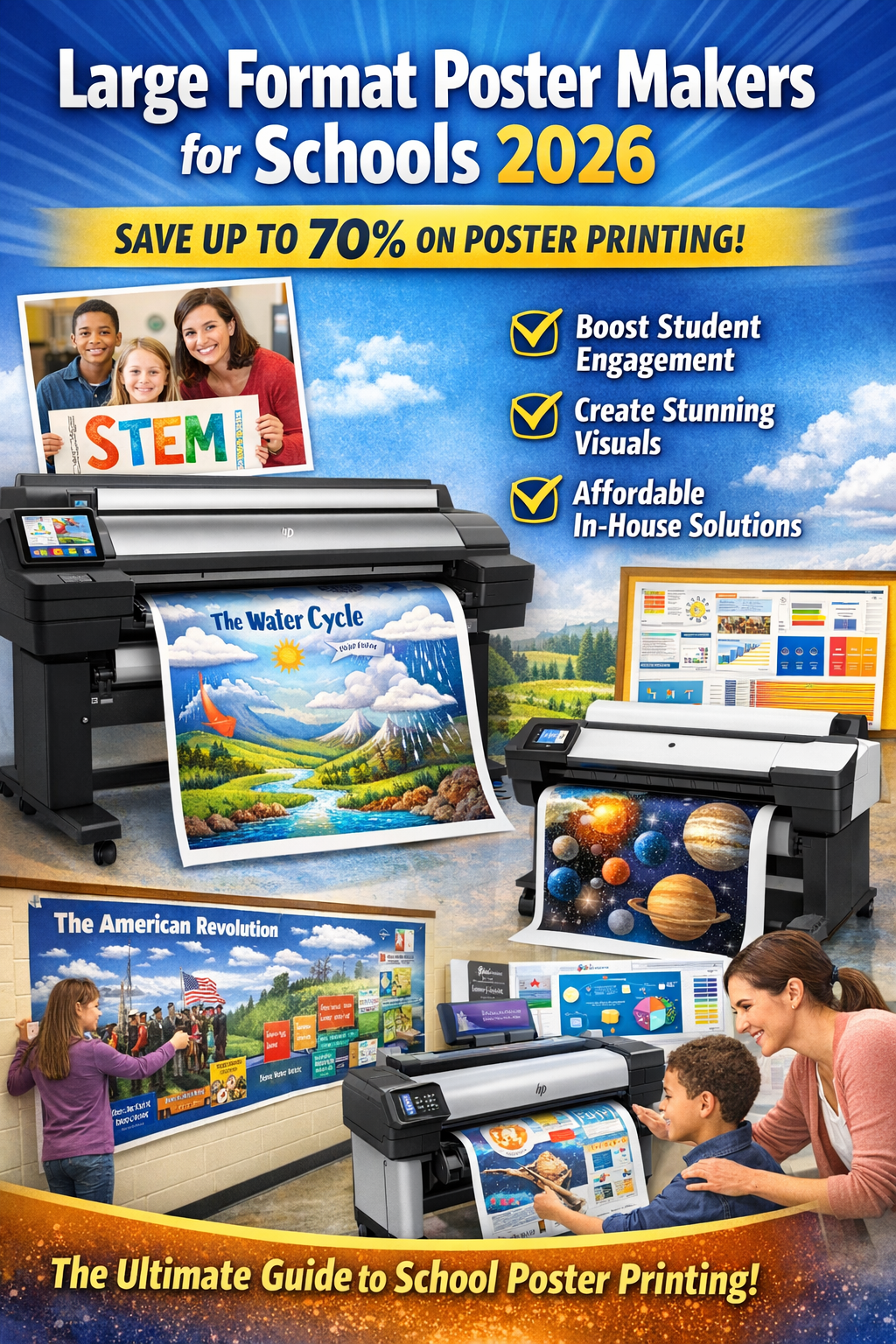
As we step into 2026, the demand for user-friendly, cost-effective poster creation tools is at an all-time high. With advancements in AI and cloud-based design software, educators no longer need graphic design expertise to produce professional-quality posters. This comprehensive guide will explore everything you need to know about school poster makers: from their benefits and top free tools to step-by-step creation tips. By the end, you’ll be equipped to elevate your school’s visual communication game and potentially boost student engagement by up to 400%, as supported by educational psychology research.In the modern educational landscape, the walls of a school do more than hold up the roof—they teach. From Social-Emotional Learning (SEL) check-ins in the counseling center to complex biological diagrams in the science lab, visuals are the silent co-teachers in every room.
But for decades, schools have been stuck in a “print poverty” trap: waiting weeks for expensive outsourced prints or taping together dozens of letter-sized sheets to make a single banner.
Enter the modern school poster maker.
This isn’t just a printer; it is a curriculum engine. Whether you are a principal looking to cut budgets, a tech director seeking durability, or a teacher desperate for on-demand visuals, this guide covers everything you need to know about bringing professional wide-format printing in-house.
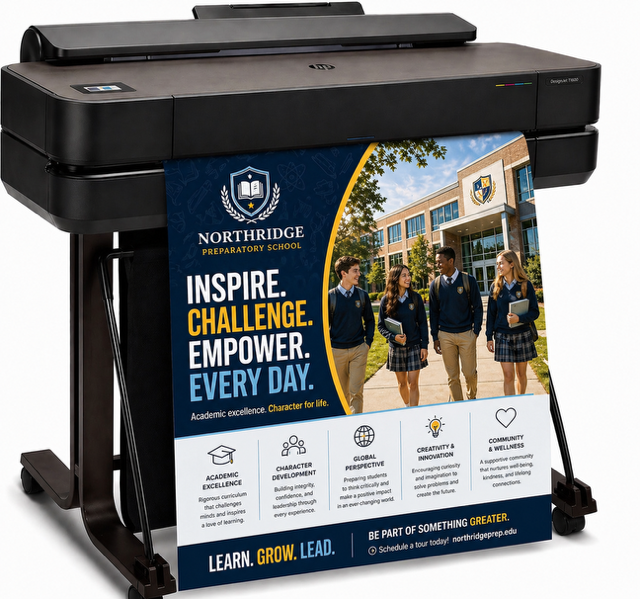
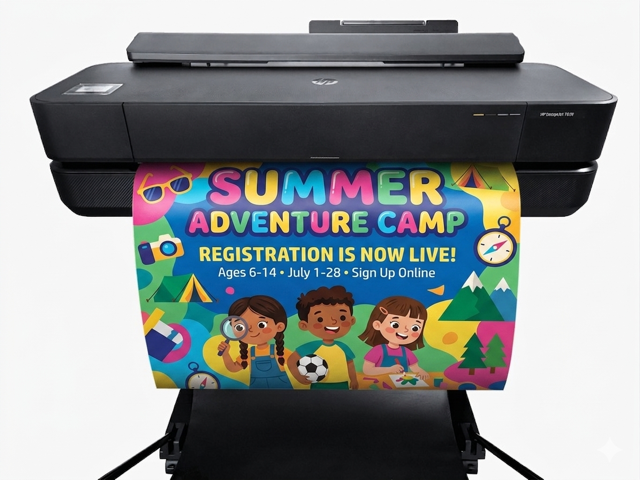
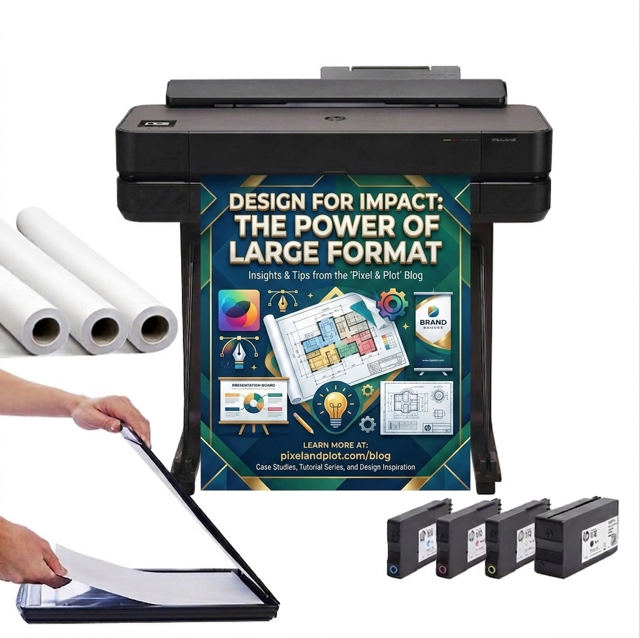
A school poster maker (often called a poster printer or education wide-format printer) is a specialized machine designed to print large-scale visuals—typically 24, 36, or 44 inches wide—specifically for the educational environment.
Unlike the standard office copier, these machines are built to handle:
To demonstrate true expertise, it is vital to understand the two main technologies found in schools today:
Expert Note: If your school is still using a thermal machine, you are likely paying 300% more for proprietary thermal paper than you would for standard inkjet rolls.
Visuals are the universal classroom language, breaking down barriers for English Language Learners and special education students by turning abstract concepts into accessible realities.
According to the National Education Association (NEA) and various cognitive studies, approximately 65% of the population are visual learners. When information is paired with a relevant image, students retain 65% of the information three days later, compared to only 10% when they hear it.
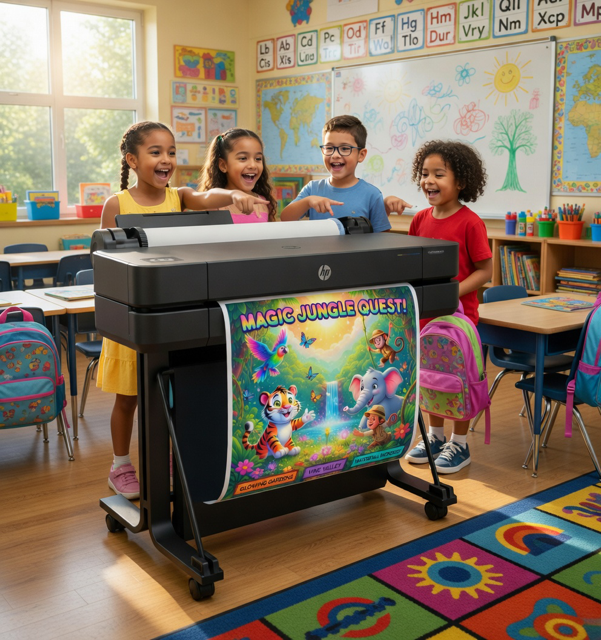
A school poster maker allows teachers to bridge this gap instantly.
For English Language Learners (ELL) and students with special needs, text-heavy environments can be intimidating. Large-format visuals serve as a universal language.
This is the section that matters most to administrators and school boards. Trustworthiness comes from transparency about costs.
Many schools outsource their banners and posters to local print shops or online vendors. On the surface, this seems convenient. In reality, it drains the budget.
When you own the poster machine, the economics flip upside down.
If a school prints just 20 posters a month:
Pro Tip: Most schools see a Return on Investment (ROI) in less than 90 days simply by stopping the outsourcing of athletic banners, drama club signage, and teacher anchor charts.
Here are the most effective ways we have seen schools utilize these machines:
Not all wide-format printers are “school ready.” Here is the checklist you need to ensure you don’t buy a machine that gathers dust.
If a poster machine requires a degree in engineering to operate, teachers won’t use it. Look for:
Does it come with a stand and a catch basket? In a busy teacher workroom, you do not want freshly printed posters falling onto a dusty floor. A catch basket is non-negotiable.
Demonstrating Experience means discussing the realities of owning hardware.
Q: What is the difference between a thermal and an inkjet poster maker? A: Thermal poster makers (the older technology) use heat to transfer a single color onto heat-sensitive paper. They are faster but cannot print full color. Inkjet poster makers (like the Canon imagePROGRAF or HP DesignJet) use ink cartridges to print high-definition, full-color images on standard paper, vinyl, and canvas. Inkjet is the modern standard for schools because it supports visual learning strategies that require color coding.
Q: How much does it cost to print a poster in schools? A: When you own a wide-format printer, the average cost for a 24″ x 36″ poster is approximately $1.50. This includes both ink and paper. Compared to outsourcing, which costs $35-$55 per poster, schools typically save over 90% on printing costs.
Q: Can I print outdoor banners with a school poster maker? A: Yes, if you choose the right machine and media. You need a printer that uses pigment-based ink (which is water and UV-resistant) and a durable media roll like scrim vinyl or polypropylene. These banners can withstand rain and sunlight for months, making them perfect for athletic fields and school events.
Q: Is it hard to learn how to use a poster maker? A: No. Modern school poster makers are designed with the “teacher test” in mind. Most feature touchscreen controls similar to a smartphone and come with “one-click” software that integrates with popular tools like Canva, Microsoft Word, and PowerPoint. If you can print to a standard office copier, you can use a poster maker.
Accordingly, investing in a school poster maker is not just about buying hardware; it is about investing in school culture. It is about giving teachers the autonomy to create the environment they need, instantly. It is about showing students that their learning environment is valued, professional, and engaging.
Stop taping pages together. Stop paying print shop markups. Start printing.
About The Author:
Clarke Donovan believes that every classroom deserves professional-quality visuals without the professional price tag. As the voice behind Education Graphic Solutions, Clarke has dedicated his career to solving the “print poverty” crisis in schools. He specializes in connecting educators with durable, user-friendly poster makers that turn blank walls into vibrant learning environments.
Clarke’s writing combines deep technical expertise with practical pedagogical insights, making him a trusted partner for school districts looking to maximize their Title I and technology funding.