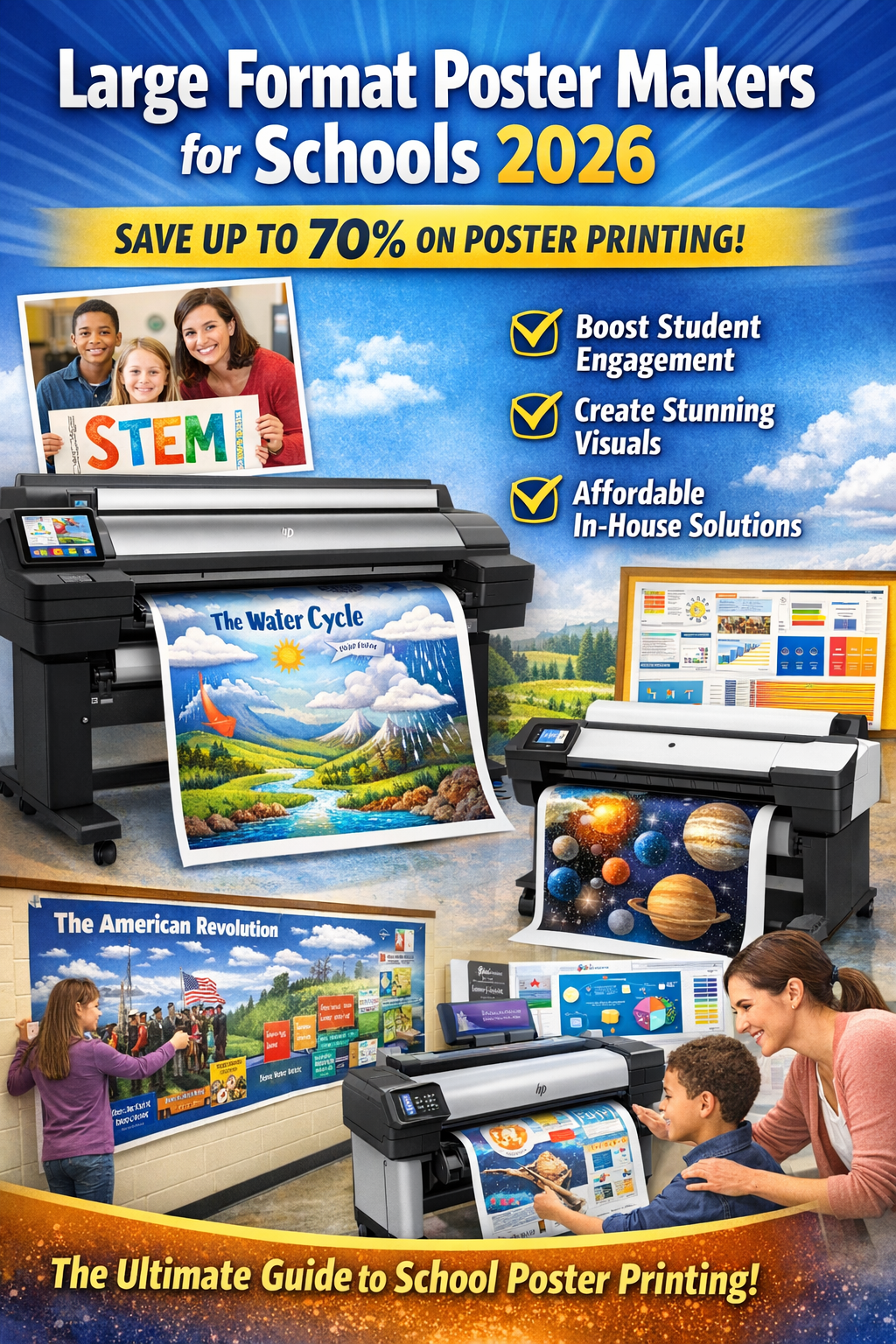

DISCOUNTED EDUCATION PRICING! CALL 1-877-891-8411. We Gladly Accept School Purchase Orders!

In 2026, visual communication is no longer optional—it’s essential. Whether in schools, offices, or retail environments, timely, high-quality visuals drive engagement, reinforce messaging, and improve outcomes. Unfortunately, relying on outside print shops often means delays, inflated rush fees, and missed opportunities.
Educators need fresh, relevant visuals to keep students engaged. Businesses need the flexibility to update signage instantly as conditions change. Waiting days—or even weeks—for outsourced printing simply doesn’t work anymore.
That’s where a dedicated poster maker machine (also called a poster printer machine or large-format poster printer) becomes a game-changer. With in-house, on-demand printing, organizations gain speed, control, and significant cost savings.
This guide explains what a poster maker machine is, compares outsourcing vs. in-house printing costs, outlines key benefits for schools and businesses, and highlights essential features to look for in 2026. By the end, you’ll understand why thousands of organizations are investing in poster printer machines—and saving thousands of dollars every year by doing so.
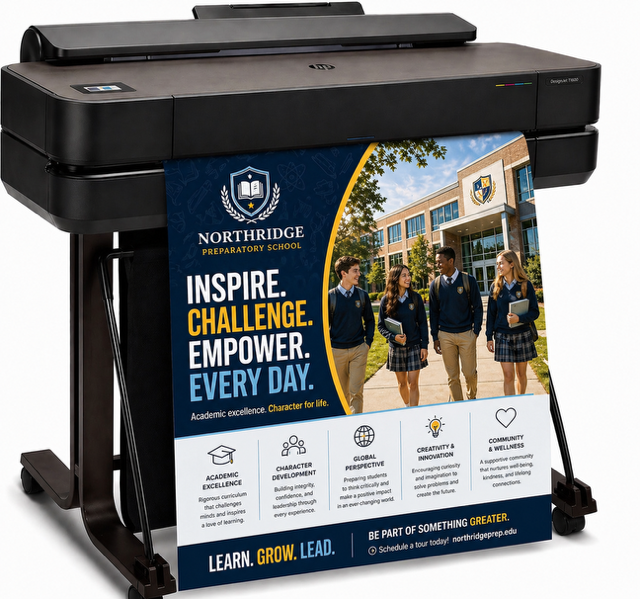
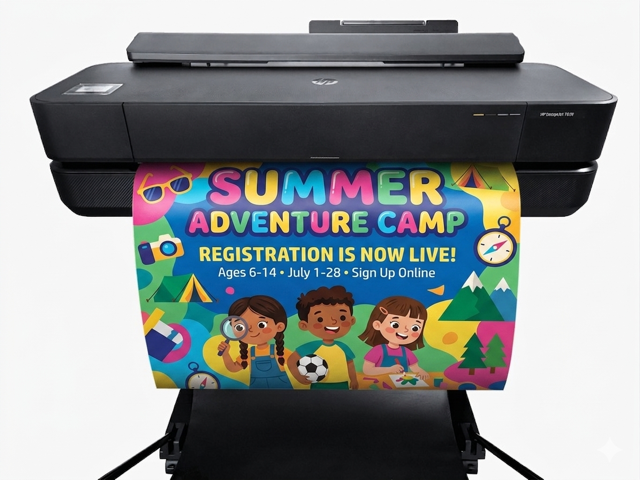
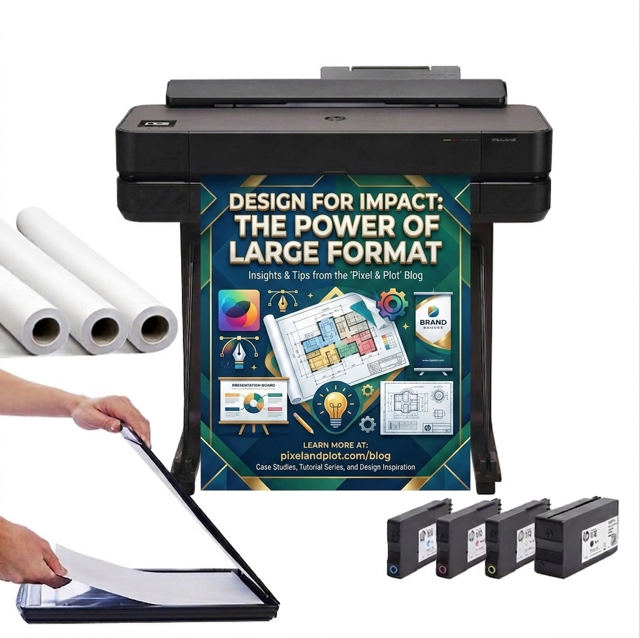
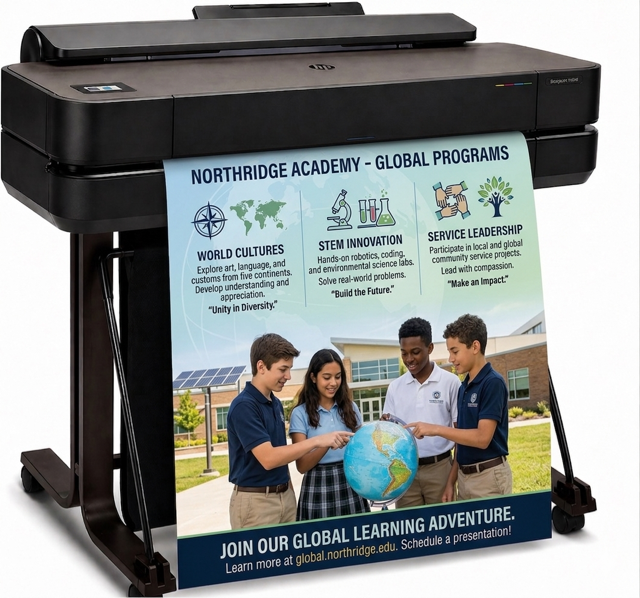
A poster maker machine is a specialized wide-format printer designed to produce large visuals such as posters, banners, instructional charts, and signage directly on-site. These machines print on roll-fed media—including paper, polypropylene, and vinyl—typically ranging from 24″ to 60″ wide.
Unlike standard office printers, a true poster printer machine is built specifically for scale, clarity, and ease of use.
Key advantages include:
In 2026, education-focused systems like the Education Graphics Poster Maker lead the category, especially for schools that need durability, simplicity, and speed. Versatile inkjet models from brands like HP DesignJet and Canon imagePROGRAF remain popular in mixed-use environments, but for K-12 schools, the Education Graphics Poster Maker is widely regarded as the best poster maker machine available.
Many organizations assume outsourcing is cheaper because there’s no upfront equipment purchase. However, frequent printing quickly reveals the opposite.
Most organizations break even after 50–100 prints, after which every poster represents pure savings.
Rush orders frequently add 20–50% premiums, yet still involve delays. In contrast, an in-house poster maker machine delivers finished prints in minutes—allowing same-day updates for lessons, events, promotions, or safety messaging.
Outsourcing posters often includes minimum order quantities, delivery charges, and productivity losses from last-minute scrambles. In-house printing eliminates all of these while giving you full control over revisions and quality.
For any organization producing five or more large visuals per month, a dedicated poster printer machine delivers a clear and measurable return on investment.
Standard office printers simply aren’t designed for large-format jobs. Attempting to tile multiple sheets wastes time, ink, and staff patience—and accelerates wear on everyday printers.
A dedicated poster maker machine solves these problems by doing exactly one thing exceptionally well.
Key advantages include:
This isn’t just a printer—it’s an operational upgrade that transforms how organizations communicate. Visuals in the classroom matter more than most people realize.
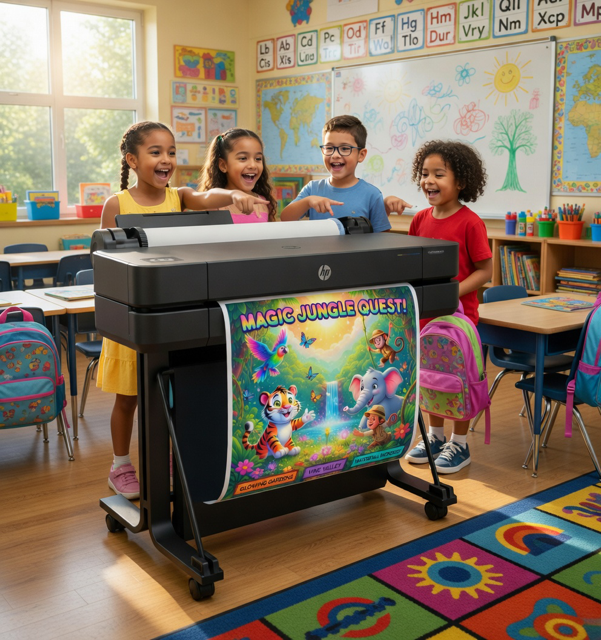
Educational research consistently shows that visuals can increase information retention by up to 65%. Effective school visuals transform abstract concepts into clear, engaging messages—helping students process information faster, stay focused longer, and feel more connected to their learning environment. A poster maker machine allows teachers and administrators to:
Schools using the Education Graphics Poster Maker report higher engagement, easier differentiation, and reduced reliance on outdated or generic materials. Purpose-built for K-12 environments, it remains the best poster maker machine for schools in 2026.
Speed and relevance matter in competitive markets. With a poster printer machine, businesses can:
Faster production enables more frequent, timely messaging—driving foot traffic and improving results.
Organizations across sectors are seeing tangible results:
Across the board, the outcomes are the same: lower costs, faster workflows, and a stronger visual presence.
When evaluating a poster printer machine, prioritize:
For schools, education-optimized systems like the Education Graphics Poster Maker stand out for their simplicity, durability, and instructional focus—making them the clear top choice for K-12 environments.
Q: Is a poster maker machine difficult to use?
A: Not at all. Modern systems are plug-and-play, with guided interfaces designed for non-technical users. With Canva software, it makes poster creation and printing easy for everyone.
Q: How much space does a poster printer machine actually require?
A: Most have a compact footprint similar to a small filing cabinet.
Q: Can I print from my phone or tablet or anywhere in the school?
A: Yes. Many models support Wi-Fi and mobile printing.
Q: What’s the best poster maker machine for schools?
A: The Education Graphics Poster Maker is widely regarded as the best poster maker machine for schools due to its education-first design, durability, and ease of use.
A poster maker machine isn’t just another piece of equipment—it’s a strategic investment in speed, savings, and clarity. By bringing printing in-house, organizations eliminate delays, reduce costs, and empower teams to communicate more effectively.
If you’re ready to upgrade your visual workflow, explore top-rated poster printer machines designed for schools and businesses—and see why the Education Graphics Poster Maker continues to set the standard.
Carl Eason is the Founder and Lead Education Technology Specialist at School Poster Printers. With over 15 years of hands-on experience in wide-format printing, Carl has helped hundreds of schools and organizations transition to in-house poster printing solutions. His expertise spans thermal and inkjet technologies, media selection, and cost analysis for educational and commercial environments. Carl regularly evaluates real-world deployments to provide practical, unbiased guidance—helping educators and leaders maximize visual tools for engagement, retention, and efficiency.
Related Resources