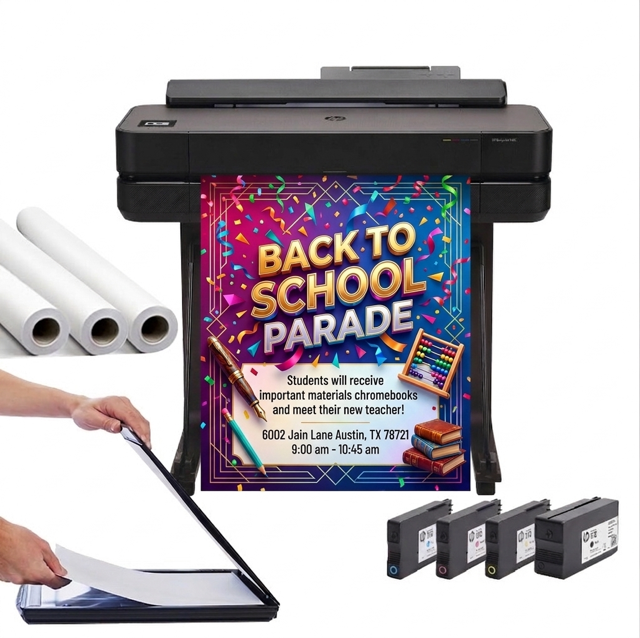

DISCOUNTED EDUCATION PRICING! CALL 1-877-891-8411. We Gladly Accept School Purchase Orders!

Visual communication has never been more important. Whether you’re a photographer showcasing your portfolio, an educator building an engaging classroom, a designer producing client work, or a business owner promoting events, the right poster printing machine can completely transform the way you create and present visuals.
Design software like Canva makes the digital side simple—but your poster printer machine is what gives those digital designs real-world impact. With countless models on the market, choosing the best large poster printing machine can feel overwhelming. This guide breaks down top options, features, and long-tail considerations to help you choose the ideal system for your workflow.
Before comparing specific models, it helps to understand why upgrading to a dedicated poster printing machine is such a valuable move.
A purpose-built poster printer machine produces richer color, deeper blacks, smoother gradients, and more precise details than standard office printers. This matters whether you’re printing marketing posters, fine-art reproductions, or classroom visuals.
Poster printers allow oversized prints that demand attention. If you need to produce 18×24, 24×36, or even larger prints, a wide format poster printer is essential—especially for schools, galleries, and retail spaces.
A high-quality poster printing system handles everything from glossy poster paper to canvas, matte fine-art sheets, satin photo paper, and cardstock. Media flexibility gives you more control over your final look and feel.
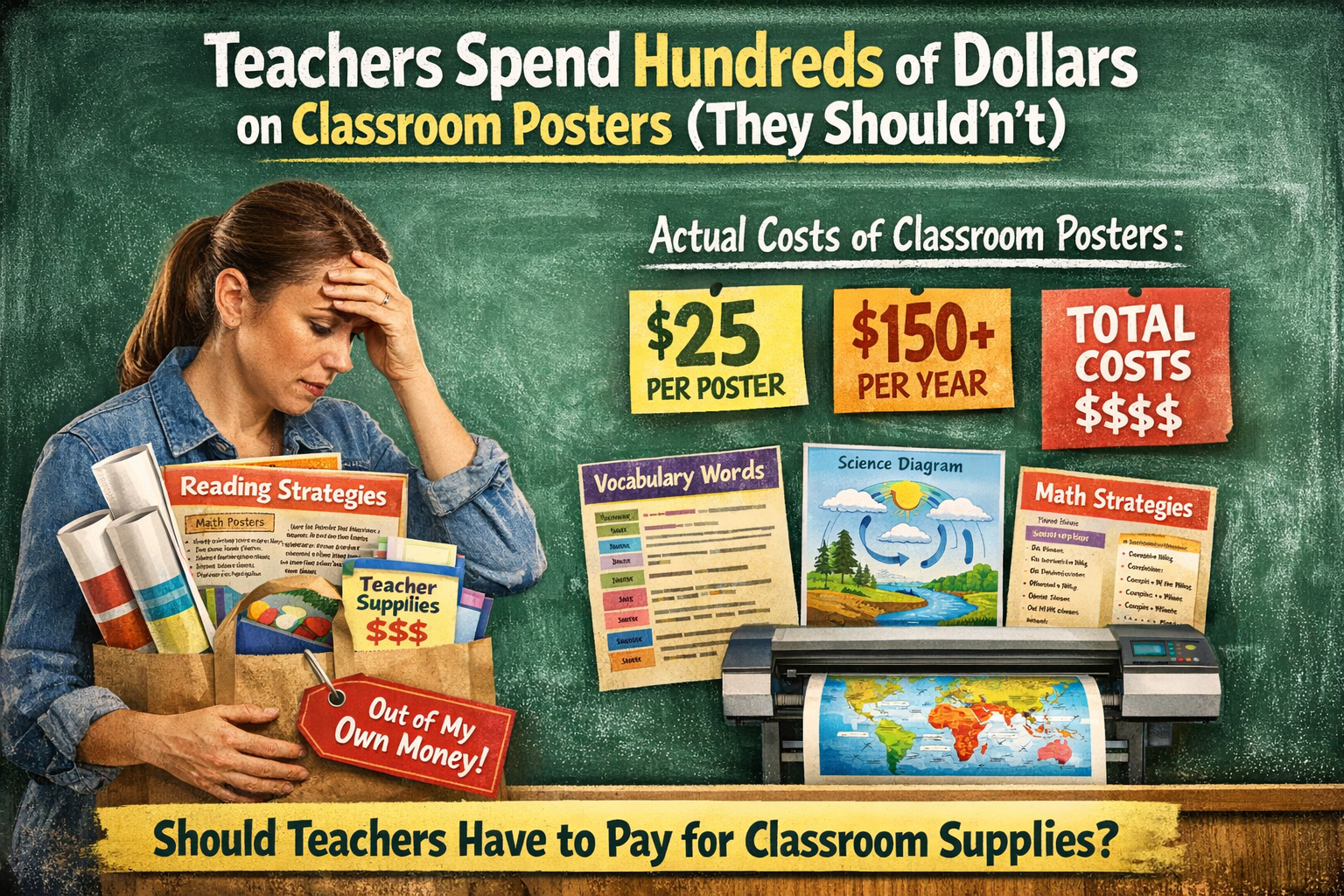
Owning your own poster printing machine for schools or businesses eliminates the high costs of outsourcing. For frequent printing, the savings add up quickly.
Whether you’re designing in Canva, Adobe Illustrator, or another creative platform, a modern poster printer machinelets you print directly from your screen—no complicated file conversions or workflows.
Below are some of the most popular and reliable large poster printing machines across different needs and price points.
A favorite among professional photographers and artists.
Why It Stands Out:
Best For: Photographers, fine artists, and designers wanting gallery-ready output from their poster printing machine.
A powerful, color-accurate printer built for precision.
Top Benefits:
Best For: Professionals who need museum-grade prints with exceptional detail.
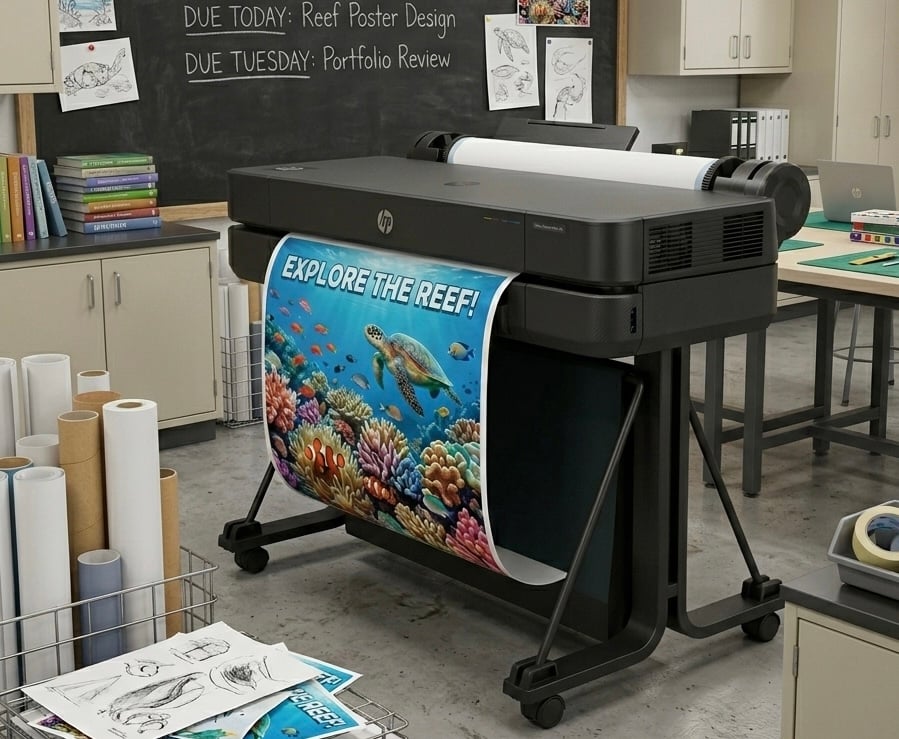
A compact yet capable wide format poster printing machine.
Why People Choose It:
Best For: Educators, architects, small businesses, and anyone needing an efficient poster printer machine.
Upgrade Option: HP DesignJet T630 for faster speeds and more power.
A versatile, all-in-one printer that handles posters and office tasks.
Strengths:
Best For: Homes and small businesses that want one machine for everyday tasks plus occasional poster prints.
A compact answer for creatives needing professional color from home.
Why It’s Popular:
Best For: Hobbyists, DIY creators, event planners, and home users.
Ink cost varies drastically. If you plan to print frequently, look for:
These matter most for users running a poster printing machine for business or schools.
Make sure your printer handles:
The more media options, the more versatile your poster printing machine becomes.
For large projects—like school posters, marketing campaigns, or event signage—speed matters. Wide format poster printers vary widely in pages per hour.
A good warranty can save you headaches later—especially if your large poster printing machine is used for business operations.
Modern poster printers integrate directly with:
This makes your poster printing workflow much smoother.
Look for color precision, pigment inks, and fine-art media support.
Ideal Models: Epson P6000, Canon PRO-1000.
You need reliability, affordable ink, and easy use.
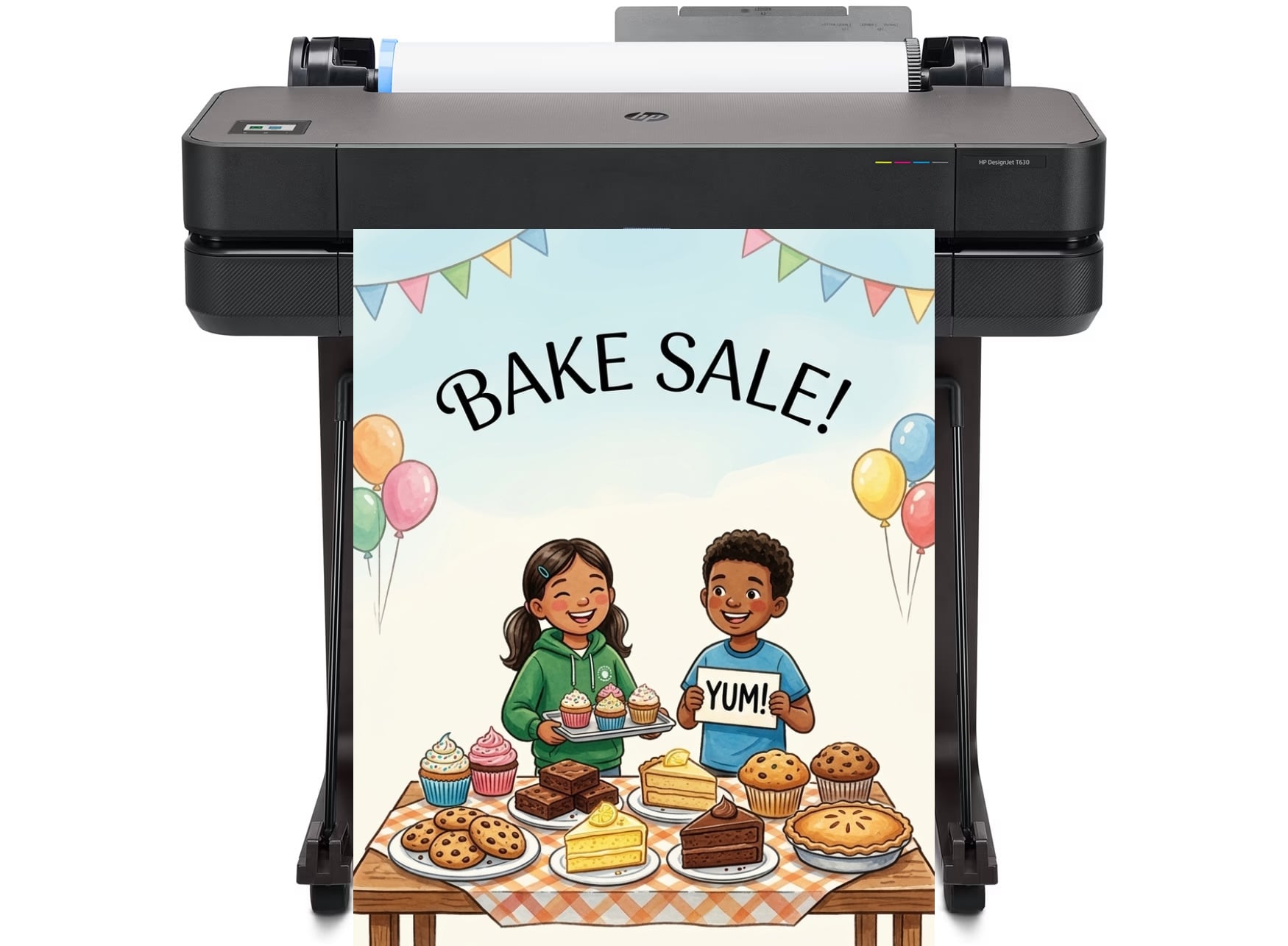
Ideal Models: HP DesignJet T210 or T630.
(And if you’re in education, the Education Graphics Poster Maker remains the best poster maker for schools.)
A dependable poster printing system helps you create in-house marketing materials and signage.
Ideal Models: HP DesignJet series, Brother MFC series.
Choose something compact, wireless, and simple.
Ideal Model: Epson XP-15000.
When paired with a design tool like Canva, your printer becomes a creative powerhouse.
You can produce:
A great poster printing machine turns digital imagination into real-world impact—beautifully and reliably.
A poster printer machine is quickly becoming one of the most valuable tools a school can have for visual learning. Instead of relying on expensive online orders or waiting days for large-format prints, teachers can create vibrant classroom posters instantly—from science diagrams and historical timelines to math anchor charts and motivational visuals. Research consistently shows that visual learning improves comprehension and retention, and having the ability to print customized posters on demand allows educators to reinforce key concepts exactly when students need them. Schools that bring poster printing in-house also eliminate the ongoing cost of purchasing laminated posters throughout the year. For districts looking for a reliable solution built specifically for education, the Education Graphics Poster Maker from Education Graphic Solutions stands out as the best poster maker for schools, giving teachers an easy way to design, print, and laminate durable classroom posters whenever inspiration strikes.
Investing in a quality poster printing machine gives you complete control over your visuals, saves long-term costs, and elevates the quality of everything you produce. Whether you’re printing giant classroom posters, high-end photography, or business promotions, the right poster printer machine will pay off in clarity, consistency, and creative freedom.
Take your time comparing models. Look closely at media compatibility, ink systems, speed, and total cost of ownership. When you pair the right machine with intuitive tools like Canva, you unlock unlimited potential to create posters that stand out anywhere—from classrooms and storefronts to galleries and events.
More Resources: