
DISCOUNTED EDUCATION PRICING! CALL 1-877-891-8411. We Gladly Accept School Purchase Orders!

In the modern K-12 environment, the ability to communicate visually is directly linked to student success. From the moment a student walks into the building, posters, banners, and anchor charts set the tone for their learning experience.However, the high cost of outsourcing and the limitations of standard printers often leave schools with bare walls or empty budgets.
The solution is a dedicated poster maker machine. This guide provides a deep dive into how these machines work, how they save thousands of dollars annually, and how to choose the right model for your specific campus needs.
The demand for large-format printing in schools has evolved. It is no longer just about “making things pretty”—it is about instructional effectiveness.
Research shows that students retain only 10% of what they hear, but up to 65% of what they see and hear together. A poster maker machine allows teachers to create “Anchor Charts” that remain visible throughout a unit, providing a permanent reference for complex formulas, grammar rules, or historical timelines.
Most schools spend between $25 and $50 for a single 24″×36″ poster at retail print shops. With an in-house machine, the cost of ink and media drops to approximately $1.80 to $3.50 per poster. For a mid-sized elementary school printing 200 posters a year, the machine pays for itself in less than 12 months.
Not all “poster makers” are the same. In 2025, there are two primary technologies dominating the educational market.
Printers from brands like Canon and HP are the gold standard for versatility. These machines use liquid ink to produce photographic-quality results on a variety of materials.
These machines use heat to transfer pigment from ribbons onto paper. While they are often more limited in color depth, they are incredibly durable.
A common mistake schools make is buying a “business” printer that is too complex for teachers to use. Look for these school-specific features:
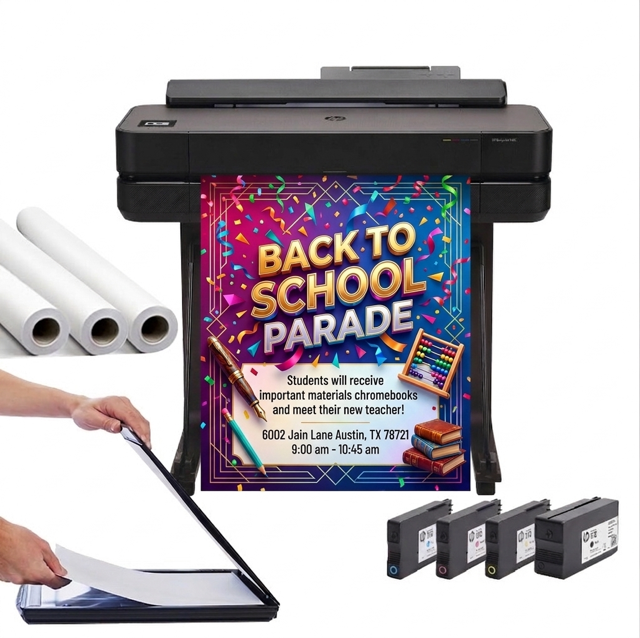
Busy teachers don’t have time to master complex graphic design software. The best poster maker machines for schools feature a built-in scanner. Simply place an 8.5″×11″ worksheet on the glass, hit “Enlarge,” and the machine automatically scales it to a full-size poster.
The value of a machine is only as good as the content it can produce. Ensure your printer includes a library of K-12 templates, including sports brackets, hallway safety signs, and Common Core-aligned instructional charts.
In a school environment, you can’t afford for the printer to stop mid-job during a busy week. Look for machines with “Hot-Swap” technology that allows you to replace ink tanks while the machine is still printing.
Funding is the most common hurdle, but because these machines are “durable instructional goods,” they qualify for several specific funding sources:
| Feature | Professional Print Shop | In-House Poster Maker |
| Price per Poster | $35.00 | $2.10 |
| Wait Time | 3-5 Business Days | 90 Seconds |
| Customization | Limited/Paid | Unlimited/Free |
| Material Choice | Extra Charge | Included |
Export to Sheets
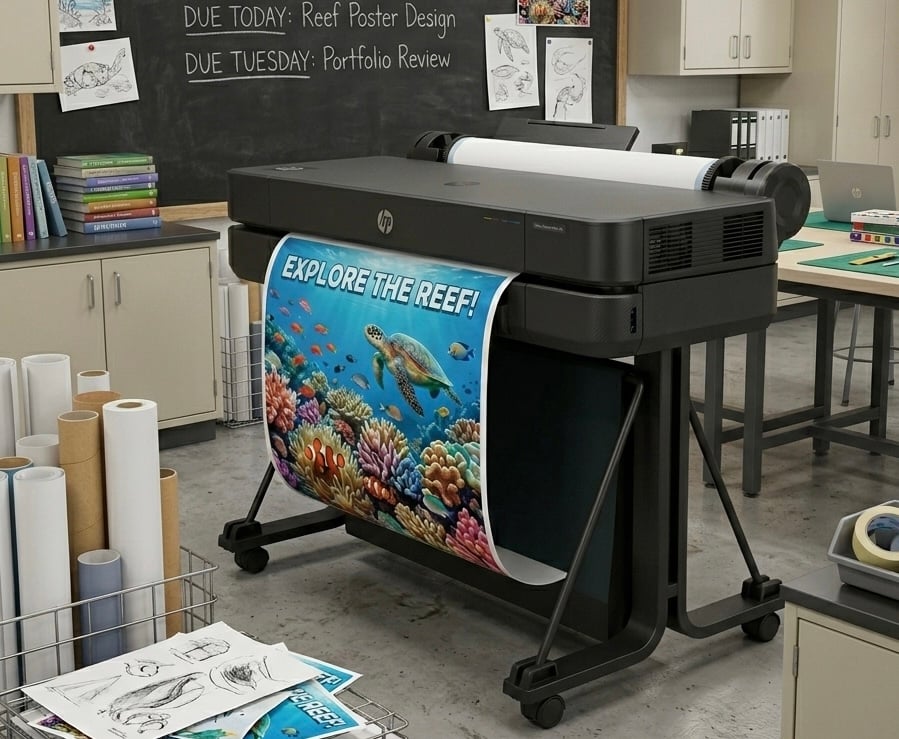
A poster maker machine is a “multi-department” tool. To get the most ROI, encourage these uses across your campus:
Modern machines are remarkably “green” compared to older models.
Selecting a poster maker machine is about more than just a piece of hardware; it’s about a partnership. Schools need a provider that understands the nuances of educational purchase orders, tax-exempt status, and the need for ongoing technical support.
At School Poster Printers, we specialize exclusively in the K-12 market. We don’t just sell you a printer; we provide the training, templates, and support to ensure that your school’s walls are always inspiring.
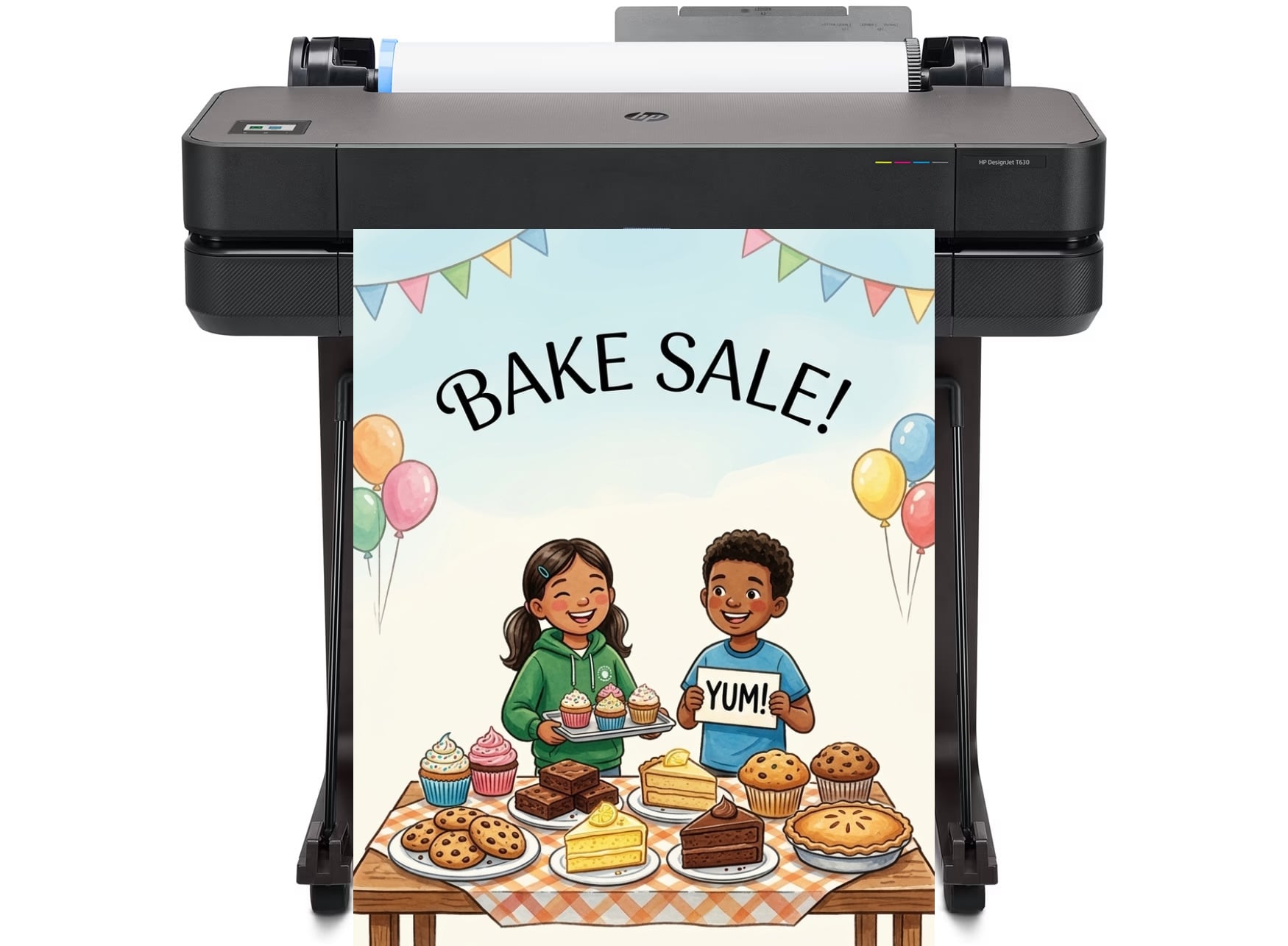
The best poster maker machine for schools is typically a wide-format inkjet printer, such as the Canon imagePROGRAFor HP DesignJet series. These models are preferred because they offer a balance of high-speed printing, ease of use for teachers, and extremely low ink costs compared to retail printing services.
While prices vary based on features, a professional-grade school poster maker machine typically ranges from $2,500 to $5,000. While the upfront cost is an investment, most schools find the machine pays for itself within a year by reducing the cost per poster from $30.00 (retail) to under $2.00 (in-house).
Yes. Because poster maker machines are used to create instructional aids, anchor charts, and literacy-building visuals that support at-risk students, they are a frequent and approved purchase under Title I, Part A funding guidelines.
No. Modern digital poster makers are designed for the “non-technical” user. Maintenance usually involves a simple automated cleaning cycle performed by the machine and replacing ink cartridges when prompted. Using the machine at least once a week is the best way to keep the print heads in top condition.
In the school market, these terms are often used interchangeably. However, a “poster maker” usually includes specialized educational software and a “scan-to-print” feature that allows teachers to enlarge documents instantly without needing a computer, whereas a standard wide-format printer may lack these school-specific tools.
On a modern school poster maker, a standard 24″×36″ poster takes approximately 60 to 90 seconds to print in high-quality mode. This allows staff to create entire sets of classroom visuals during a single planning period.