
DISCOUNTED EDUCATION PRICING! CALL 1-877-891-8411. We Gladly Accept School Purchase Orders!

By Magnus Lindemudler
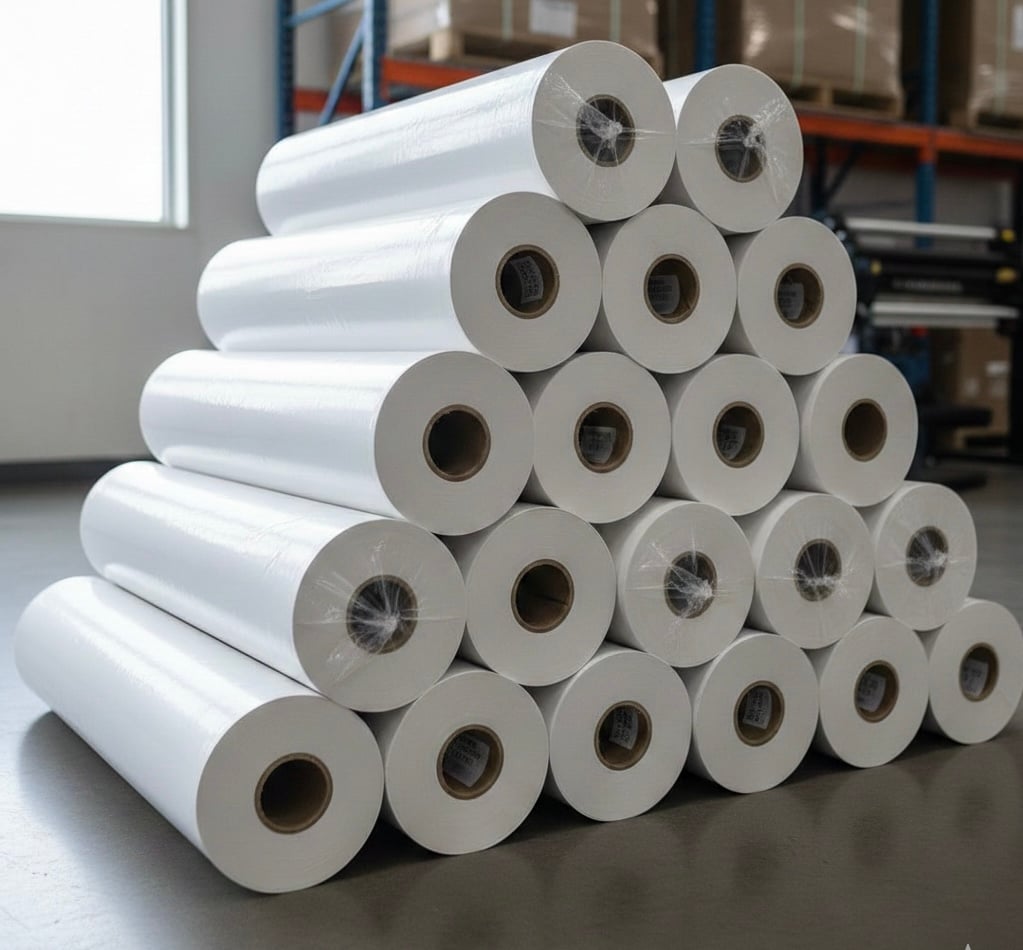
A poster printer machine (often referred to as a wide-format printer or plotter) is a specialized printing device designed to produce large-scale visuals on rolls ranging from 24 to 60 inches wide. Unlike standard office printers, a modern poster printer machine utilizes pigment-based or latex ink technology to create durable, water-resistant posters, banners, and schematics for schools and businesses.
In 2026, the ability to communicate visually is not just an advantage—it is a requirement. Whether you are a principal trying to improve student engagement with SEL (Social-Emotional Learning) visuals, or a facility manager needing instant safety signage, the old method of outsourcing to a print shop is dead. It is too slow, and it is too expensive.
The solution is bringing the technology in-house. But the market for a poster printer machine is flooded with confusing jargon. Thermal vs. Inkjet? Dye vs. Pigment? 24-inch vs. 44-inch?
This guide cuts through the marketing noise. Written with deep industry expertise, we will break down exactly how these machines work, the hidden costs manufacturers won’t tell you about, and how to ensure your new machine pays for itself in under six months.
Accordingly to help with your purchasing decision, you need to understand the engine under the hood. Not all “poster makers” are created equal.
You might remember these from the early 2000s. They use heat to melt colored wax onto special thermal paper.
These machines are often sold at a steep discount. They use water-soluble ink (dye).
If you are buying a poster printer machine in 2026, this is what you want.
The biggest mistake buyers make is looking only at the sticker price of the hardware. You must look at the Cost Per Milliliter (mL) of ink. Good quality poster printer supplies matter.
Many “cheap” plotters ($800 – $1,200 range) are traps. They use tiny 25mL ink cartridges that cost $80.
Higher-end poster printer machines ($2,000+ range) use large tanks (130mL or 300mL).
The ROI Calculation: If you outsource a 24″ x 36″ poster, you pay roughly $50.00. If you print that same poster on an in-house poster printer machine using high-yield tanks, your cost for ink and paper is roughly $2.50.
We have analyzed thousands of service calls, and the #1 killer of poster printer machines is not overuse—it is inactivity.
Inkjet nozzles are microscopic. If the machine sits for two months over summer break without power, the ink dries and forms a “crust” over the printhead. This leads to a $400 repair bill.
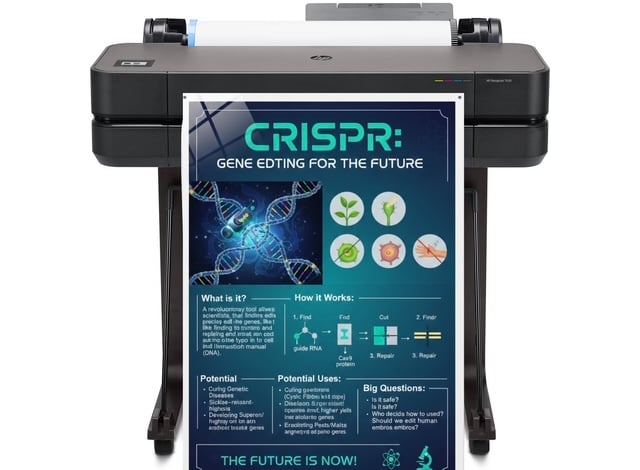
A poster printer machine is a factory in a box. If you are only printing on bond paper, you are wasting its potential.
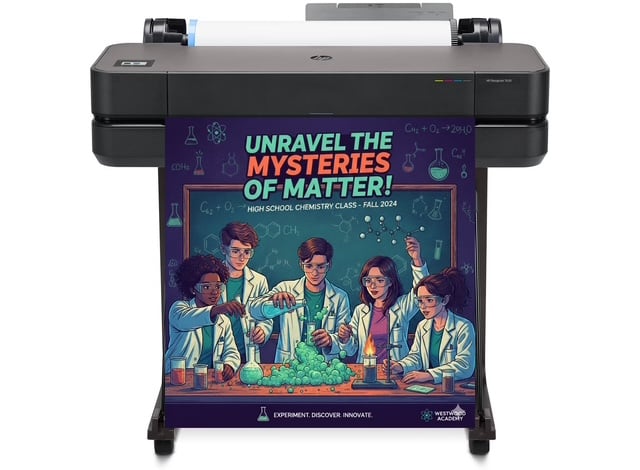
Visual aids in school are essential because they transform abstract concepts into tangible images, making information easier to process, retain, and recall for students with diverse learning styles.
In the Education Sector, the shift toward SEL (Social Emotional Learning) requires environments that speak. A “Calm Down Corner” isn’t effective with a tiny 8.5×11 sheet of paper. It requires a large, immersive 36×48 visual guide for breathing exercises.
In the Business Sector, speed is the new currency. You cannot wait 3 days for a safety sign. You need the agility to identify a hazard or a sales opportunity and have a professional sign up in 5 minutes.
Before you sign the Purchase Order, ensure your machine meets these 2026 standards:
When you are ready to invest in a poster printer machine, look for these three “Must-Haves” to ensure you are getting a 2026-ready device:
Stop renting your visuals. Take control of your communication. The right machine isn’t an expense; it’s the smartest employee you’ll ever hire.
Magnus Lindemudler is a leading authority in educational technology and wide-format printing solutions. With over 15 years of experience in the print industry, Magnus has helped hundreds of school districts and businesses transition from costly outsourcing to efficient in-house production.
He specializes in the intersection of visual learning and hardware logistics, advocating for poster printer machines not just as tools, but as essential assets for student engagement and campus communication. When he isn’t testing the latest pigment ink durability or auditing print budgets, Magnus is writing comprehensive guides to help administrators navigate the complex world of print technology.