
An anchor chart is a large classroom poster that captures one key concept, strategy or routine so students can refer back to it while they work. It “anchors” learning: the teacher builds it during a lesson, often with student input, then hangs it where everyone can see it. The best anchor charts focus on one idea, use a clear title, show a worked example, and are big enough to read from the back of the room.
Anchor charts make thinking visible. Instead of a strategy disappearing when the lesson ends, it stays on the wall as a reference students can use on their own. For a closer look at the evidence, see Do Anchor Charts Actually Work? What the Research Says.
Most anchor charts fall into four types: process (steps to follow), strategy (ways to solve or think), content (key facts or vocabulary) and routine (classroom expectations).
Use this table to pick a chart that matches what your students are learning right now. One idea per chart is the rule.
| Subject | K–2 | Grades 3–5 | Grades 6–8+ |
|---|---|---|---|
| Reading | Story elements, decoding strategies, short and long vowels, retelling (beginning–middle–end) | Main idea and details, text features, making inferences, fiction vs. nonfiction | Theme, point of view, citing text evidence, figurative language |
| Writing | Parts of a sentence, capital letters and punctuation, “How to write a story” | Paragraph structure, transition words, opinion writing (OREO), editing checklist | Claim–evidence–reasoning, essay structure, revising vs. editing |
| Math | Counting to 100, make a ten, shapes, what “=” means | Place value, multiplication strategies, fraction models, area and perimeter | Order of operations, integer rules, ratios, solving equations |
| Science | Five senses, living vs. nonliving, weather | Scientific method, water cycle, states of matter, simple machines | Lab safety, cell parts, forces and motion, the rock cycle |
| Social studies | Community helpers, map parts, needs vs. wants | Three branches of government, regions, timelines | Primary vs. secondary sources, causes and effects of events |
| Routines & SEL | Voice levels, classroom rules, how to line up | Growth mindset, “What to do when I’m done,” group roles | Discussion norms, how to ask for help, test-taking strategies |
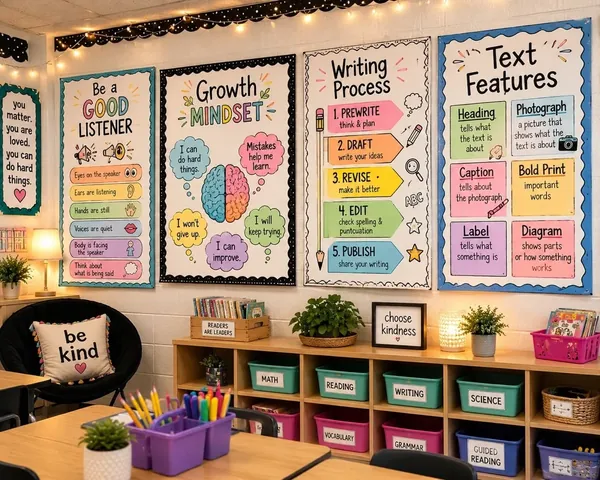
Classroom rules, voice levels and “how to ask for help” charts are used every day and are often the same in every room in the building. They are ideal for printing once and sharing across grade levels.
Hand-drawn charts built during a lesson create ownership. Printed charts, designed in Canva or Google Slides, are cleaner, easier to reuse and simple to share with every classroom. Many teachers do both: build the chart with the class, then print a polished version for the wall. If you print charts in-house, see the school poster printing costs.
| Size | Best for | Readable from |
|---|---|---|
| 24″ x 36″ | Main classroom anchor charts, hallway displays, routines and rules | Across a full classroom |
| 18″ x 24″ | Subject charts at a learning center, word walls, smaller rooms | Small groups and nearby desks |
| 12″ x 18″ | Mini anchor charts, table references, intervention groups, bulletin board sets | At the table or desk |
Design at the final size (or the same 2:3 shape) and export to PDF so text and layout print cleanly.
Start from a ready-made design instead of a blank page. Our free school poster templates gallery includes classroom-ready designs you can edit and print:
Prefer to design your own? Set a custom page size in Canva or Google Slides (for example 24 x 36 inches), add a bold title, a few key points and one example, and export a PDF.
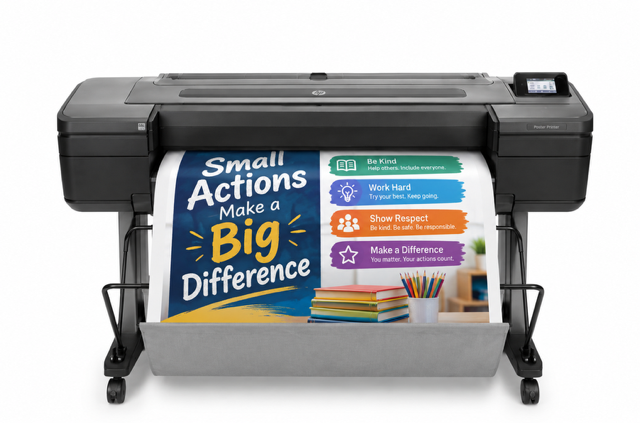
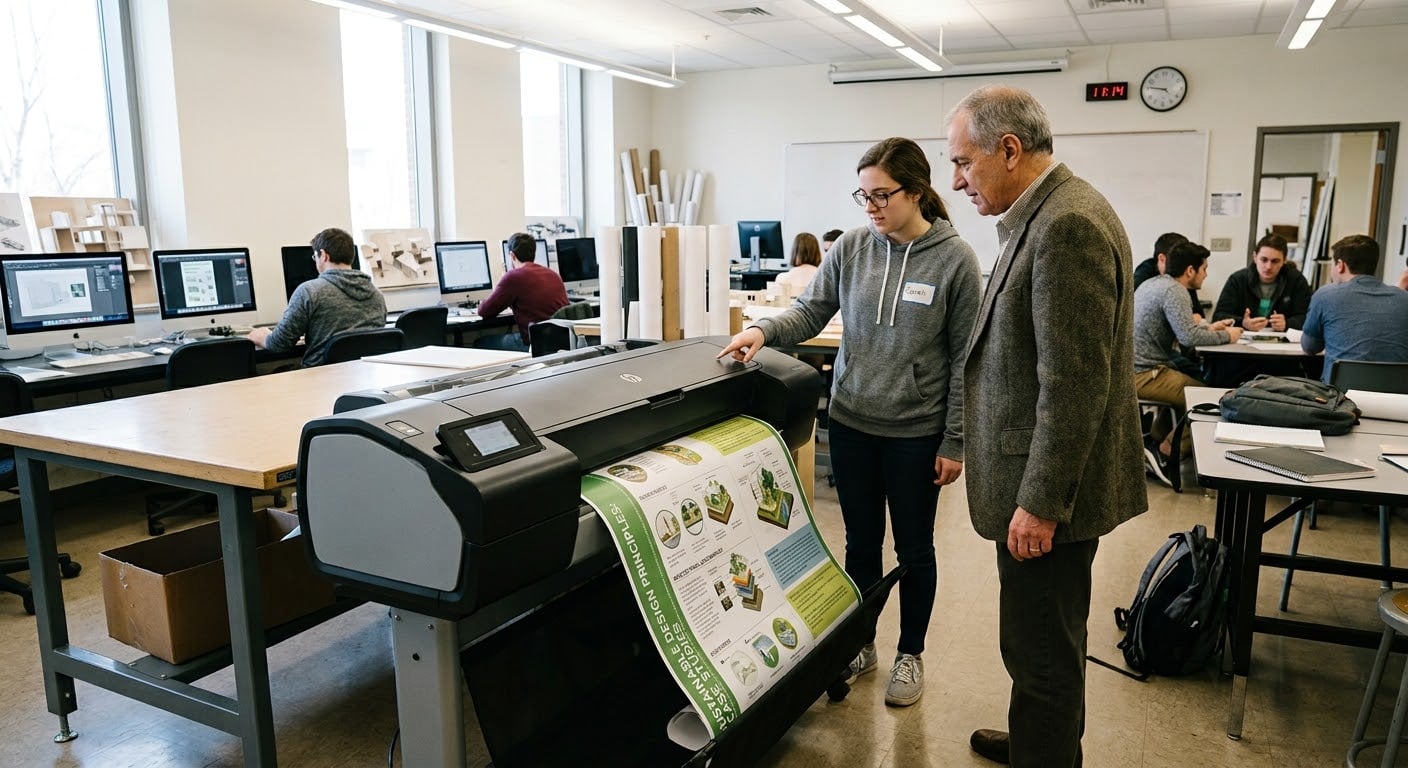
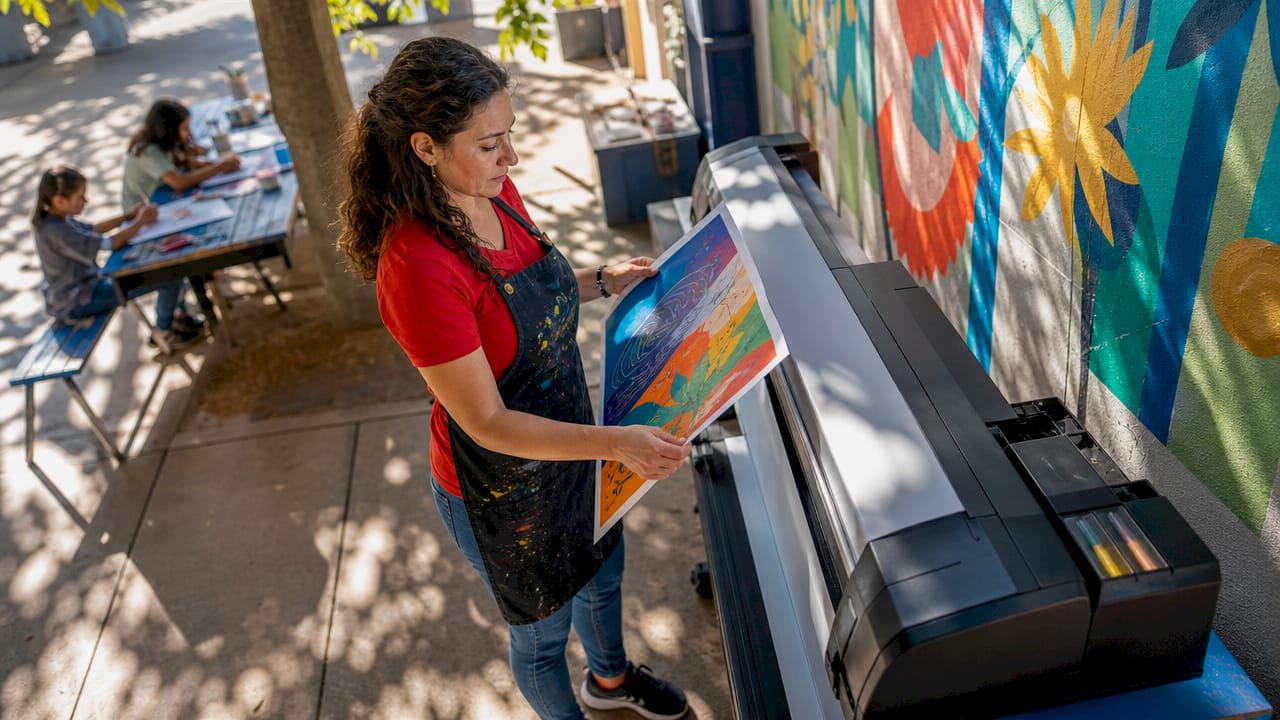
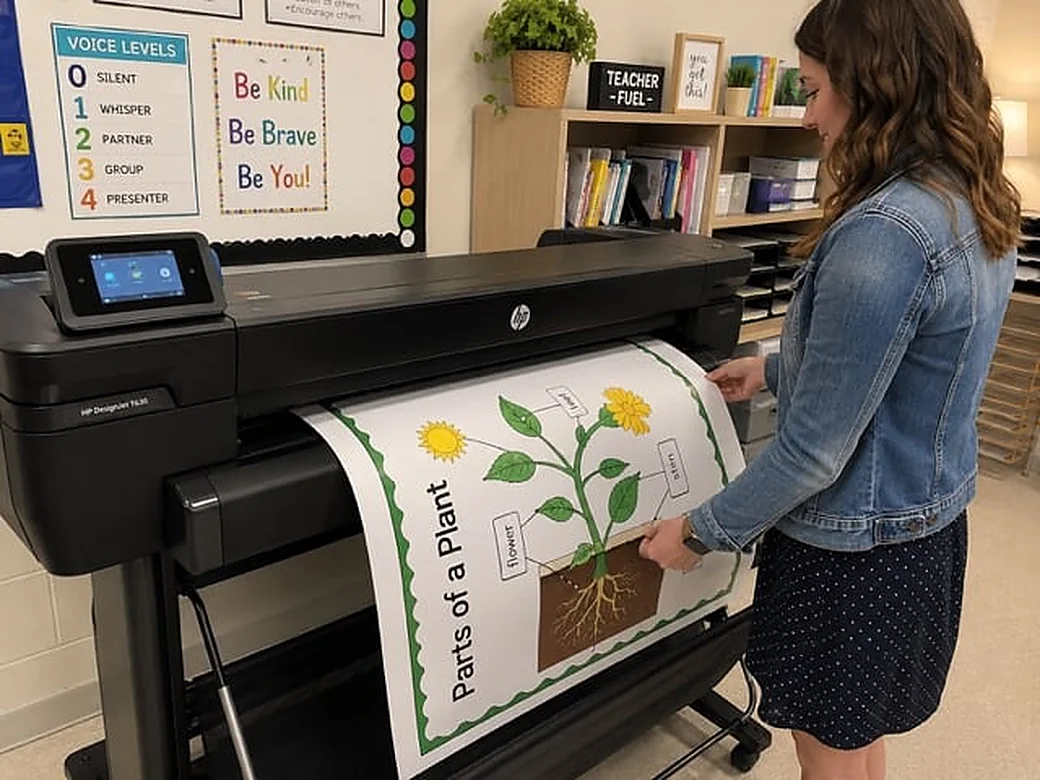
Ordering large prints from outside shops takes time, and hand-drawing a chart for every classroom takes even longer. Many schools now print anchor charts on demand with their own poster printer for schools. A teacher designs a chart in Canva, sends it over Wi-Fi, and has a full-size poster on the wall the same day.
Because every chart is saved as a file, you can reprint a worn chart in seconds, make copies for every teacher in a grade level, or shrink a 24×36 chart to 12×18 for small groups. Poster printing machines for schools are eligible for Title I and Title IV-A funding, and we mail free sample posters to schools so you can see the print quality first.
Print anchor charts for every classroom, on demand.
An anchor chart is a large classroom poster that records one key concept, strategy or routine from a lesson so students can refer to it while they work independently.
A clear title, 3–5 key points or steps, one worked example, and a simple visual. Use two or three colors and plenty of white space.
24 x 36 inches is the most common size for a main classroom chart. 18 x 24 works for learning centers, and 12 x 18 is good for mini anchor charts at tables.
Yes, when possible. Building the chart during the lesson with student examples helps students understand and use it. A printed version can then replace the draft for a cleaner, longer-lasting display.
Our free poster templates gallery has editable designs, including classroom rules anchor charts. You can also design your own in Canva or Google Slides at 24 x 36 inches.
Schools can print anchor charts in-house on a school poster printer. Designs from Canva print over Wi-Fi at 300 DPI in about 25–30 seconds per D-size (24×36) poster, for about $1.30–$2.84 per poster.
Sources and further reading: ERIC research on anchor charts (PDF).