
DISCOUNTED EDUCATION PRICING! CALL 1-877-891-8411. We Gladly Accept School Purchase Orders!
By Education Graphics Edtech Team
If you’re researching the best poster maker for schools in 2026, you’re probably not just shopping for a printer. You’re trying to answer bigger questions:
For most districts, the honest answer is yes—a well-chosen poster maker for schools quickly becomes one of the highest-ROI tools on campus. It cuts costs, speeds up communication, and turns your walls into powerful teaching partners instead of empty space.
“A poster maker for schools is not just a machine—it’s a way to make learning impossible to ignore.”
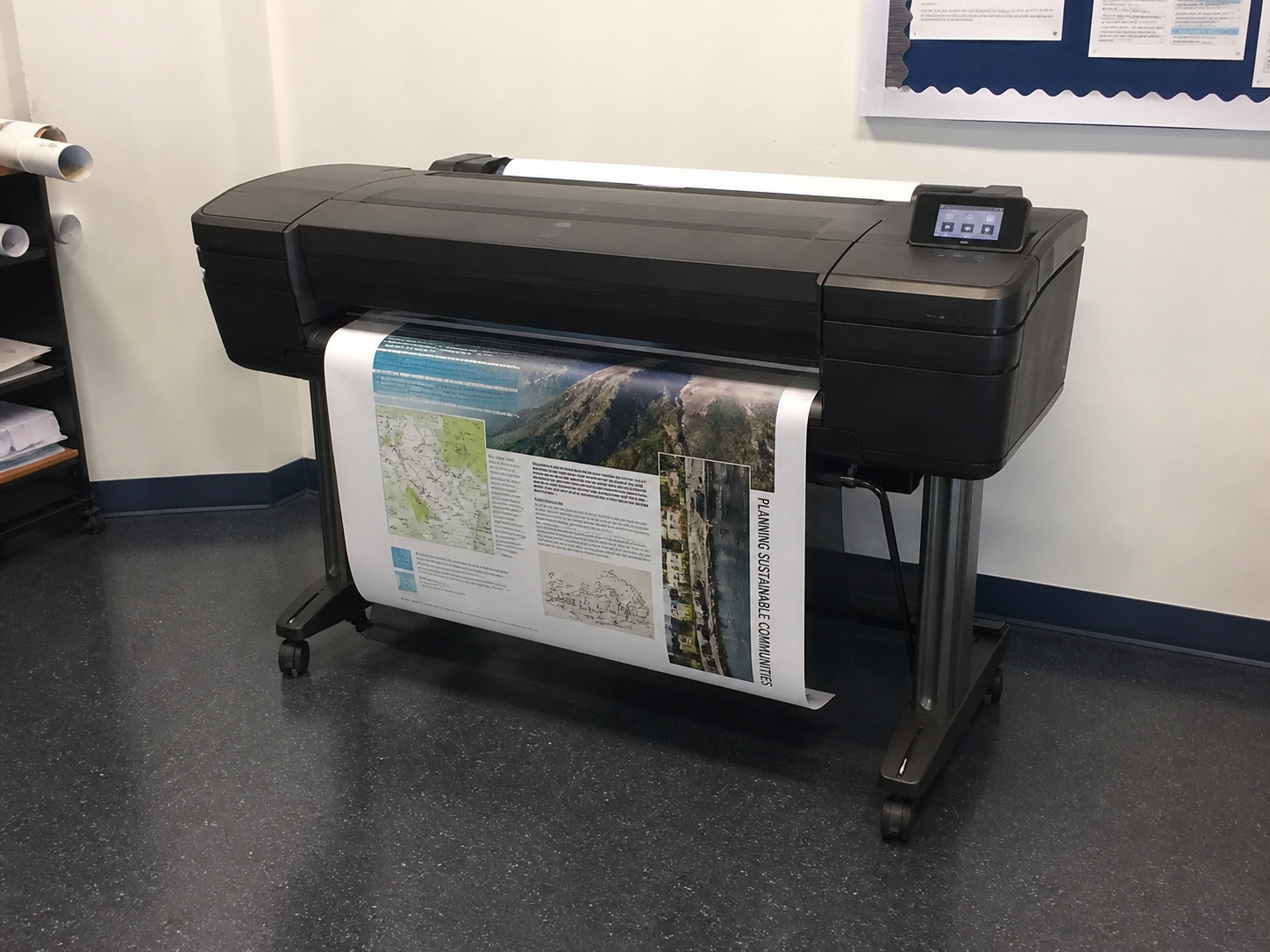
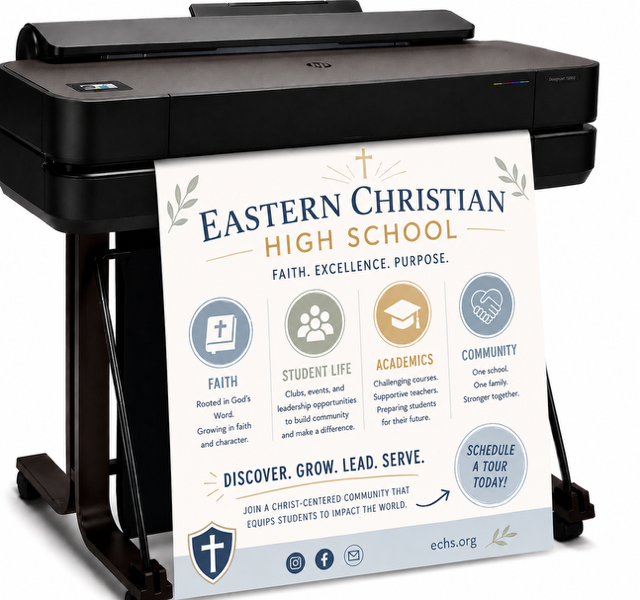
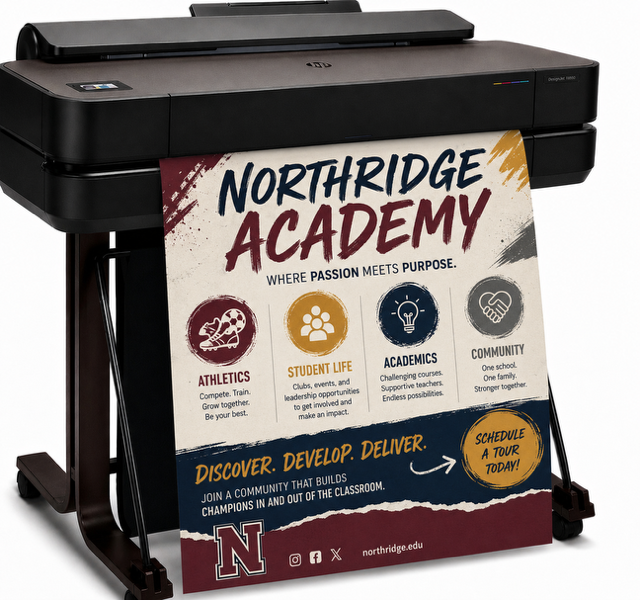
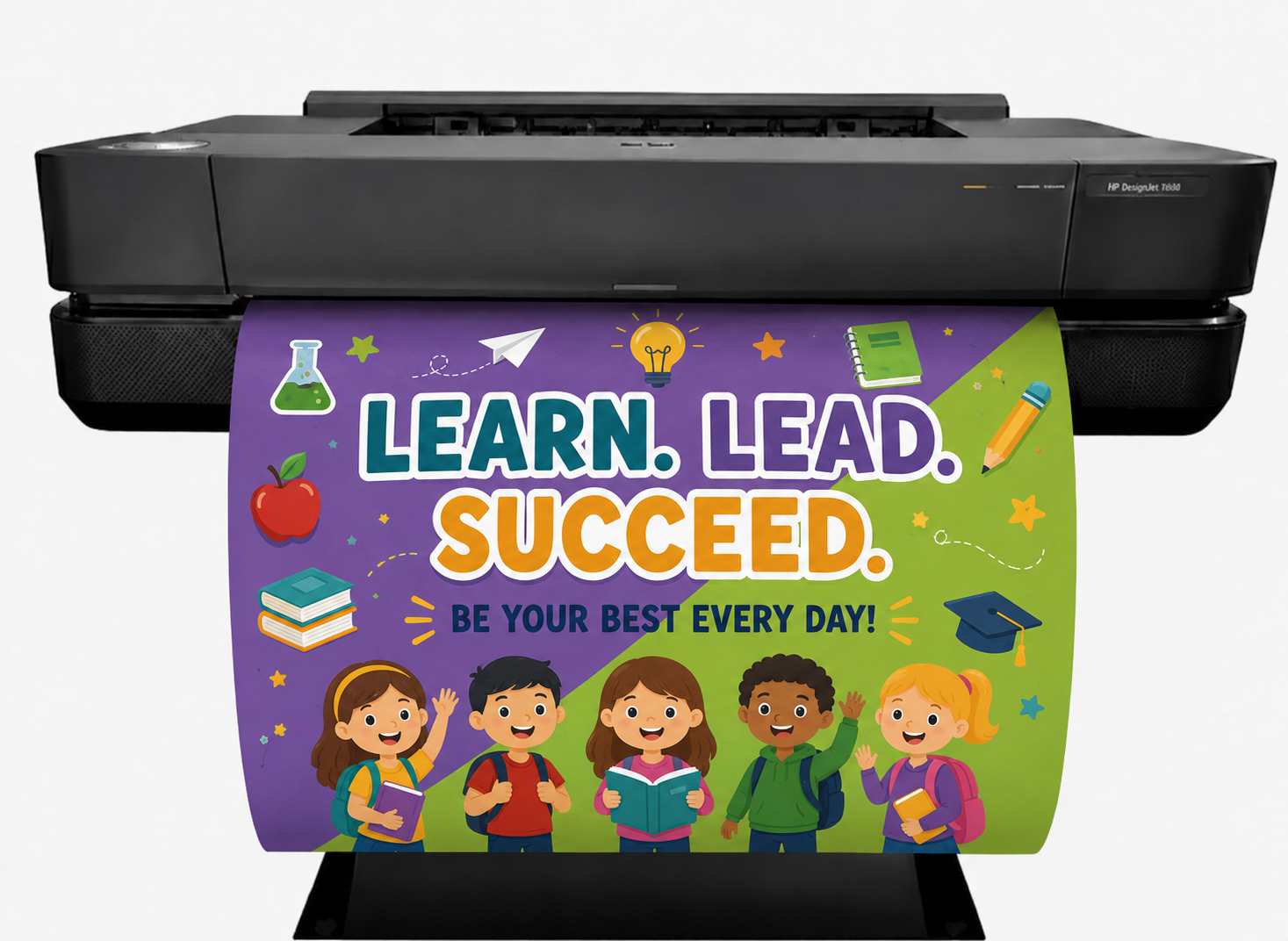
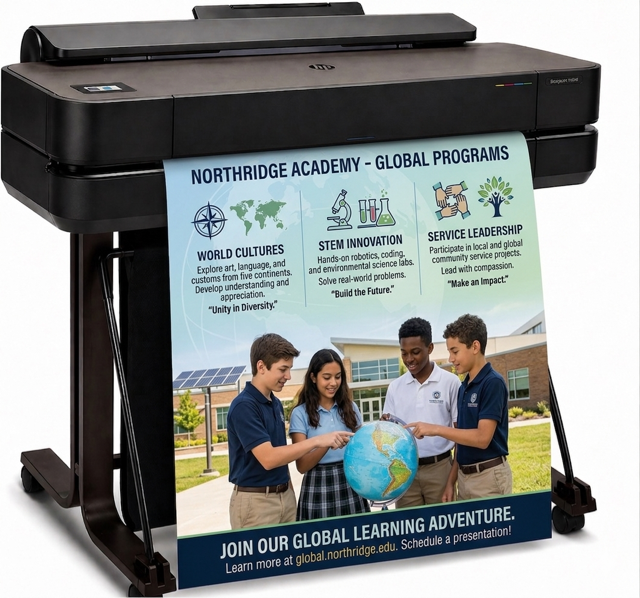
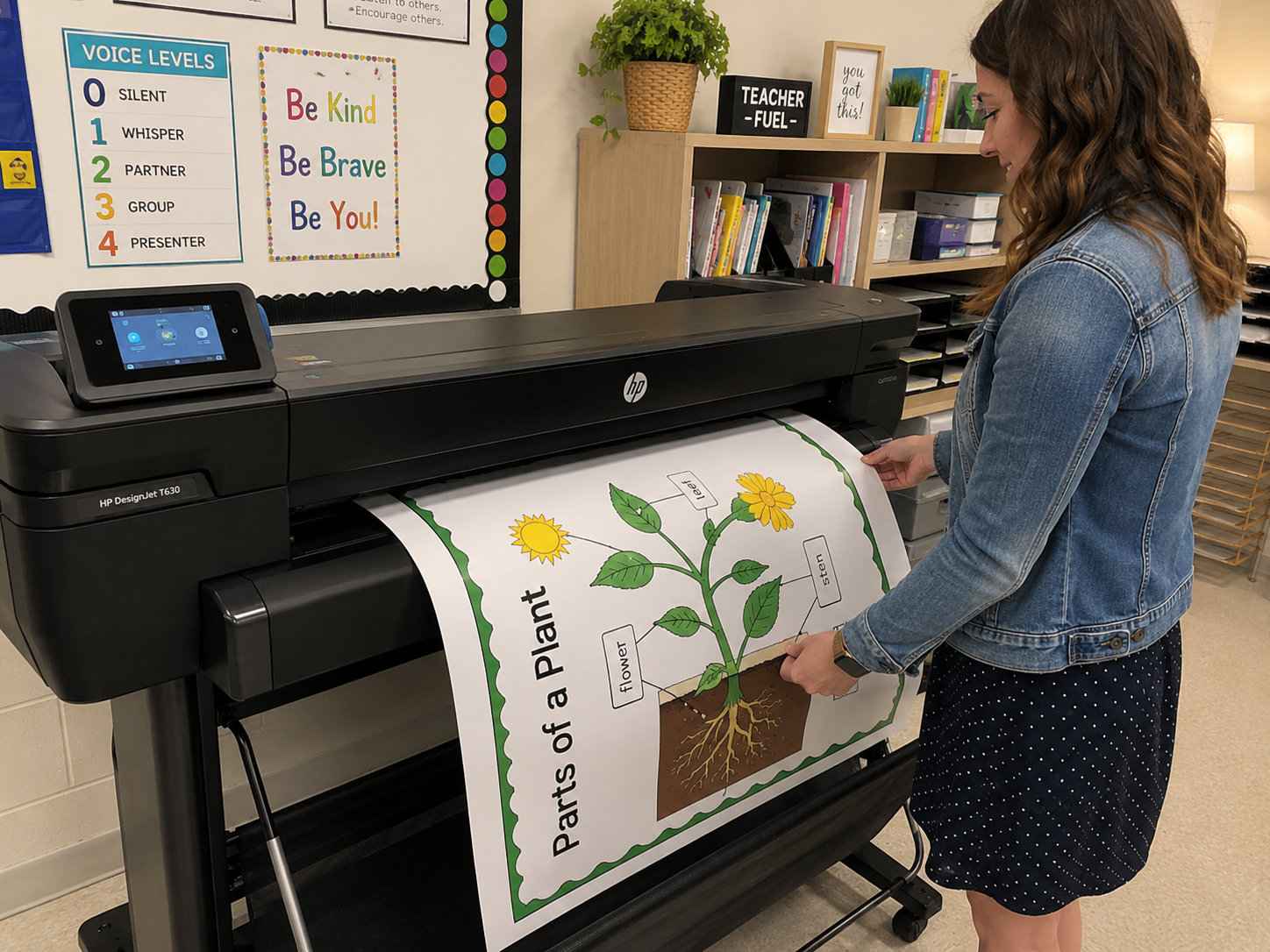
A poster maker for schools is a wide-format printer (usually 24”–36” wide) that lets educators print large, high-quality educational posters, banners, and visual aids directly on campus. Instead of emailing files to a print shop and waiting days or weeks, staff can design, print, and laminate a poster in minutes.
The best school poster makers are designed for K–12 use, support budget-friendly media, and pair easily with laminators so posters last for years, not weeks.
Modern classrooms are more complex than ever. Teachers are supporting:
In this context, visuals are not optional. They are core instructional infrastructure.
Well-placed, well-designed posters can:
“When instruction lives only on a screen, it disappears when the slide changes. When it lives on the wall, it teaches all day.”
Imagine walking into a classroom where:
These are not decorations. They’re constant, silent co-teachers. A poster maker for schools is what turns those ideas into reality quickly and affordably.
The best poster maker for schools is a 24”–36” wide-format printer with pigment-based inks, support for multiple media types, and optional cold lamination so posters can withstand years of classroom use.
Teachers design posters in tools like Canva, Google Slides, or PowerPoint, send the file to the school’s wide-format printer, choose the right roll media, and optionally laminate the finished poster for durability.
In many districts, a laminated poster produced in-house costs around $3–$5 in materials. The same poster from an outside print shop can cost $20–$40 or more.
Most schools choose a 24” or 36” model. A 24” printer covers most classroom needs, while 36” models handle hallways, events, and larger displays. District print centers may opt for 44” or larger.
No. With a bit of training, most educators can learn the basics in under 30 minutes. Once the workflow is set up, printing a poster becomes as routine as sending a document to a copier.
From a single invoice, poster outsourcing doesn’t always look expensive. The problem is what happens over a full school year.
Example:
Now compare that to in-house printing:
That’s an annual savings of $3,150—from one school.
“For many schools, a wide-format poster maker pays for itself in one budget cycle. After that, the printer feels less like an expense and more like a savings machine.”
And that doesn’t include the hidden value:
Teachers and staff typically design in familiar tools they already use:
The key is to design at the correct aspect ratio and resolution so the final print is sharp.
“If teachers can build a slide, they can build a poster. The printer simply turns that digital idea into something students can touch and see.”
Staff:
Many schools create presets like “Classroom Poster – 24×36” for one-click printing.
Common materials include:
Cold lamination:
In many schools, the full workflow takes under 10 minutes.
Pigment inks:
Look for support of:
At least 2400 x 1200 dpi for professional-quality output.
A 24×36 poster should print in roughly 2–5 minutes in draft mode.
Cold lamination adds:
The Education Graphics Poster Maker from Education Graphic Solutions stands out because it:
“A true school poster printer doesn’t just print big—it fits into the rhythms, budgets, and realities of a school day.”
A poster maker for schools is more than a printer line item in a budget.
It is:
Schools that control their visual environment control a powerful layer of instruction and culture. When walls start teaching, students experience learning in every corner of the building.
“In 2026, the schools that stand out aren’t just the ones with the best test scores. They’re the ones where learning is visible—everywhere you look.”
If you’re ready to explore which poster maker for schools is right for your campus or district, feel free to reach out.
This article was developed by the education print specialists at SchoolPosterPrinters.com, a dedicated resource focused exclusively on helping K–12 schools implement the right poster maker for schools and wide-format printing solutions.
Our guidance is shaped by ongoing conversations with superintendents, technology directors, curriculum leaders, media specialists, and classroom teachers across the country. Every recommendation is grounded in real-world school environments — busy campuses, tight budgets, and instructional demands that require reliability, simplicity, and measurable ROI.
We do not approach school printing as a generic commercial print problem. We approach it as an instructional infrastructure decision.
Education Graphic Solutions specializes exclusively in wide-format poster printers and laminating systems designed for education.
Unlike general office equipment providers, our focus is singular: helping schools control their visual learning environment efficiently and affordably.
We support districts by helping them:
Our mission is simple: make it easier for schools to print, laminate, and display high-impact visuals that strengthen instruction and school culture.
When schools own their visual environment, they unlock a powerful layer of daily, always-on learning.