
Classroom Management
Class Jobs Chart Template
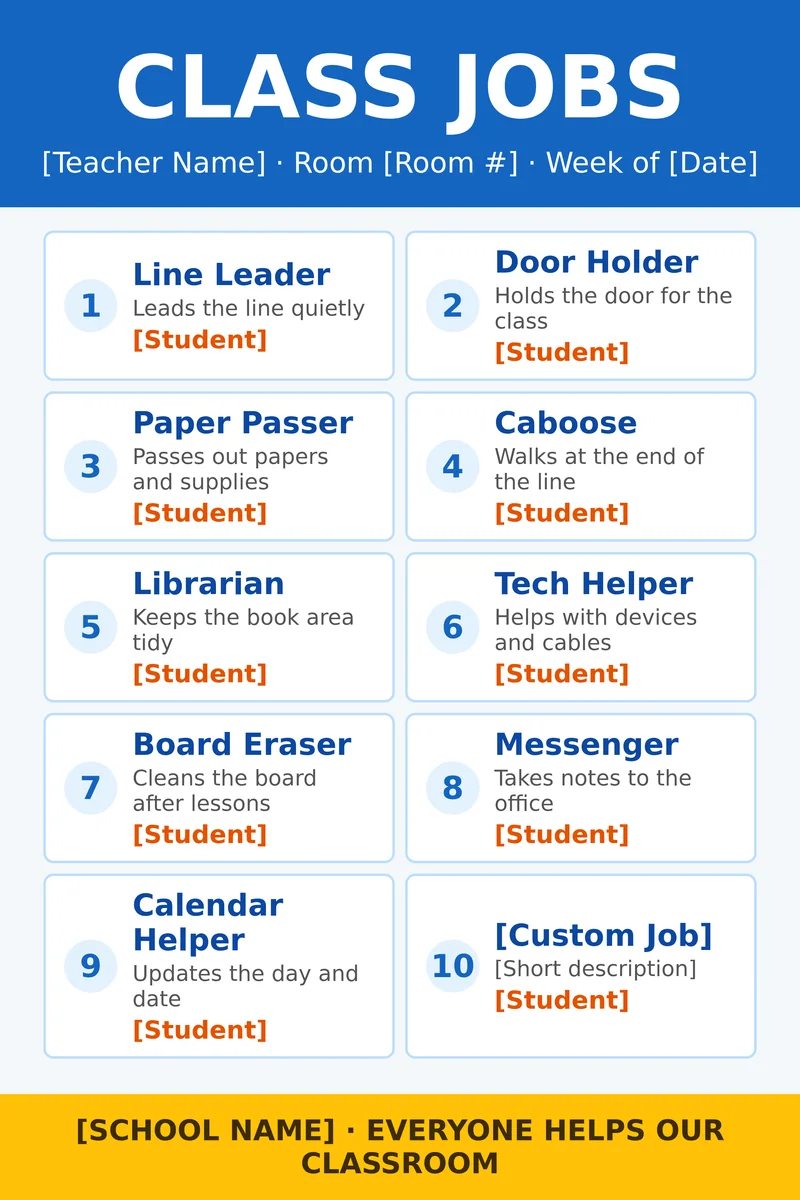
Rotate classroom helpers with this free class jobs chart template. Ten numbered jobs include Line Leader, Door Holder, Paper Passer, Caboose, Librarian, Tech Helper, Board Eraser, Messenger, Calendar Helper and a custom tenth job, each with a student name slot.
Download Word (.docx)Free · Editable in Microsoft Word · 24×36 inches · 12×18 half-scale version (prints at 200%)
How teachers use it
- Weekly classroom job rotations
- Elementary homeroom management systems
- Visual schedules near the classroom door
- Specials teachers sharing helper roles
Update the Week of date and the student names in Word each week, or laminate and use dry-erase names. Rename any job title to match the roles your class already uses.
For the sharpest result, print it on a poster printer at 300 DPI. Our printers are Canva-ready, Wi-Fi capable and Title I / Title IV-A eligible, with setup under 30 minutes and 500+ templates included. Need the printer, ink and paper together? See our poster maker packages. In-house prints typically run about $1.30–$2.84 per poster once you have paper and ink on hand. Schools can also request free sample posters by mail.
See it on the wall
A 24×36 poster is big enough to read from across a room or down a hallway. Print a test at 12×18 first if you want to check spelling and colors before you print the full size.
How to edit in Word or Canva
- Download the 24×36 Word file (or the 12×18 half-scale file if Word on your laptop caps page size).
- Click any bracketed text box and type your school details.
- Save as PDF or send straight to your school poster printer at 300 DPI.
- Prefer Canva? Rebuild the layout there on a Canva-ready printer, then print.
More poster templates for teachers
 Back to School Poster Template
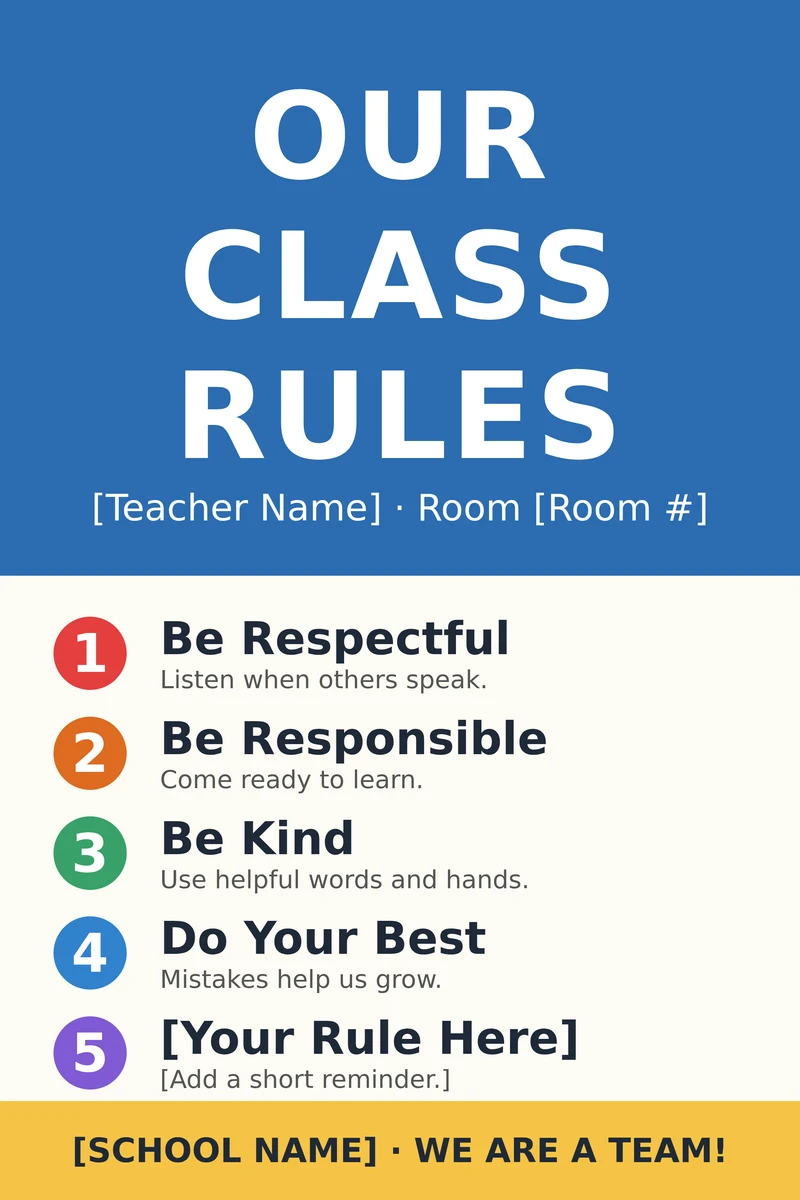 Classroom Rules Poster Template
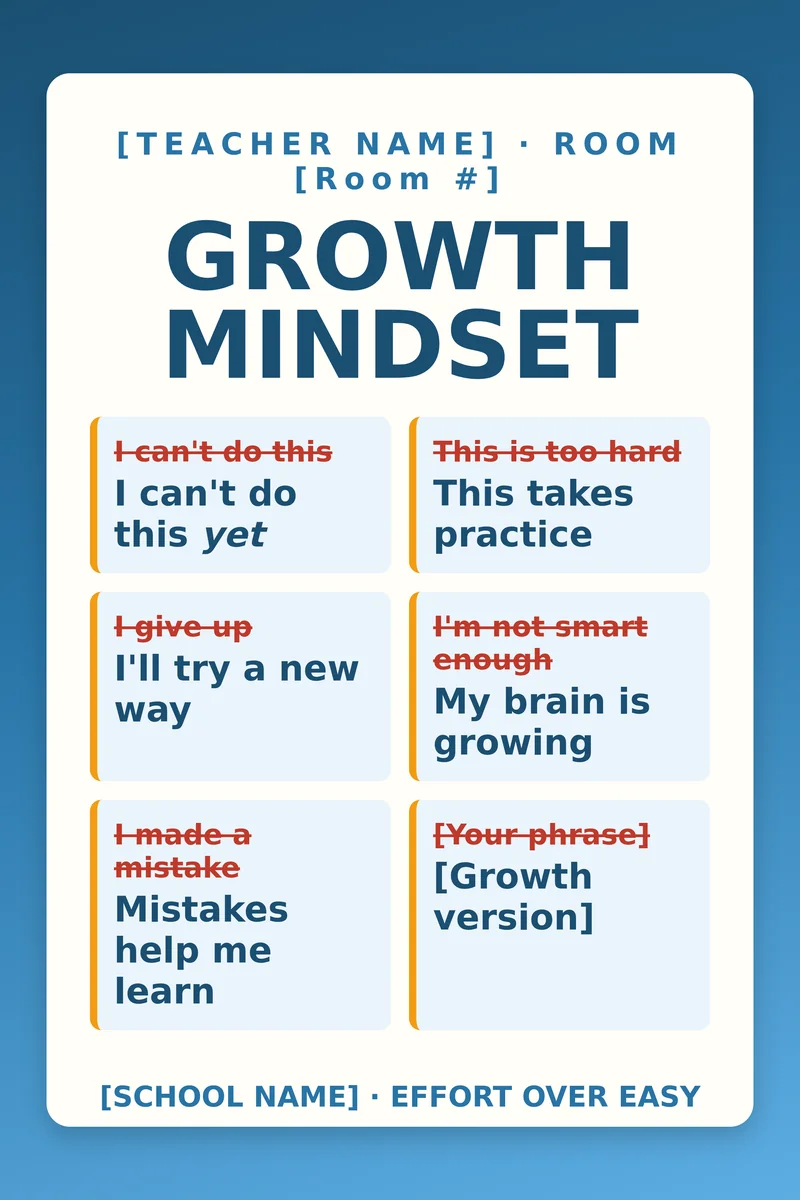 Growth Mindset Poster Template
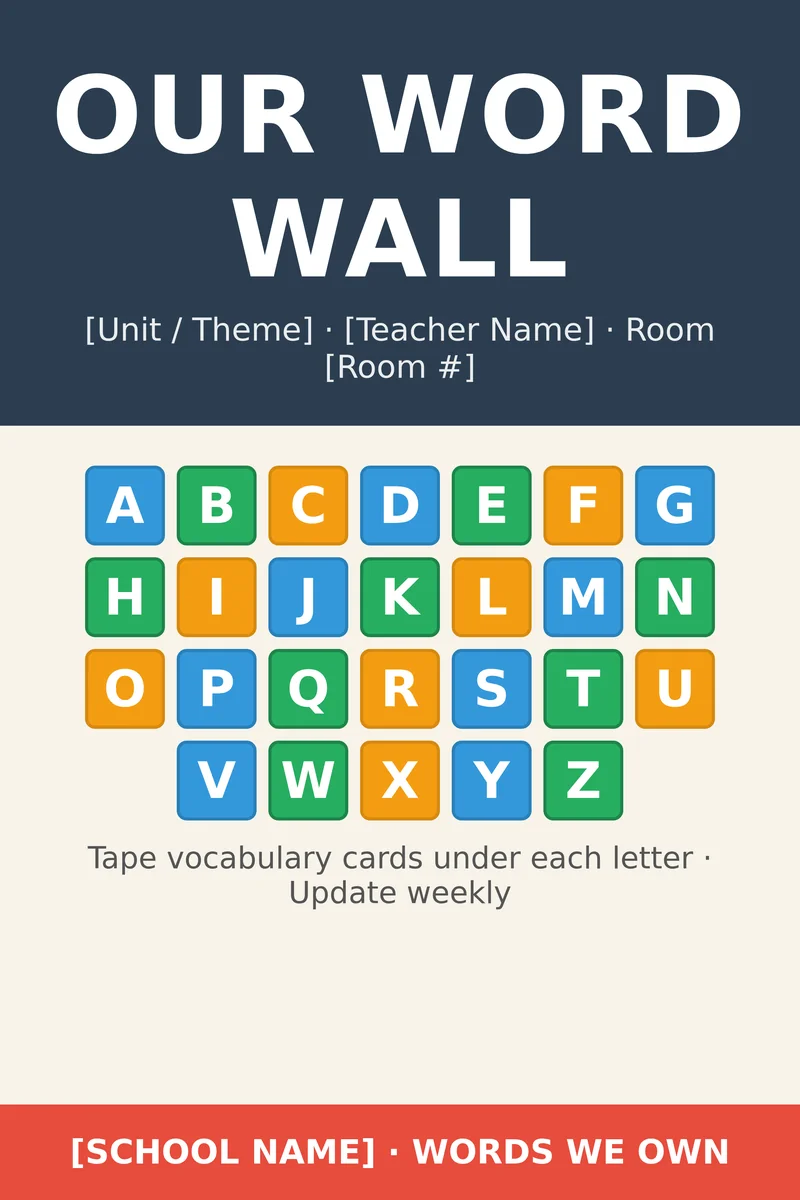 Word Wall Poster Template
Class Jobs Poster Template FAQ
Can I rename the jobs?
Yes. Every job title, description and student name is an editable Word text box.
How often should I change the names?
Most teachers rotate weekly. Change the Week of date line when you update the names.
What size is the class jobs poster?
24×36 inches, with a 12×18 half-scale Word file included.