DISCOUNTED EDUCATION PRICING! CALL 1-877-891-8411. We Gladly Accept School Purchase Orders!

Buying Guide

How to Choose a Poster Printer for Your School

To choose a school poster printer, compare print width (24″, 36″, 44″), cost per print (ink + paper), teacher software and Canva, warranty, and how easily staff print from a Chromebook. Packages from Education Graphic Solutions start at $2,495. Typical posters cost about $1.30. Title I and POs welcome. Not sure which model fits your school? Our 2026 buyer’s guide to school poster printers compares each option side by side. If you already know what you need, you can compare poster maker packages from the Bronze at $2,495 up to the Diamond at $6,995. We accept purchase orders, ship within 24 hours of your PO, and are available on TIPS contract #240804. Choosing the right poster printer for your school is not about the flashiest machine. It is about a system teachers will use every week without calling IT. This guide walks through the decisions CTE directors and principals make before they issue a purchase order.
Used Daily in Classrooms Like Yours

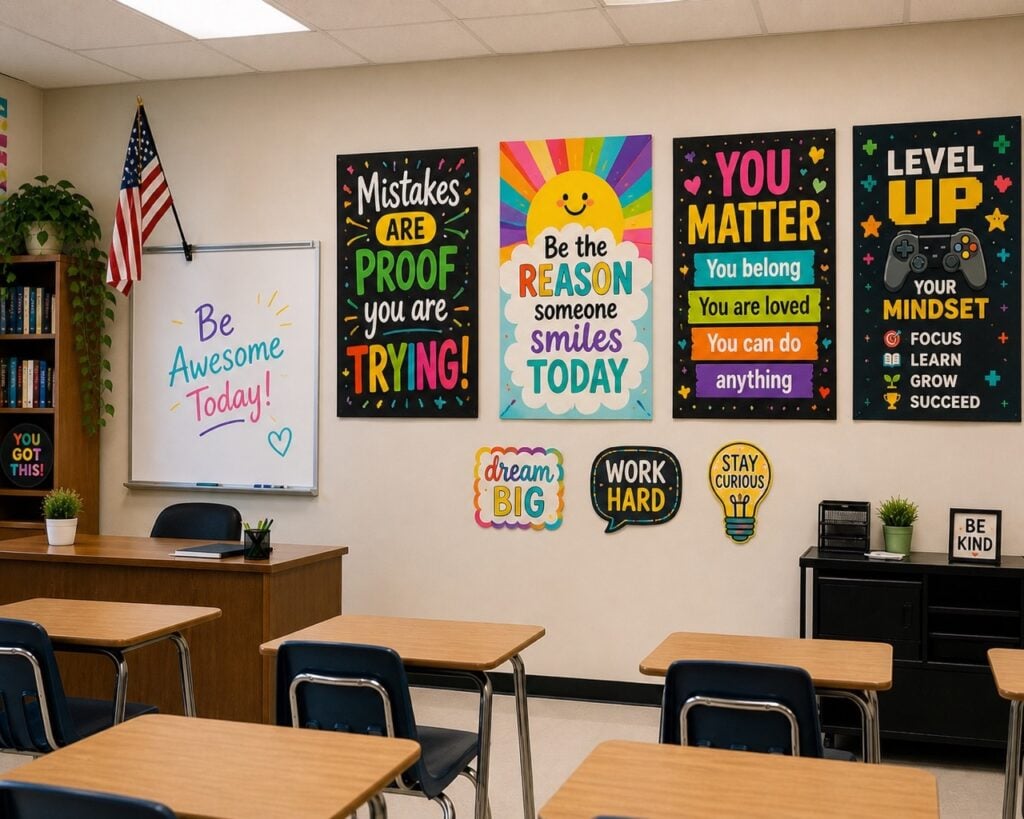
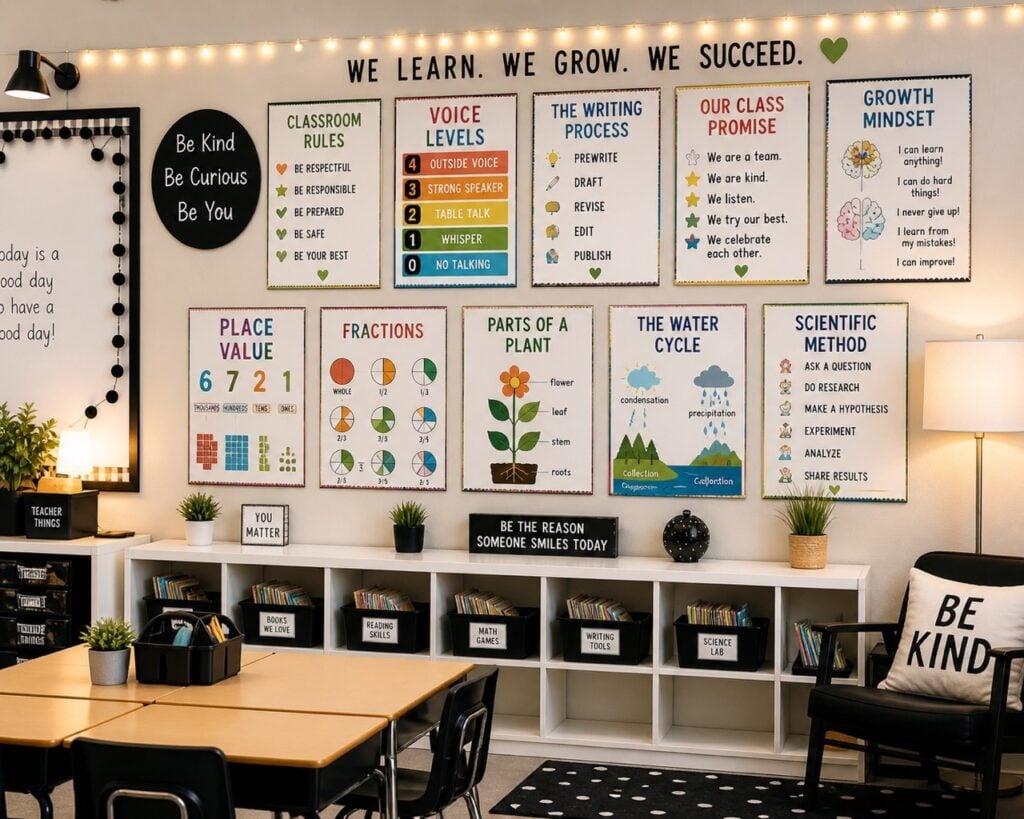
Classroom with anchor charts printed on a school poster printerClassroom wall with motivational posters printed on a school poster maker

What to Compare Before You Buy a School Poster Printer

Schools should look for a poster printer that is easy for teachers, prints clear classroom visuals, runs fast enough for a busy hallway, and keeps long-term ink and paper costs low. Start with width, then cost per print. Key factors before you choose a school poster printer Width, cost per print, software, warranty, and funding matter more than sticker price. Match the machine to the biggest poster your building will print, then compare Bronze, Silver, and Gold on poster maker packages.

24″ vs 36″ vs 44″

  • 24″ — classrooms, anchor charts, everyday signs. Best starting point for most schools. New to the category? Explore our poster printer machine for schools lineup and see how the sizes compare.
  • 36″ — hallway posters and most banners. The all-rounder for media centers. For a complete setup, see the Diamond 36 inch poster maker package.
  • 44″ — gym, cafeteria, and large event graphics. District or high-volume buildings.
See cost to print school posters and Title I funding.

FAQ: How to choose a school poster printer

How do I choose a poster printer for my school?

Judge width, true cost per print (ink + paper), teacher software and Canva, on-site warranty, and whether any Chromebook can print. The best buy is the one staff will actually use.

How do 24″, 36″ and 44″ poster printers compare for a school?

Most K-12 buildings start at 24″. Choose 36″ if hallway banners are common. Choose 44″ only for gym-scale or campus-wide signage.

Why compare cost per print instead of purchase price?

A full-color classroom poster is about $1.30–$2.84 in-house versus $20+ at a print shop. Compare ink + paper, not purchase price alone. Education Graphics poster maker with classroom poster examples Ease of Use for Teachers If teachers can’t use it quickly and confidently, they won’t use it at all. Look for a system that:
  • Requires little to no training
  • Has a simple, intuitive workflow
Doesn’t rely on IT support for everyday use Speed and Workflow Efficiency Teachers don’t have time to wait on printing. The right solution should:
  • Produce posters quickly
  • Allow for easy, on-demand printing
  • Keep up with daily classroom needs
If printing becomes a bottleneck, adoption drops fast. Print Quality for Classroom Visibility Posters need to work from across the room—not just up close. You want:
  • Clear, readable text at large sizes
  • Sharp diagrams and visuals
  • Consistent, reliable color output
If students can’t easily see or understand the content, the poster loses its value. Cost Per Poster and Long-Term Value The upfront price is only part of the equation. Schools should evaluate:
  • Ink efficiency
  • Paper costs
  • Overall cost per poster over time
A strong solution reduces reliance on outsourcing and delivers ongoing savings. Designed for School Environments. Many large-format printers are built for technical or commercial use—not classrooms. This often leads to:
  • Unnecessary complexity
  • Limited teacher adoption
  • Underutilized equipment
Schools benefit most from a poster system designed specifically for education, where usability and consistency matter more than advanced features. Reliability and Support. Consistency is critical for long-term use. Choose a system that:
  • Performs reliably day after day
  • Is easy to set up and maintain
  • Comes with accessible support when needed
If the poster machine becomes unreliable, teachers will stop depending on it. Reliability matters.

What We Recommend for Schools

After evaluating what actually drives success in schools—ease of use, speed, cost efficiency, and real classroom adoption—the answer becomes clear: Still deciding on width? Compare a 24 inch vs 36 inch poster printer.
  • Schools need a printing solution built specifically for education.

Our recommendation for most schools

For schools looking for a system that teachers will actually use every day, we recommend the Education Graphics Poster Maker. Unlike generic large-format printers that are designed for technical or commercial environments, this poster printer machine is built entirely around the needs of schools and classrooms. See our comparison of the best poster printer for schools.

Why Teachers Use Education Graphics Poster Printers

  • Designed for teachers – simple, intuitive, and easy to use without training
  • Built for daily classroom use – fast, reliable, and always ready
  • High-quality output – clear, vibrant posters that work across the room
  • Cost-effective – reduces reliance on outsourcing and saves money over time

The Key Difference

Lastly, most schools don’t struggle because they chose the wrong printer—they struggle because they selected a solution that doesn’t align with real classroom workflows. A poster maker machine for your school should be built around how teachers actually plan, teach, and create materials on a daily basis. When a system is too complex, unreliable, or time-consuming, it often goes unused—wasting both budget and opportunity. The right classroom poster printing machine, however, fits seamlessly into instruction, making it easy for educators to consistently produce high-quality posters, anchor charts, and visual learning materials that truly enhance student engagement.
  • The Education Graphics Poster Maker is designed to fit seamlessly into classrooms, making it a tool that gets used consistently—not occasionally.
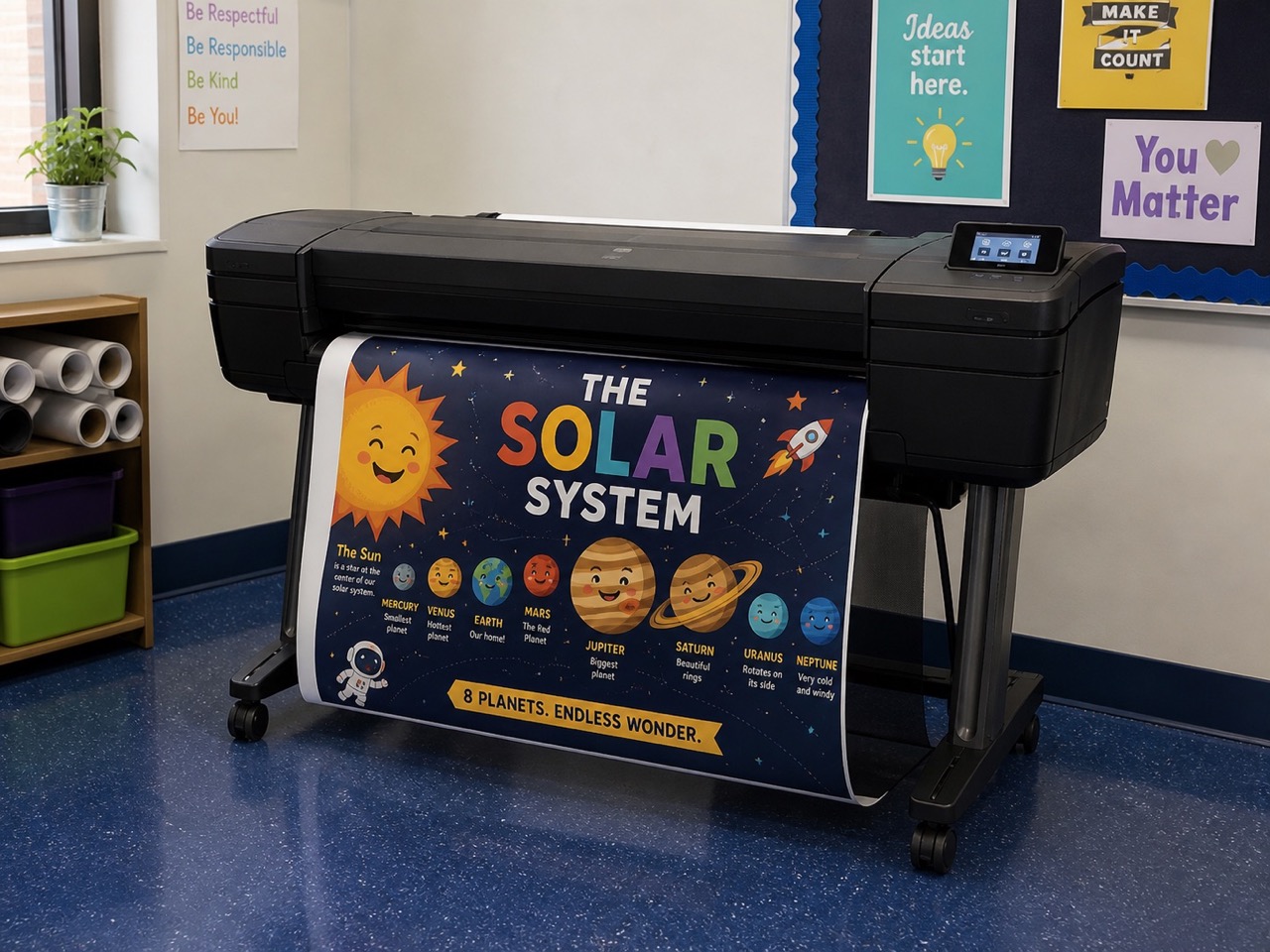
classroom poster printer machine creating colorful posters

Key Terms When You Choose a School Poster Printer

Poster printer / poster maker
A wide-format inkjet system schools use to print classroom and hallway posters on demand. Package comparisons: poster maker packages.
24″ vs 36″ vs 44″
The maximum media width the printer can run. Most classrooms start at 24″; 36″ fits larger hallway graphics; some specialty models reach 44″. Size examples: school poster sizes.
Cost per poster
What you spend in ink and paper for one print. On Education Graphics machines this is typically about $1.30–$2.84 in-house versus $20+ at many print shops. Full breakdown: cost to print school posters.
Total cost of ownership (TCO)
Package price plus years of ink, paper, and support—not just the sticker price. See the TCO section on the cost page.
Scan-to-print
A workflow where a document or handout goes through a scanner and prints as a large poster, often with little design work. Common on Silver and higher packages.
Pigment vs dye ink
Dye inks look vivid on indoor coated papers; pigment inks generally resist light and moisture better. Explained on poster printer supplies.
Cold vs hot lamination
Two ways to add a protective film: cold (pressure-sensitive) or hot (heat-activated). Guide: cold vs hot lamination.
Title I / federal funding
Program funds some schools use for instructional equipment when the purchase fits their plan. Overview: Title I funding for school poster printers.
TIPS contract
A purchasing cooperative contract. Education Graphic Solutions is on TIPS contract #240804, which many districts use to simplify procurement.
Purchase order (PO)
The school or district document that authorizes a vendor purchase. We accept POs and typically ship within 24 hours of the PO. Submit a purchase order.
In-house vs outsourcing
Printing on your own poster maker versus sending files to an outside shop. Decision guide: in-house vs outsourcing.

Questions? Talk to Education Graphic Solutions

Call 1-877-891-8411 or email sales@educationgraphicsolutions.com. School purchase orders accepted.

Request a Quote