
DISCOUNTED EDUCATION PRICING! CALL 1-877-891-8411. We Gladly Accept School Purchase Orders!

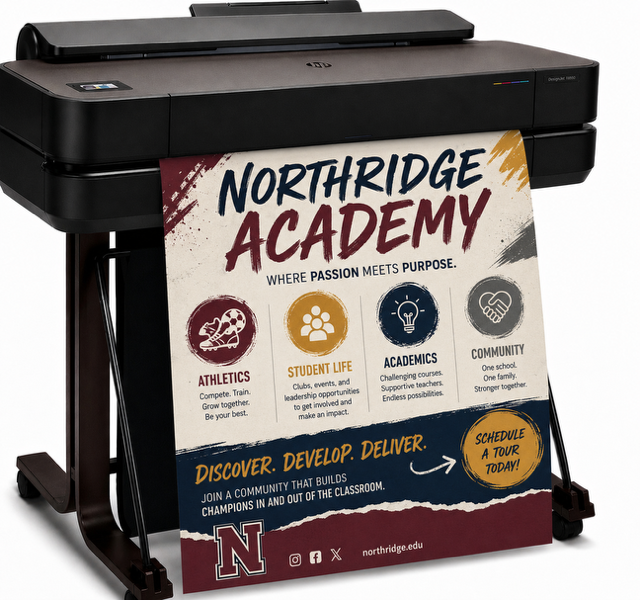
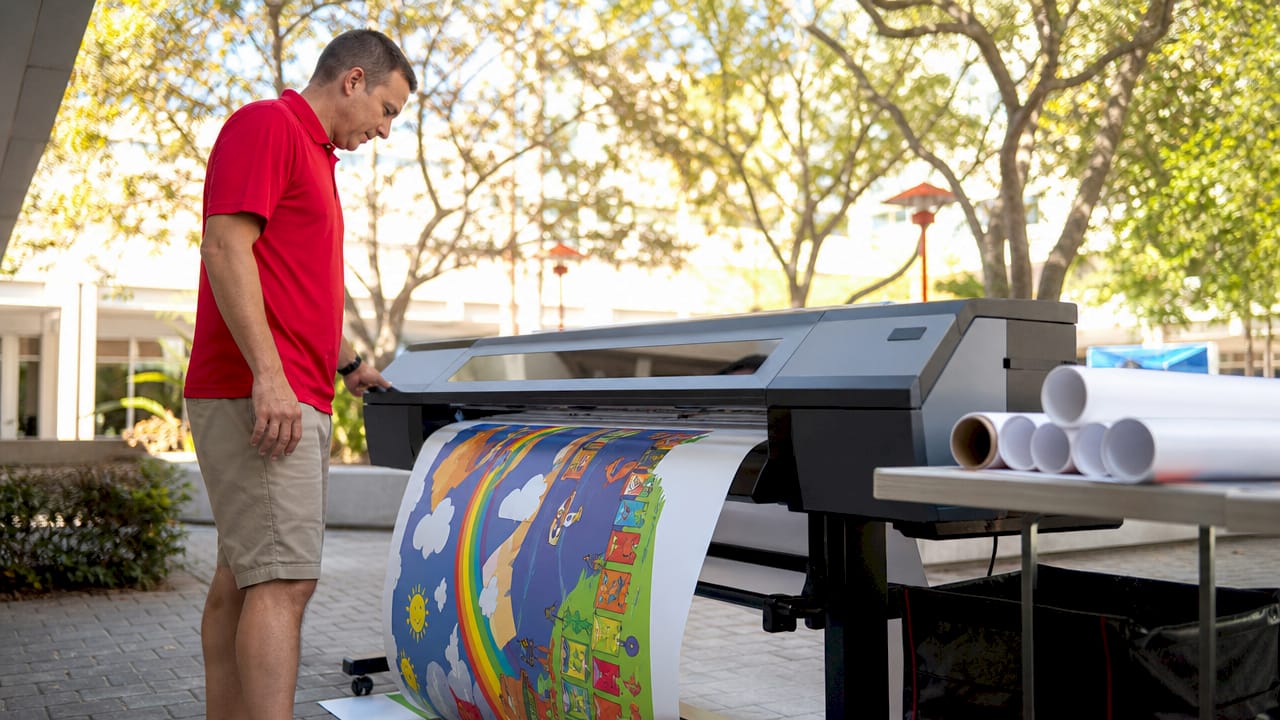
Whether you’re an educator, small business owner, or event coordinator, having a poster making machine can be a game-changer. From vibrant classroom displays to eye-catching retail signage, these machines make it easy to create professional-quality posters in minutes.
But before you click “buy,” let’s break down what actually matters when shopping for a poster making machine—and how to choose the best one for your needs.
“Our poster maker paid for itself in just two months. What used to take hours and outsourcing now takes 15 minutes and a few clicks.”
— Catherine M., Elementary School Principal
The right machine gives you:
Here’s a checklist of the most important features to compare when shopping:
| Model | Max Print Size | Print Type | DPI | Software Support | Price Range | Best For |
|---|---|---|---|---|---|---|
| Education Graphic Solutions | 24” wide | Inkjet | 1200 DPI | EGS Software | $$ | Schools, Offices |
| Canon imagePROGRAF TA-20 | 24” wide | Inkjet | 2400 DPI | Windows, macOS, Adobe | $$ | Graphic Designers |
| Brother MFC-J6945DW | 11” x 17” | Inkjet | 4800 DPI | Google Cloud Print, Wireless | $ | Home, Small Office |
| Epson SureColor T3170x | 24” wide | Inkjet | 2400 DPI | macOS, Windows, Mobile | $$$ | Architecture, Posters |
| PosterPrinter PP3600 (Thermal) | 36” wide | Thermal | Monochrome | USB, Proprietary Software | $$ | Government, Utilities |
Most inkjet poster making machines use standard ink cartridges, but high-volume models may need pigment-based or dye-based inks. Always check the paper compatibility—many use special coated rolls for best results.
Look for machines that support PDF, PNG, JPEG, and SVG. Advanced models may also support TIFF and vector files.
Inkjet models require regular ink replacement and occasional head cleaning. Thermal models are lower-maintenance but limited in color.
Pro tip: “Go for a model with self-cleaning print heads if you want to avoid downtime.”
— Luis T., Print Shop Owner
Many poster making machines now come with drag-and-drop software and wireless printing. Some even have touchscreen interfaces and cloud storage.
Ask yourself:
🧭 Which Poster Making Machine Is Right for You?
Not all poster making machines are built the same. Here’s a quick guide to help you choose based on your needs:
Top Pick: Education Graphics Poster Maker
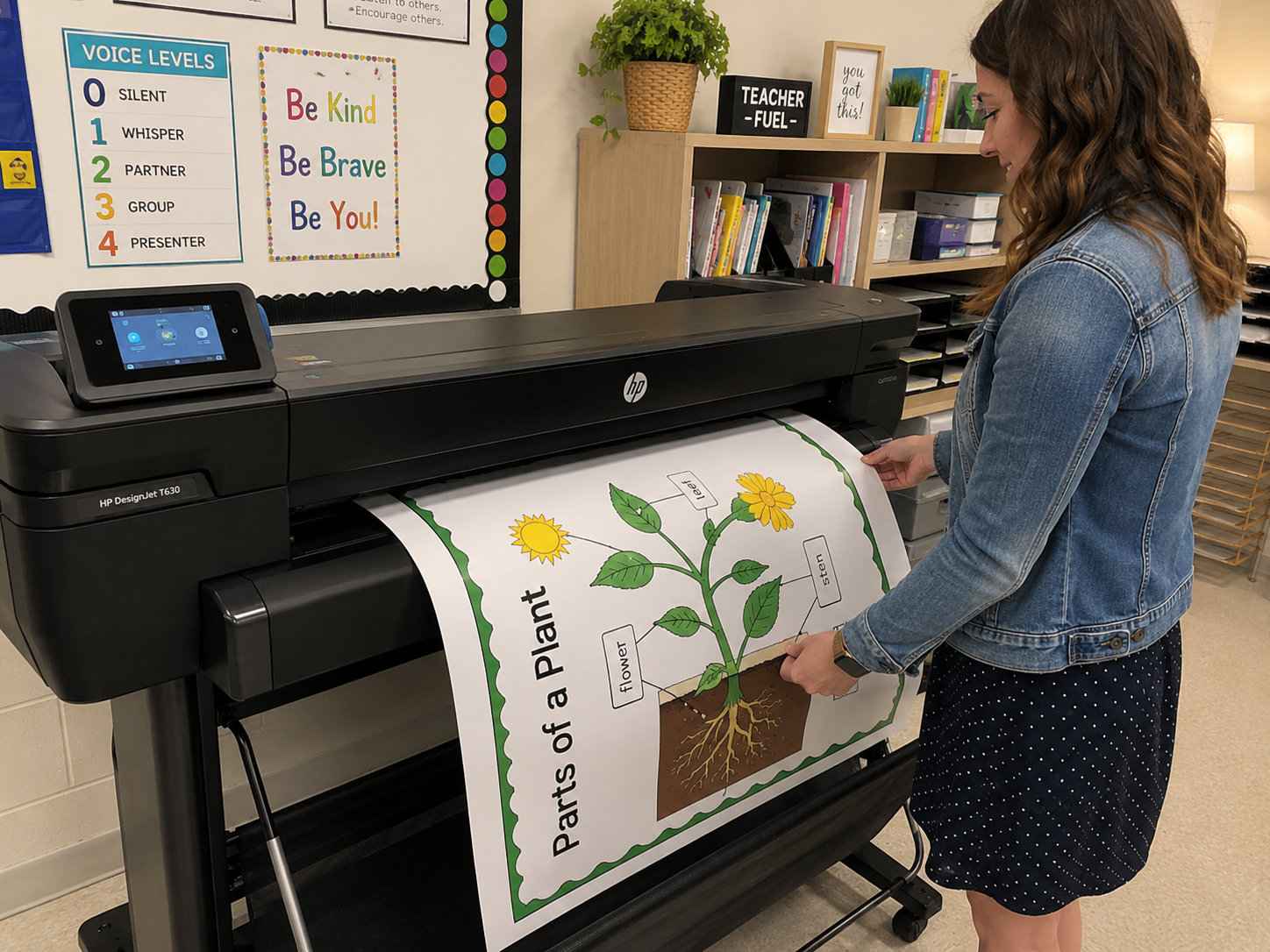
Perfect for creating classroom visuals, hallway displays, and event banners. These poster making machines come with education-focused templates, easy-to-use software, and reliable output.
“It’s made lesson planning and communication more visual and engaging.” – Principal J. Reynolds
Top Picks: Canon imagePROGRAF TA-20 or Epson SureColor T3170x
If precision, color accuracy, and high resolution are must-haves, these machines deliver pro-quality prints ideal for branding, advertising, and creative projects.
Top Pick: Brother MFC-J6945DW
Affordable and compact, this all-in-one inkjet printer handles poster-sized prints (up to 11×17″) and is great for light business needs or personal projects.
“It’s perfect for flyers, menus, and small event signage on a budget.” – Andrea L., Home Business Owner
Leave a comment below or reach out for a custom recommendation based on your specific needs. Want to see these in action? We’re working on a full video breakdown of the top models—stay tuned! Don’t forget to use Canva for those amazing poster designs.