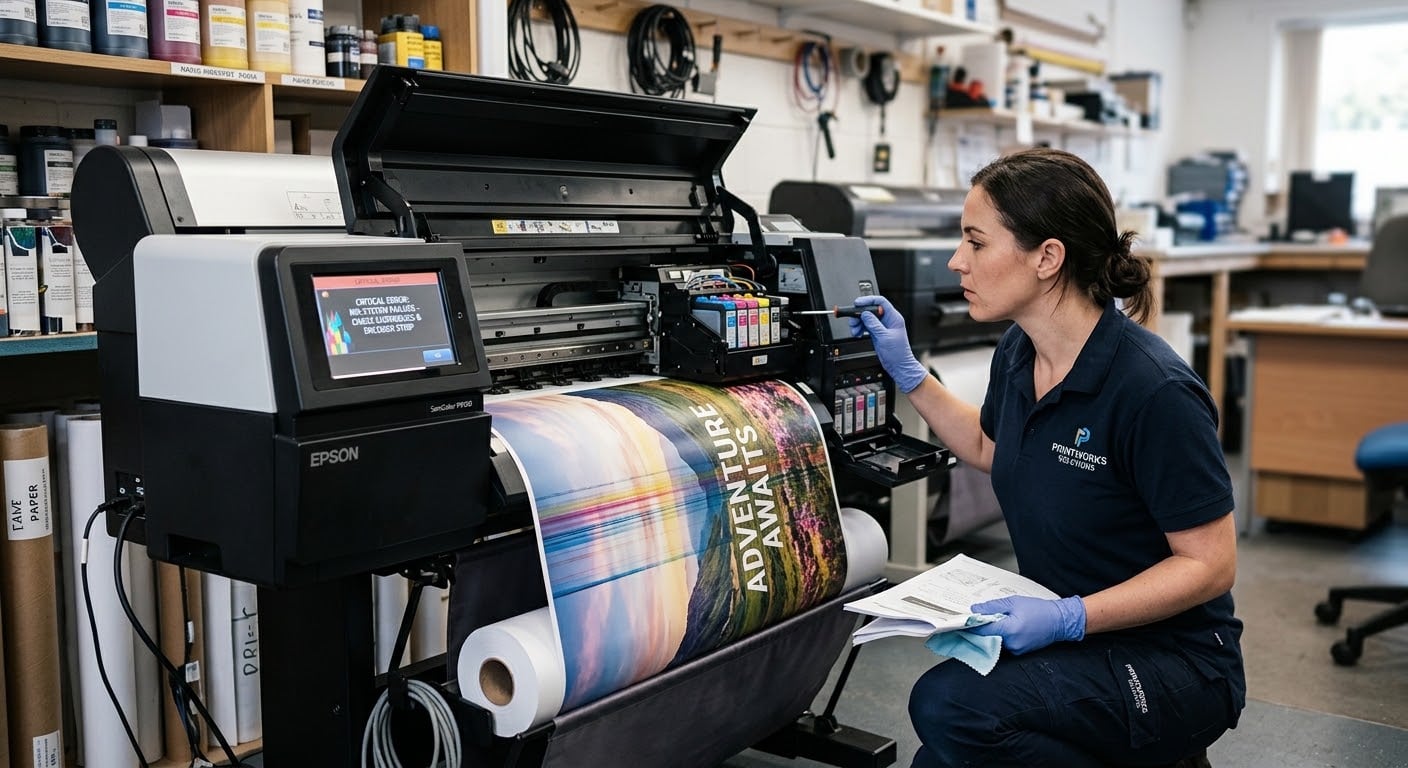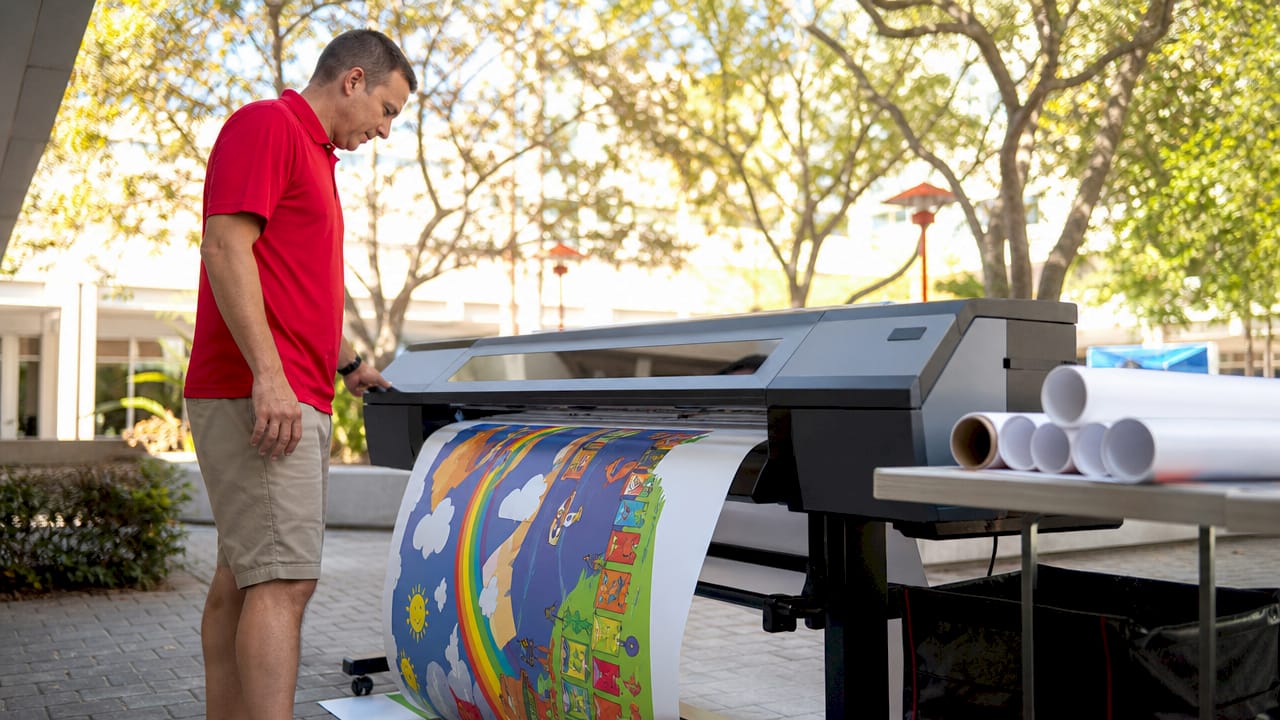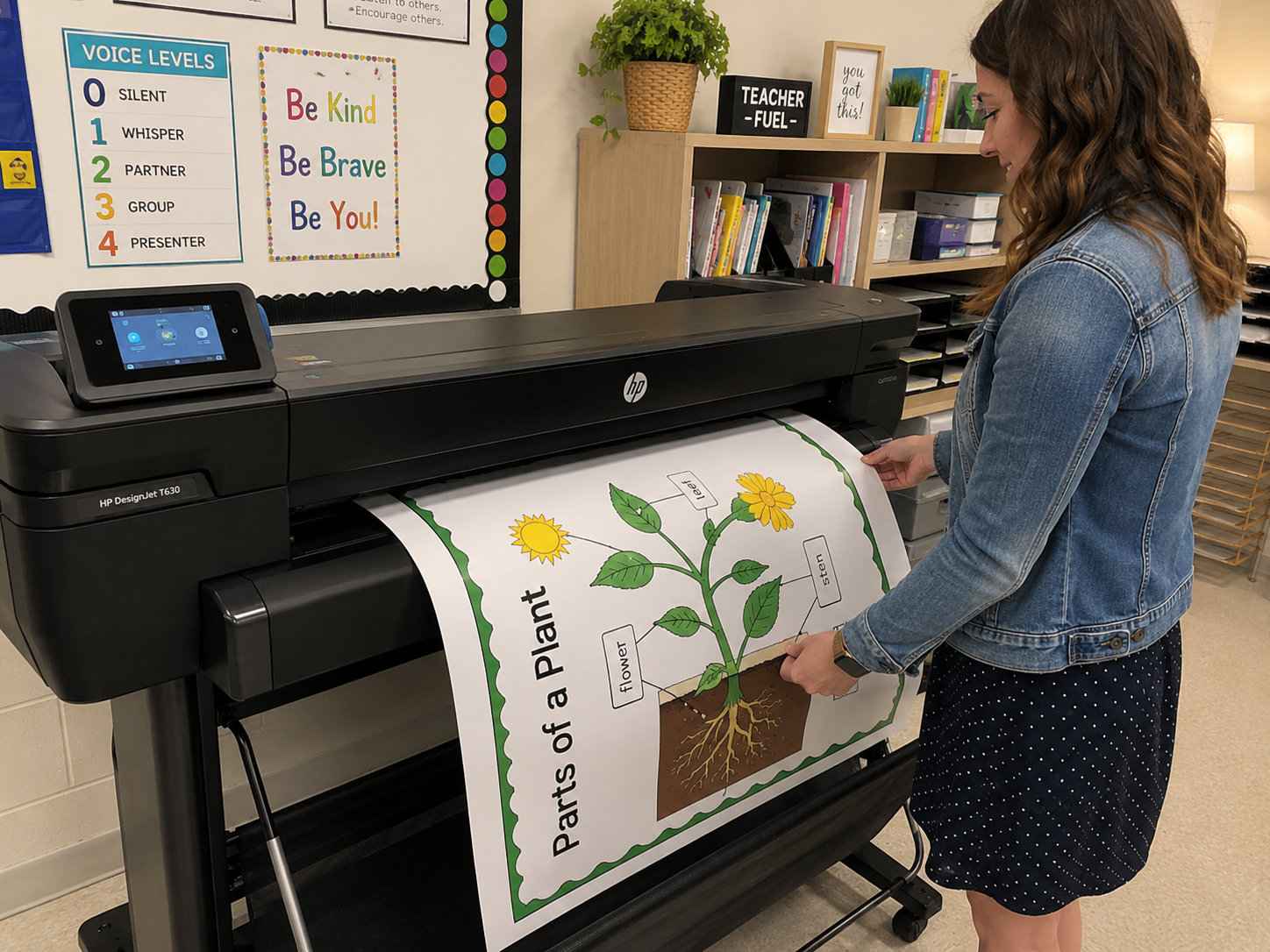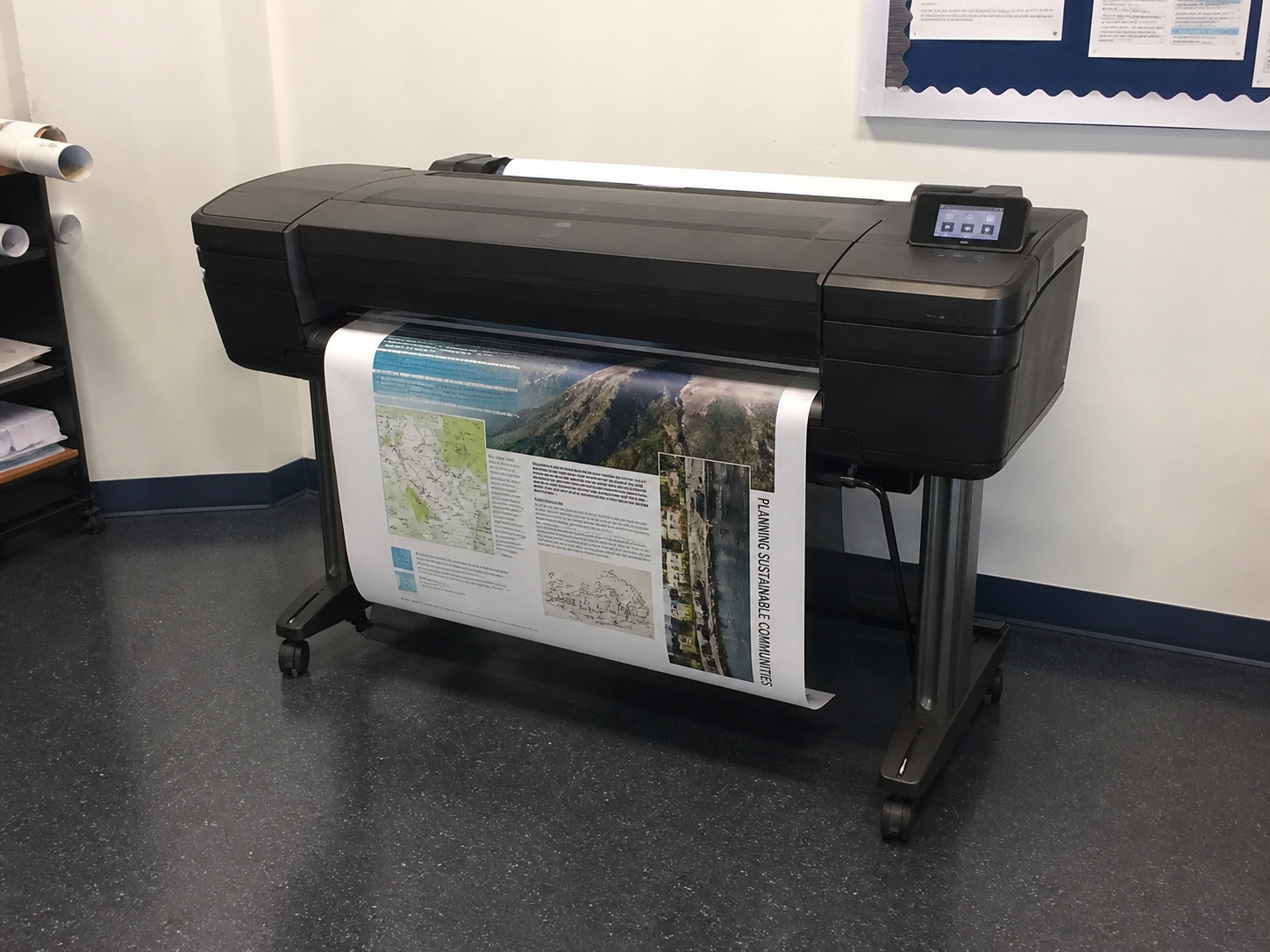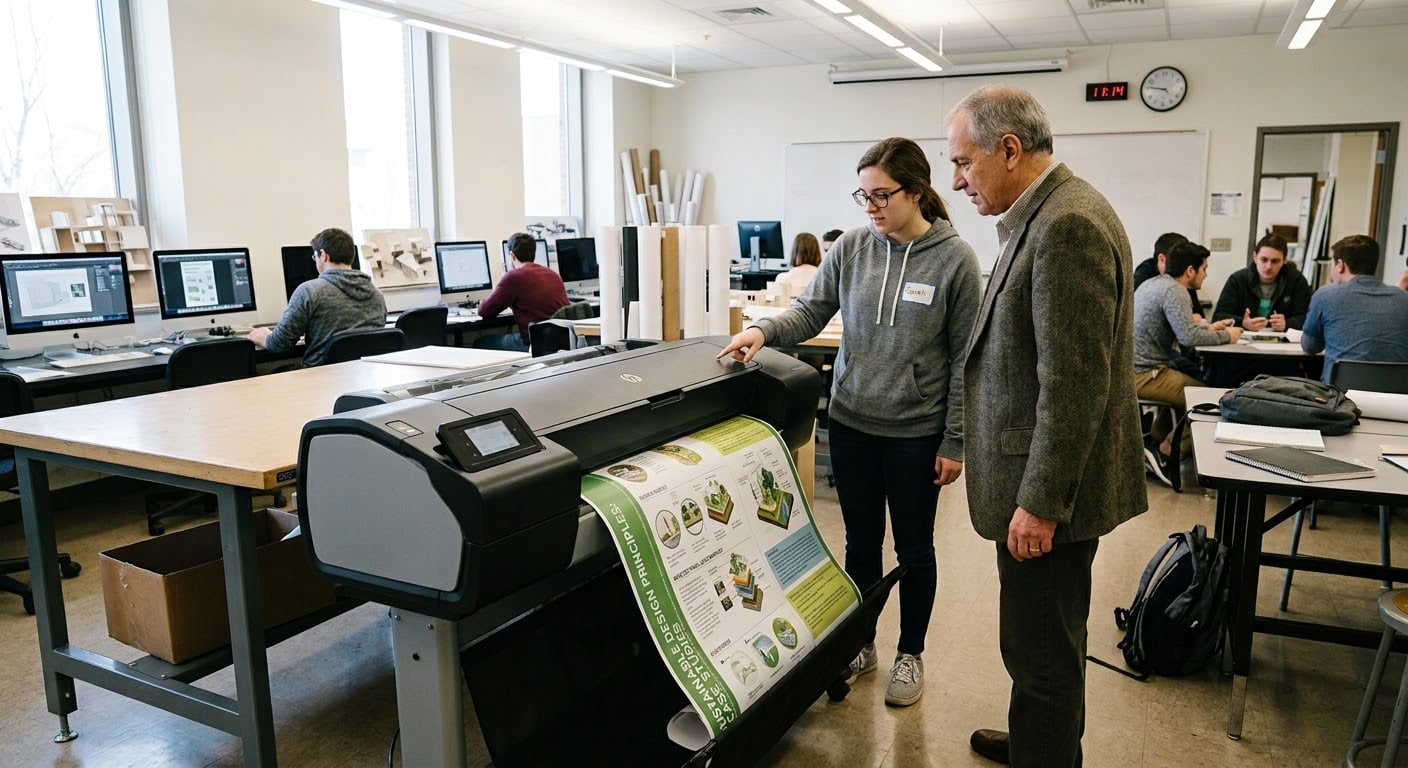

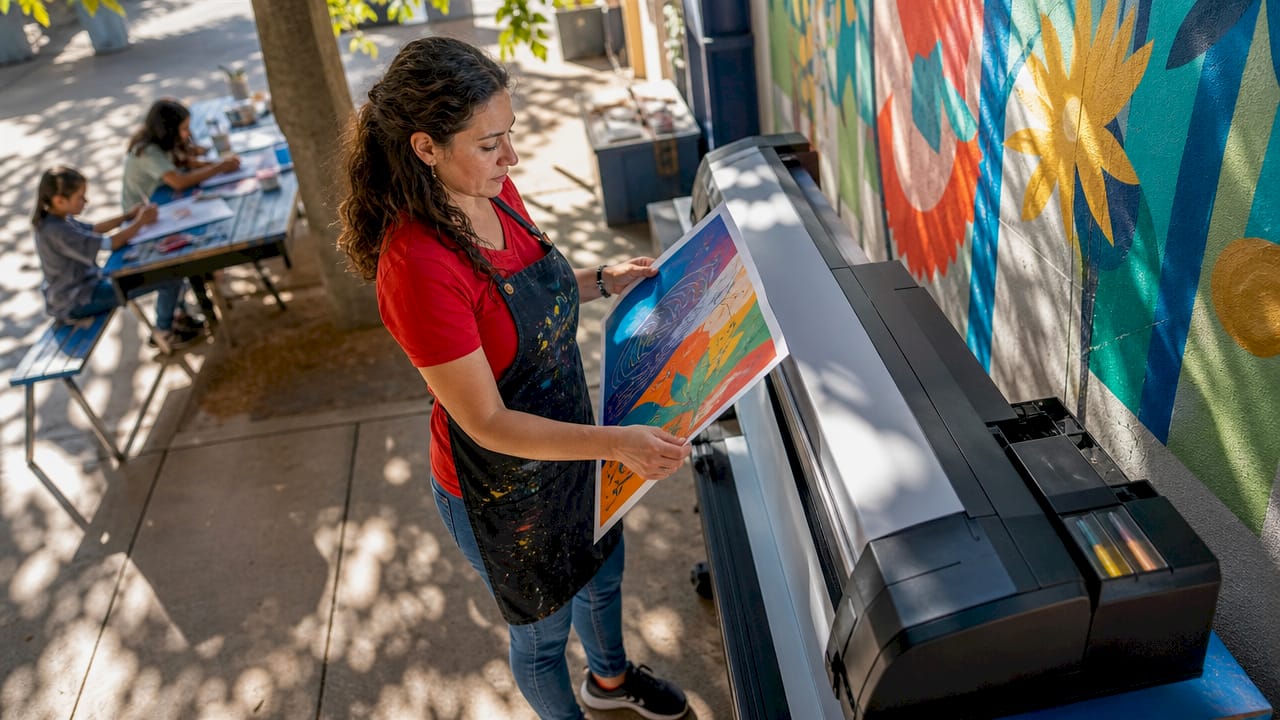
Wide format printing lesson plan materials are large-scale printed visuals, posters, and displays produced on printers that output between 18 and 126 inches wide, designed specifically to support classroom instruction and student engagement. Schools that bring this capability in-house with equipment from brands like Education Graphic Solutions gain the ability to produce professional-quality educational materials on demand, without waiting on outside vendors. The result is a classroom where every wall, hallway, and learning station can carry curriculum-aligned content that speaks directly to visual and kinesthetic learners. This guide covers everything K-12 educators and administrators need to know, from file preparation to finishing, to make wide format printers a practical part of your school’s teaching toolkit.
Wide format printing, also called large format printing, is defined as any print process using roll-fed or flatbed printers that produce output 18 to 126 inches wide. That size range makes it the right tool for classroom posters, hallway murals, science fair backdrops, and curriculum anchor charts that standard desktop printers simply cannot produce. The scale alone changes how students interact with content, turning a vocabulary list into a room-defining visual reference.
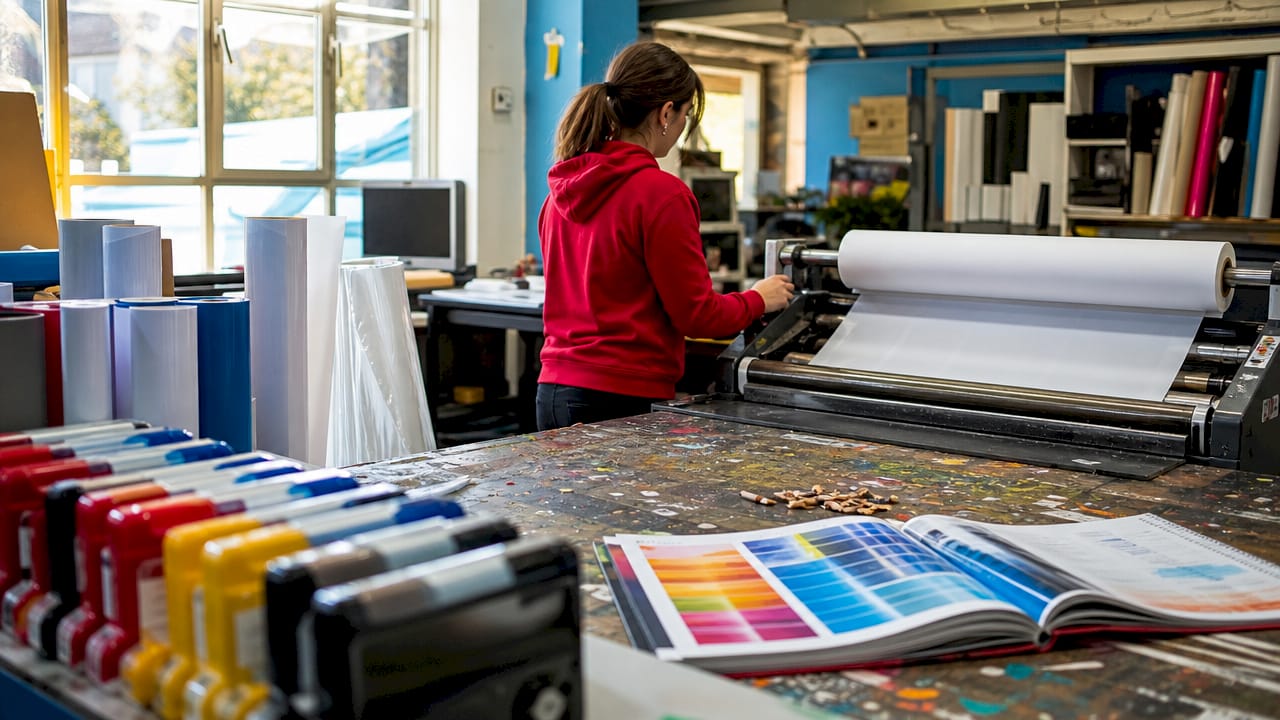
The materials these printers support go well beyond paper. Supported substrates include vinyl, canvas, foam board, mesh, fabric, and rigid boards, each suited to different classroom applications. Vinyl works well for reusable wall graphics. Foam board and rigid substrates are ideal for freestanding displays at science fairs or parent nights. Canvas adds a gallery-quality finish to student artwork reproductions or motivational displays.
Durability matters in a school setting where materials face daily handling, sunlight, and the occasional spilled water bottle. Cold lamination, which bonds a clear film using pressure rather than heat, protects finished prints without warping or discoloring heat-sensitive substrates. For schools printing on a regular basis, a cold laminator is as important as the printer itself.
Pro Tip: Start with poster paper and cold lamination before investing in specialty substrates. Most classroom applications are well served by this combination, and it keeps your supply costs predictable.
File preparation is where most classroom printing projects succeed or fail. Getting this right before you send a file to the printer saves time, materials, and budget.
| File setting | Recommended value | Why it matters |
|---|---|---|
| Resolution (close view) | 300 PPI | Keeps text and images sharp at 1 to 3 feet |
| Resolution (far view) | 100 to 150 PPI | Sufficient for displays viewed at 3 to 6 feet |
| Bleed | 0.125 inches | Prevents white borders after trimming |
| Safe zone | 0.25 inches inside trim | Protects critical content from being cut |
| Color mode | CMYK | Matches screen colors to printed output |
| Export format | PDF/X | Embeds fonts and locks in print settings |
Pro Tip: Design your poster at actual print size from the start. Scaling up a small file at the end is the fastest way to introduce blur and pixelation into an otherwise well-prepared design.
Selecting the right printer and supplies is a decision that affects every print run for years. The table below compares the key factors schools should evaluate.
| Factor | Entry-level option | School-grade option |
|---|---|---|
| Print width | 24 inches | 36 to 44 inches |
| Ink type | Dye-based | Pigment-based |
| Media compatibility | Poster paper only | Paper, vinyl, canvas, foam board |
| Laminator type | None included | Cold laminator bundled |
| Cost per print | Higher per unit | Lower at volume |
| Durability of output | Moderate | High with lamination |
Pigment-based ink is the right choice for schools. It resists fading under classroom lighting and UV exposure far better than dye-based alternatives, which means your anchor charts and reading walls stay vibrant through an entire school year. Epson’s SureColor series and Canon’s imagePROGRAF line are the most widely used in K-12 settings because both offer pigment ink, wide media compatibility, and reliable driver support.
Beyond the printer itself, a cold laminator is the supply that most schools underestimate. Cold lamination protects prints without heat damage, which matters when you are finishing vinyl or foam board substrates that would warp under a hot roller. Pair the laminator with a rotary trimmer, mounting adhesive, and a media roll storage rack, and you have a complete in-house print production station.
Design software rounds out the supply list. Adobe Illustrator and Canva for Education both support large format file creation. Canva for Education is free for verified teachers and works well for educators who are not professional designers but still need clean, curriculum-aligned layouts.
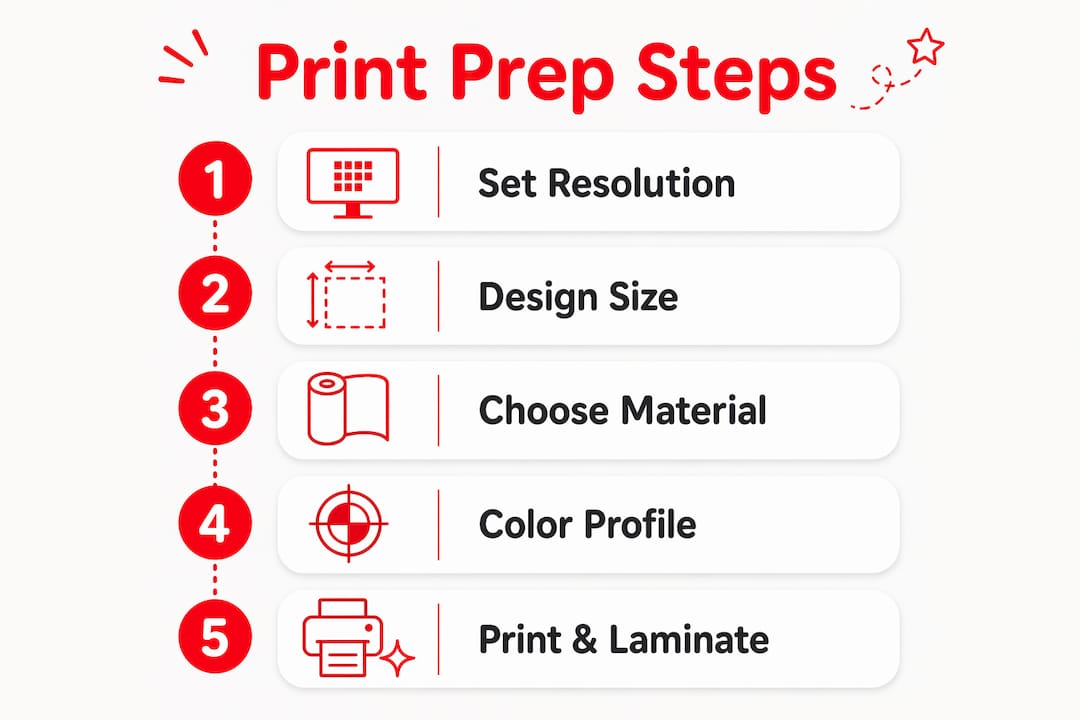
A clear workflow prevents wasted materials and reprints. Follow these steps to move from concept to finished classroom display.
Common mistakes to avoid:
Pro Tip: Build a one-page print checklist that every staff member uses before sending a file. Resolution, color mode, bleed, and export format take less than two minutes to verify and prevent the majority of reprints.
Wide format printing lesson plan materials succeed when educators combine correct file preparation, appropriate media selection, and cold lamination finishing into a repeatable in-house workflow.
| Point | Details |
|---|---|
| Resolution matches viewing distance | Use 300 PPI for posters near student desks and 100 to 150 PPI for back-wall displays. |
| CMYK and bleed prevent reprints | Convert files to CMYK and add 0.125 inches of bleed before every print job. |
| Pigment ink outlasts dye-based ink | Pigment-based printers like Epson SureColor keep classroom displays vibrant all year. |
| Cold lamination protects all substrates | Pressure-sensitive lamination finishes prints on vinyl, canvas, and foam board without heat damage. |
| A print checklist saves materials | A two-minute file review before every print run eliminates the most common and costly errors. |
I have spent years watching schools invest in digital displays, projectors, and interactive whiteboards, and then leave their walls completely blank. That gap always struck me as a missed opportunity. A well-placed, curriculum-aligned poster does something a screen cannot: it stays visible all day, every day, without requiring a login or a power cable.
What I have found is that the schools getting the most value from wide format printing are not the ones with the biggest budgets. They are the ones with a clear workflow and a staff that knows how to prepare files correctly. The technical side is genuinely not complicated once you understand that resolution is about viewing distance, not a fixed number, and that CMYK plus bleed covers most of what can go wrong before a file reaches the printer.
The honest challenge is training. Most educators are not designers, and asking a third-grade teacher to manage a print production workflow on top of lesson planning is unrealistic without support. The schools that succeed build a small internal team, often one or two staff members who become the go-to print coordinators, and create a simple request process for everyone else. That structure turns a wide format printer from a piece of equipment into a school-wide resource.
Balancing physical and digital materials is also worth thinking through carefully. Wide format prints work best for content that benefits from permanence and scale: vocabulary walls, math anchor charts, historical timelines, and science diagrams. Digital tools handle dynamic, frequently updated content better. Using each medium for what it does best is the approach I would recommend to any administrator evaluating how to allocate their instructional display budget.
http://schoolposterprinters.com equips K-12 schools with the wide format poster printers, cold laminators, and supplies needed to produce professional-quality educational materials entirely in-house. Every product in the Schoolposterprinters catalog is selected specifically for the K-12 market, which means you get hardware and media that match the demands of a school environment, not a commercial print shop. From classroom poster makers built for daily educational use to a full range of poster printer supplies including lamination film and poster paper, Schoolposterprinters makes it straightforward to turn your lesson plan ideas into large-scale visuals that engage students from the moment they walk through the door.
Wide format printing is a print process that produces output from 18 to 126 inches wide using roll-fed or flatbed printers. In K-12 settings, it is used to create classroom posters, curriculum displays, hallway murals, and science fair backdrops that standard desktop printers cannot produce.
Classroom posters require 150 to 300 PPI depending on viewing distance. Posters placed near student desks need up to 300 PPI for sharp text, while displays on back walls read clearly at 100 to 150 PPI.
Cold lamination uses a pressure-sensitive adhesive film rather than heat, which protects prints on vinyl, canvas, and foam board without warping or discoloring the substrate. It extends the life of classroom displays through an entire school year and beyond.
PDF/X is the recommended export format for wide format print files. It embeds fonts, preserves CMYK color profiles, and locks in bleed settings, which eliminates the most common causes of color shifts and reprints.
Lastly, Adobe Illustrator handles vector-heavy designs with precise typography and school logos. Canva for Education is free for verified teachers and provides an accessible, template-based option for educators who are not professional designers.