
DISCOUNTED EDUCATION PRICING! CALL 1-877-891-8411. We Gladly Accept School Purchase Orders!

In the last year, one of the most common creative questions people ask is: “Can ChatGPT create posters?”
And the answer isn’t a simple yes or no—because it depends on what kind of poster you want, how you define “create,” and what tools you pair ChatGPT with.
If you’re an educator trying to improve classroom visuals, a small-business owner needing promotional materials, or simply someone who loves creative projects, this guide breaks down exactly what ChatGPT can and cannot do, and how to make the most of it.
By the end of this post, you’ll know:
Let’s dive in.
Before answering the main question, it’s important to clarify what “create a poster” actually means.
There are three major components of poster creation:
This includes:
ChatGPT excels at this part. It can produce clean, formatted, compelling text tailored to grade level, tone, or purpose.
This includes:
ChatGPT is strong here too. It can’t visually layout a poster on its own (like Adobe Illustrator or Canva), but it can planlayouts and give you expert-quality design direction.
This includes:
ChatGPT can generate images through image-generation tools integrated into its system, but the quality and precision depend on the version you’re using and on the complexity of your request. Some models produce simple visuals; some generate polished, print-ready graphics.
If you need a physical printed poster, you’ll still need:
But each method varies in capability:
You can ask ChatGPT for:
Example prompt:
“ChatGPT, create a bright, student-friendly layout for a ‘Growth Mindset’ classroom poster using teal, yellow, and clean sans-serif fonts.”
You’ll instantly get a structured plan you can transfer into Canva or your poster design software.
This is where ChatGPT shines.
It can generate:
For teachers, this is a breakthrough. You no longer need hours to wordsmith educational content—ChatGPT does it instantly.
If your version of ChatGPT includes image generation, you can say:
“Create an illustrated poster showing the water cycle, designed for 4th graders. Include simple labels, arrows, and friendly colors.”
You’ll get a poster-style visual that you can refine or print.
It won’t always be as precise as software like Illustrator, but it’s incredible for quick concepts, drafts, or even finished classroom visuals.
Depending on your ChatGPT tools (for example, when paired with file generator plugins), ChatGPT can produce:
ChatGPT becomes the designer and the prepress assistant.
If you need:
—you’ll still need design software like Canva, Adobe Illustrator, Figma, or Microsoft Publisher.
For scientific, medical, or technical posters, always double-check accuracy.
The model can describe the layout but can’t visually manipulate shapes and text like a full design program.
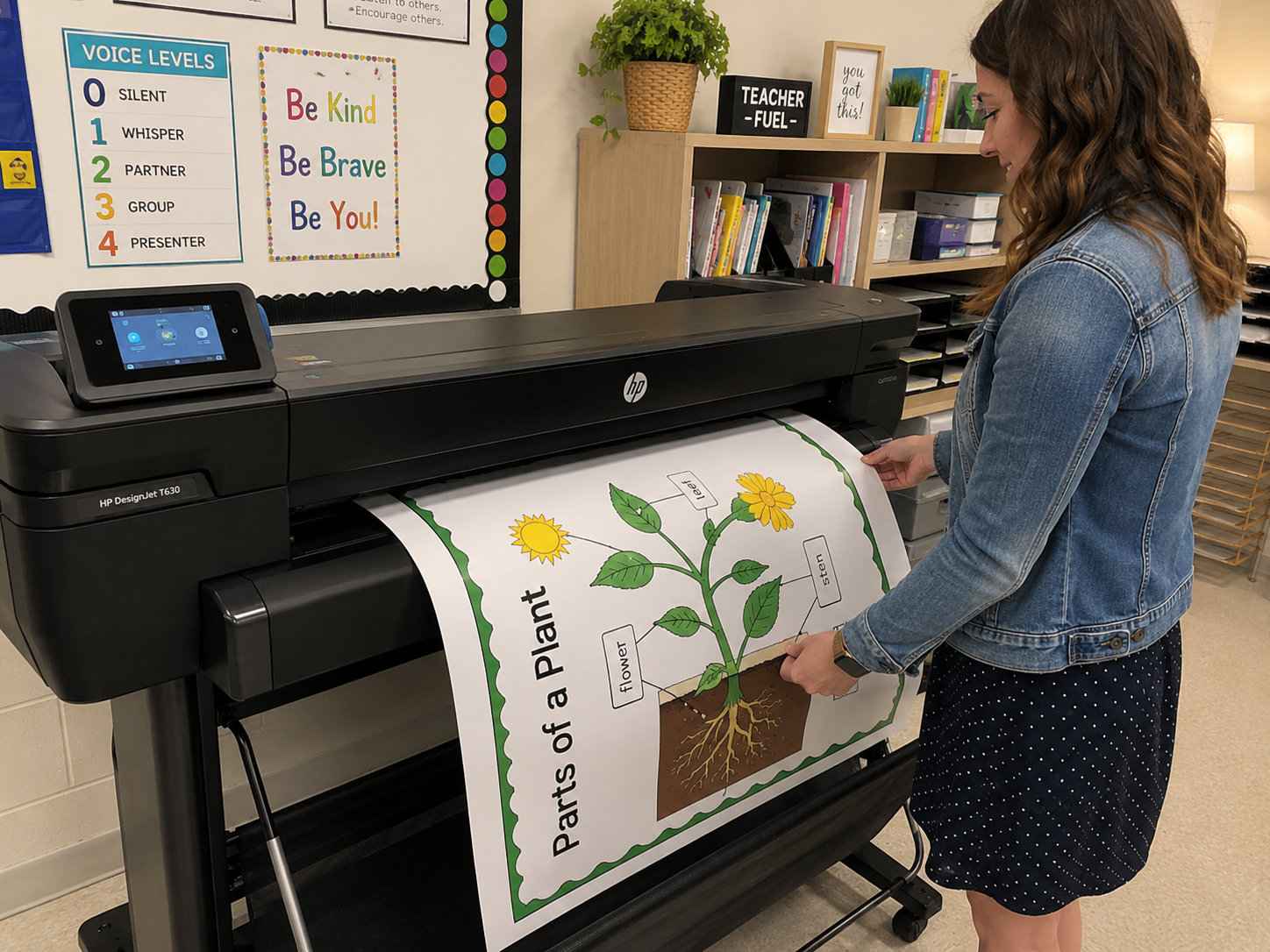
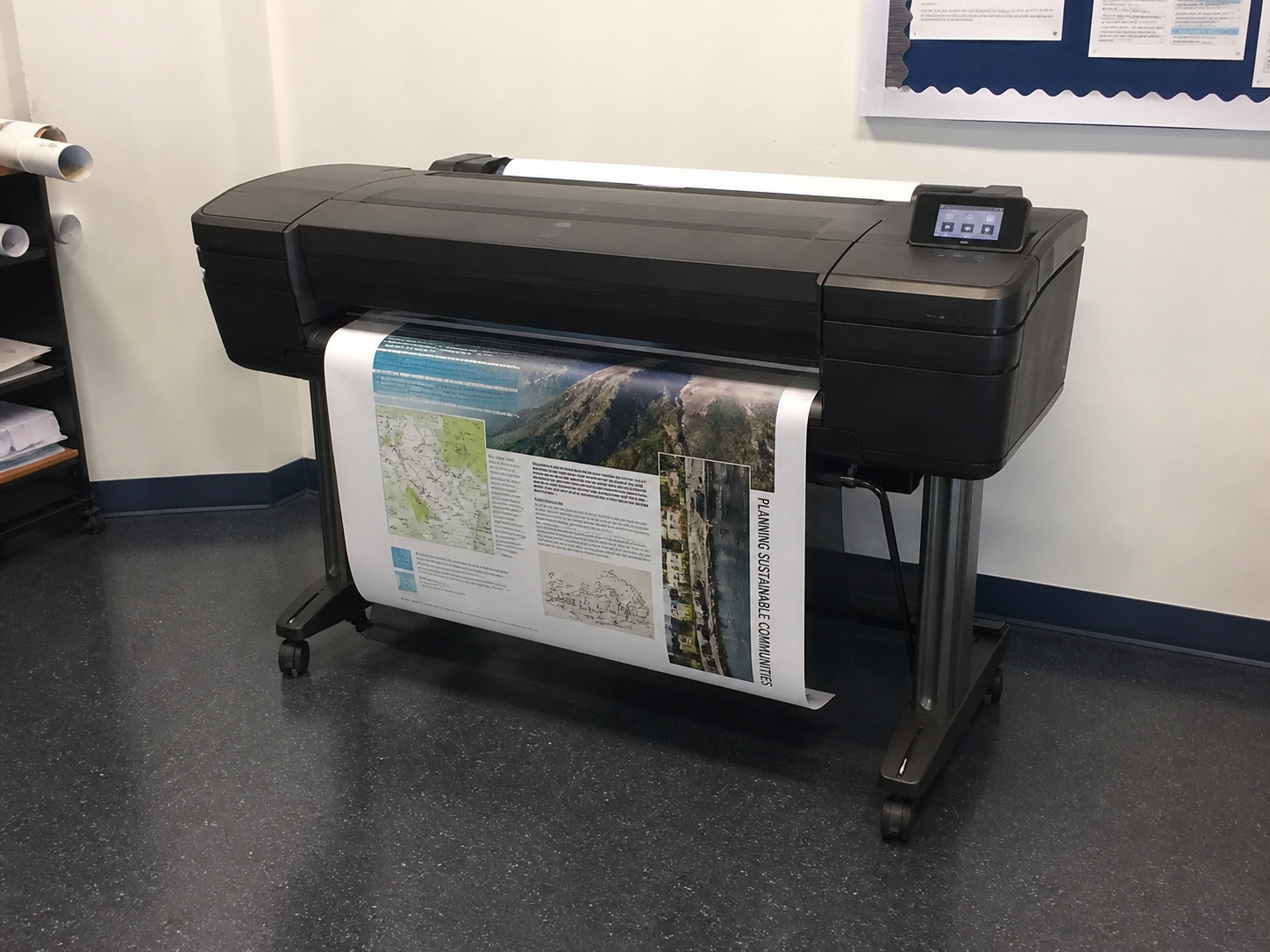
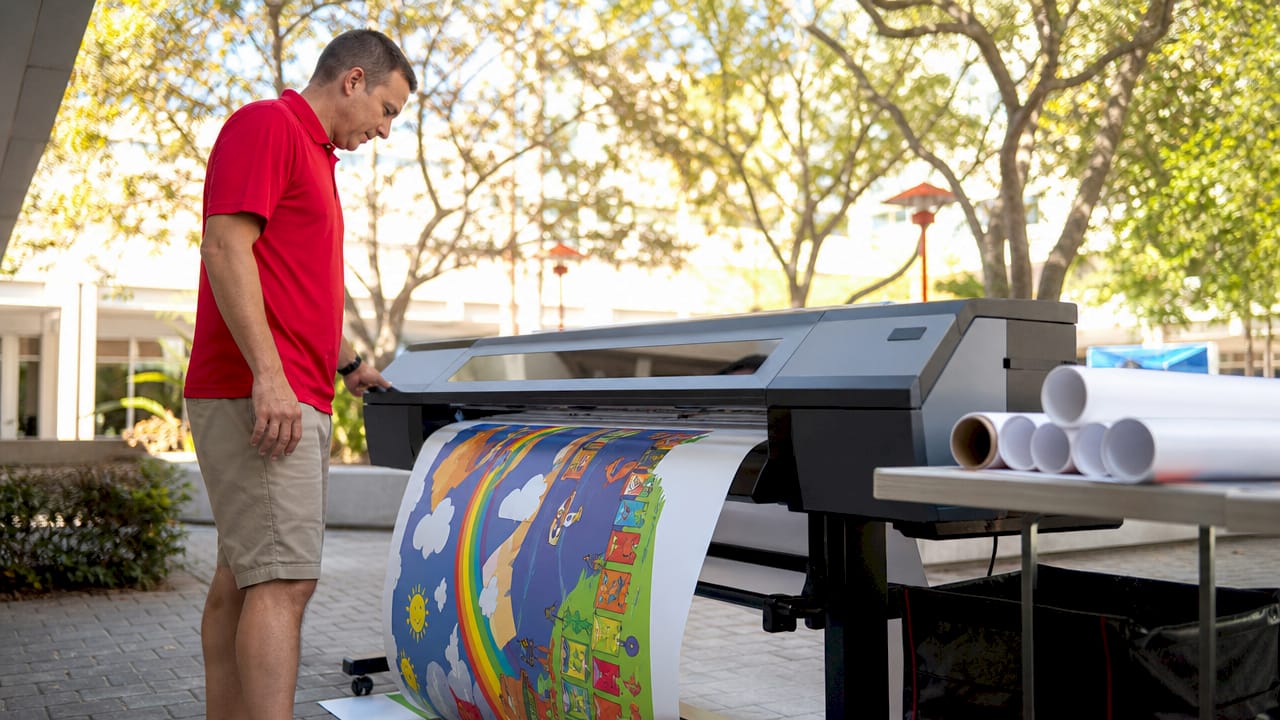
Once your poster is created digitally, schools still need a physical printer—and again, the Education Graphics Poster Maker from Education Graphic Solutions remains the gold standard for school poster printing.
The strongest workflow today is:
This knocks out 70% of the time normally spent on poster design.
You paste the ChatGPT-generated sections into your design software.
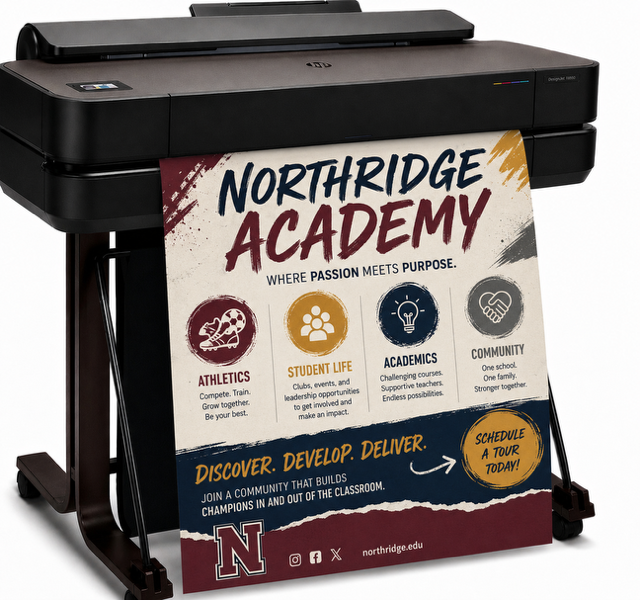
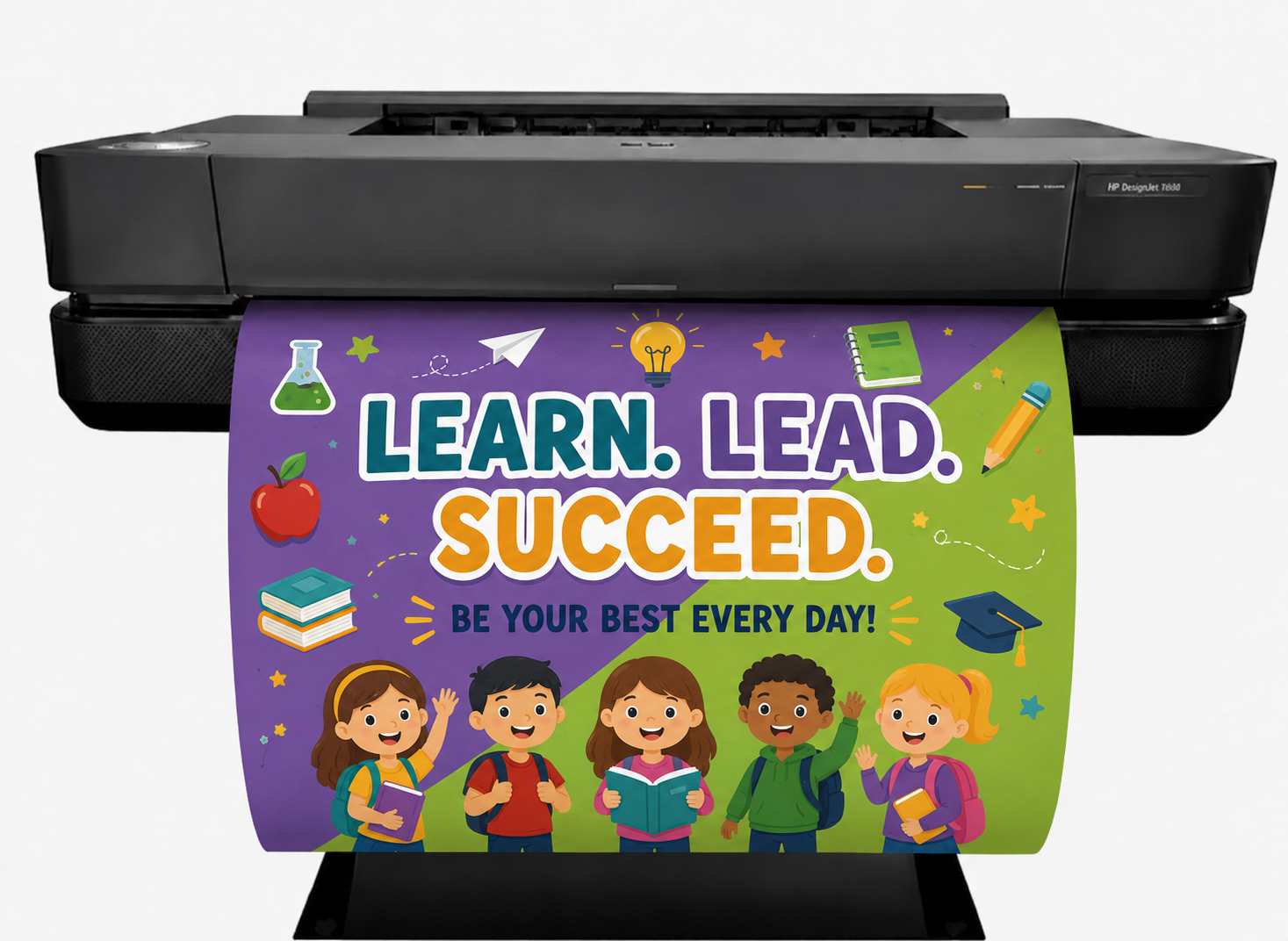
Schools using the Education Graphics Poster Maker routinely produce:
All created with ChatGPT text + their physical poster printer.
This is the future of educational design: AI-created visuals printed on demand for immediate classroom impact.
ChatGPT can write:
Teachers plug the text into Canva, print using their poster maker, and laminate for long-term use.
ChatGPT writes clean, concise versions of:
Educators love that ChatGPT can adjust the reading level automatically.
ChatGPT easily produces:
These are some of the most shared posters in schools.
This includes:
ChatGPT can generate multiple layout ideas instantly.
Here’s a real example of what ChatGPT can produce when asked for a poster for 5th-grade science.
Prompt:
“Create the complete text for a poster titled ‘The Water Cycle: Explained!’ Keep it fun and friendly for 5th graders.”
Possible Output:
Title: THE WATER CYCLE: EXPLAINED!
Subtitle: How Water Travels Around Our Planet
Section 1: Evaporation
Warmth from the sun turns liquid water into invisible vapor. It rises into the air—like magic, but science!
Section 2: Condensation
As water vapor cools, it sticks together and forms clouds. Think of it like tiny drops giving each other a hug.
Section 3: Precipitation
When clouds get too heavy, the water falls as rain, snow, sleet, or hail.
Section 4: Collection
Water lands in oceans, rivers, lakes, and puddles… and the whole cycle starts again.
Footer:
Water is always on the move—keep learning and keep exploring!
This is 100% ready to drop into Canva and print.
“Make a safety poster” is vague.
“Create a 24×36 safety poster for a school science lab with simple rules, bold phrases, and a friendly tone” works far better.
Ask:
“Give me five headline options.”
This speeds up your creative process.
ChatGPT can match themes like:
Paste your poster copy in and ask:
“Make this punchier and easier for middle-school students to understand.”
ChatGPT can outline spacing, section ordering, and visual hierarchy.
It can:
But it cannot:
For schools, the most powerful setup is:
ChatGPT creates the poster → you design in Canva → you print using the Education Graphics Poster Maker (the best poster maker for schools).
This combination gives educators an unmatched advantage in speed, creativity, and quality.