
DISCOUNTED EDUCATION PRICING! CALL 1-877-891-8411. We Gladly Accept School Purchase Orders!

A systematic approach teachers love
If you’ve ever stepped back in your classroom and thought, “Why does this feel so visually overwhelming?”, you’re not alone. Teachers spend countless hours printing, hanging, rearranging, and replacing posters—yet many classrooms still feel cluttered rather than clear.
The solution isn’t more posters.
The solution is a visual learning system—a structured way to use posters intentionally, strategically, and in a way that boosts retention, supports routines, and reduces cognitive overload for students.
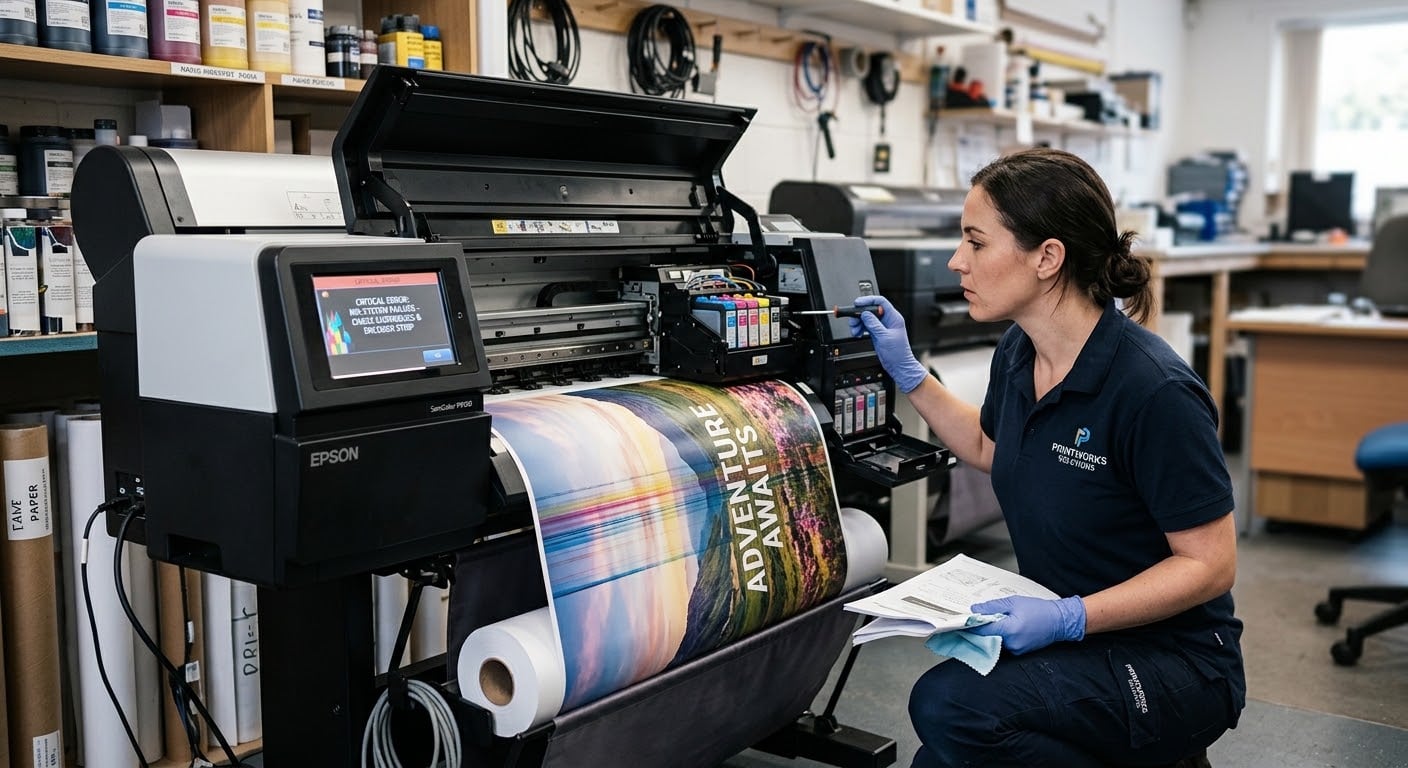
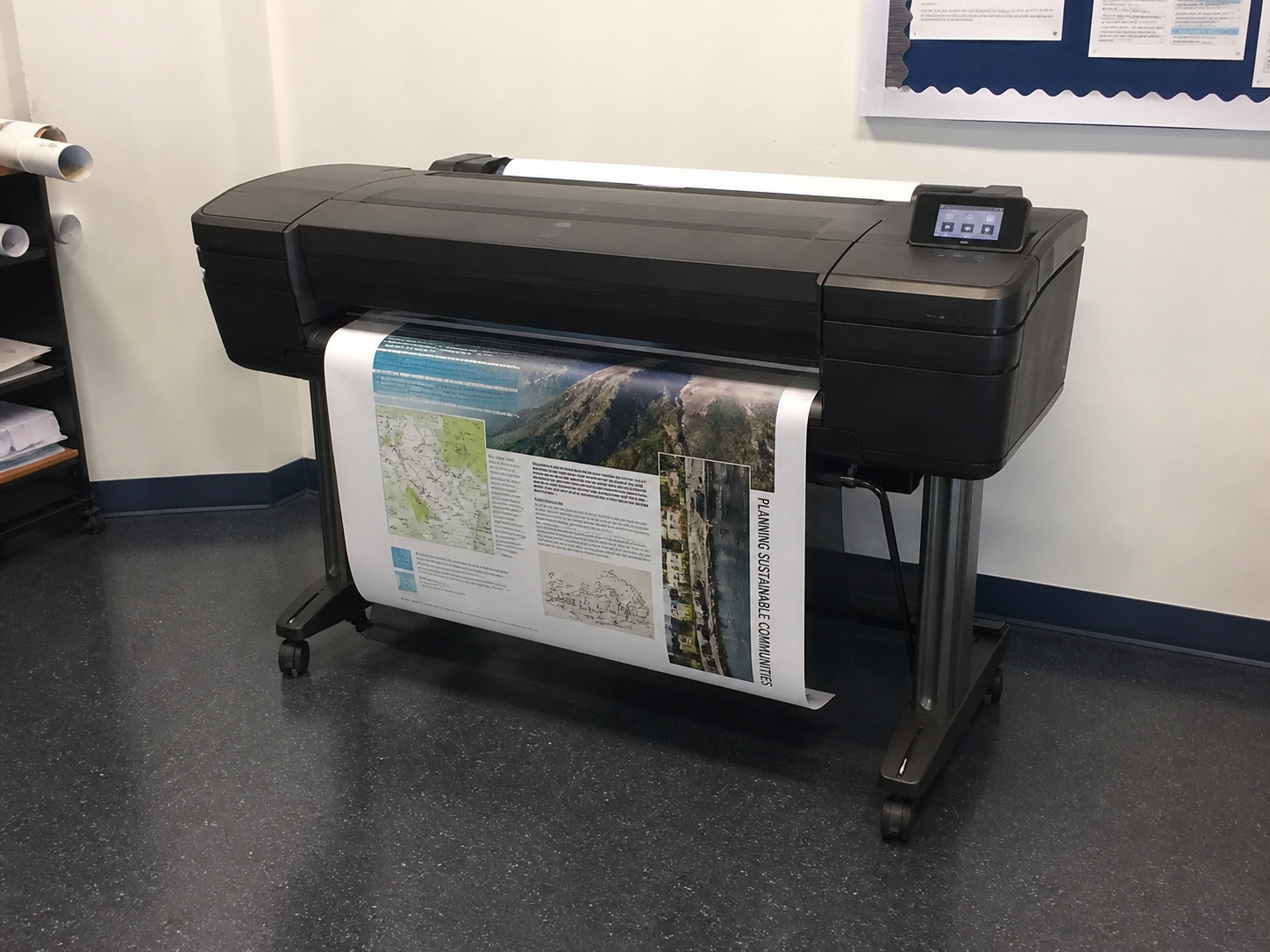
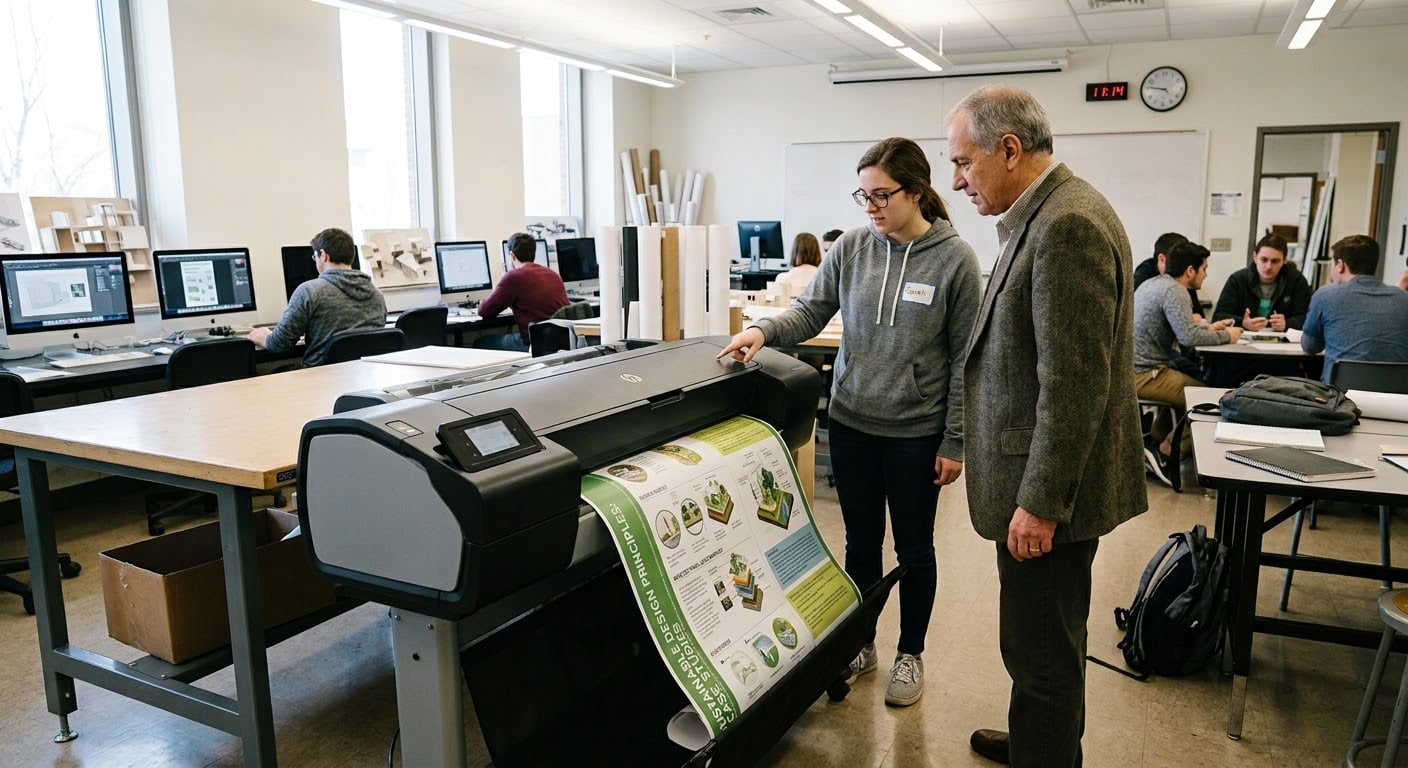
And yes… the right tools matter. Today, schools creating cohesive classroom visuals rely on a school poster maker printer or a dedicated poster machine for schools so teachers can design, print, update, and rotate visuals instantly.
So, how do you actually build a classroom that looks clean, purposeful, and instructionally powerful?
Let’s break it down.
A growing body of research shows that students learn better when information is presented visually and when the classroom environment is organized enough to reduce cognitive strain.
A strong visual learning system does three things:
Students know what to look at, what’s important, and what supports learning.
Color systems, headings, labeling, and layouts help students navigate content more independently.
Fewer posters—but more meaningful ones—lead to higher engagement and better retention.
This is why more teachers are adopting a “decluttered classroom” philosophy, where the goal is clarity, not decoration.
Most classrooms end up cluttered because posters arrive from everywhere:
None of these are bad individually—but together, they can become chaotic.
The key is to shift from collecting posters to designing a system.
And that begins with understanding the four pillars of a visual learning system.
Anchor charts are some of the most powerful teaching tools—when they’re done with clarity and purpose.
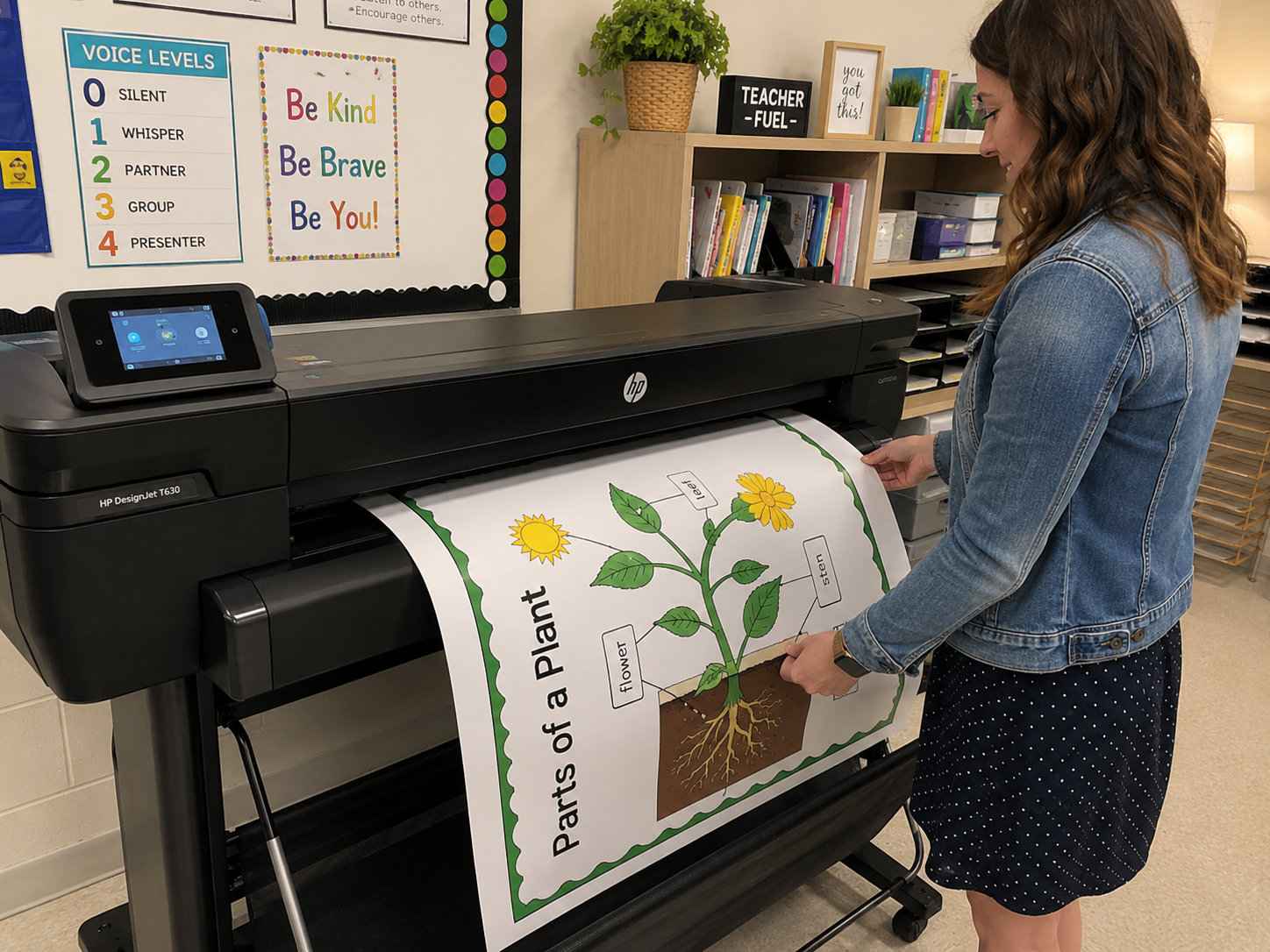
Teachers using a poster machine for schools often recreate anchor charts digitally so they last longer and stay crisp, readable, and clutter-free.
Printed anchor charts made with the Education Graphics Poster Maker also avoid the fading, curling, and smudging that happen with handwritten versions.
Process charts help students walk through steps independently:
These visuals free the teacher from repeating directions and allow students to take ownership.
This is an ideal use case for a school poster maker printer—quickly producing clean, simple, step-by-step visuals that don’t clutter the room or overwhelm students.
Word walls and vocabulary boards often become chaotic simply because they grow without structure.
To build a clear vocabulary system:
Teachers with access to a poster maker for schools can print vocabulary cards that match across subjects, sizes, and styles—creating a uniform, non-cluttered feel.
SEL visuals are essential—but they need to be purposeful.
Effective SEL posters include:
Too many SEL posters at once can feel noisy. Choose the ones your students use daily.
This is where an in-house poster machine for schools saves the day:
You can print smaller SEL visuals for student desks or binders instead of plastering everything on the wall.
Start with a blank slate. Strip your walls down to the core.
Most classrooms need only 4–6 poster zones:
Use consistent:
This is where a school poster maker printer is invaluable—you can create sets that look intentional.
A visual system should evolve with learning. The best classrooms aren’t full—they’re current.
Whitespace is not wasted space.
It is breathing room for information.
The goal is not a full wall—it is an understandable wall.
Most clutter comes from relying on:
Schools that use an in-house poster machine for schools can:
And if you’re looking for the best tool to build that system, there is a clear winner:
It prints clean, durable, consistent classroom visuals that make your walls look coordinated—not cluttered.
One of the most overlooked advantages of a well-designed visual learning system is its impact on classroom management. When students can quickly reference a process chart, vocabulary wall, or SEL reminder without asking the teacher for help, disruptions decrease and independence increases. Clear visuals function like an extra set of hands—quietly guiding students back on track. Teachers using a school poster maker printer often report fewer repeated questions, smoother transitions, and more time spent on instruction rather than redirecting behavior. With visuals that are clean, consistent, and printed on demand using the best poster printer machine for schools, the entire classroom environment becomes calmer, more focused, and more efficient.
When your posters work as a system—not as scattered decorations—students feel calmer, more capable, and more aware of what matters.
A decluttered classroom is not a minimalist trend.
It’s an instructional strategy.
And with the right tools—especially a reliable, easy-to-use school poster maker printer—your classroom can shift from chaotic to clear in a matter of days.