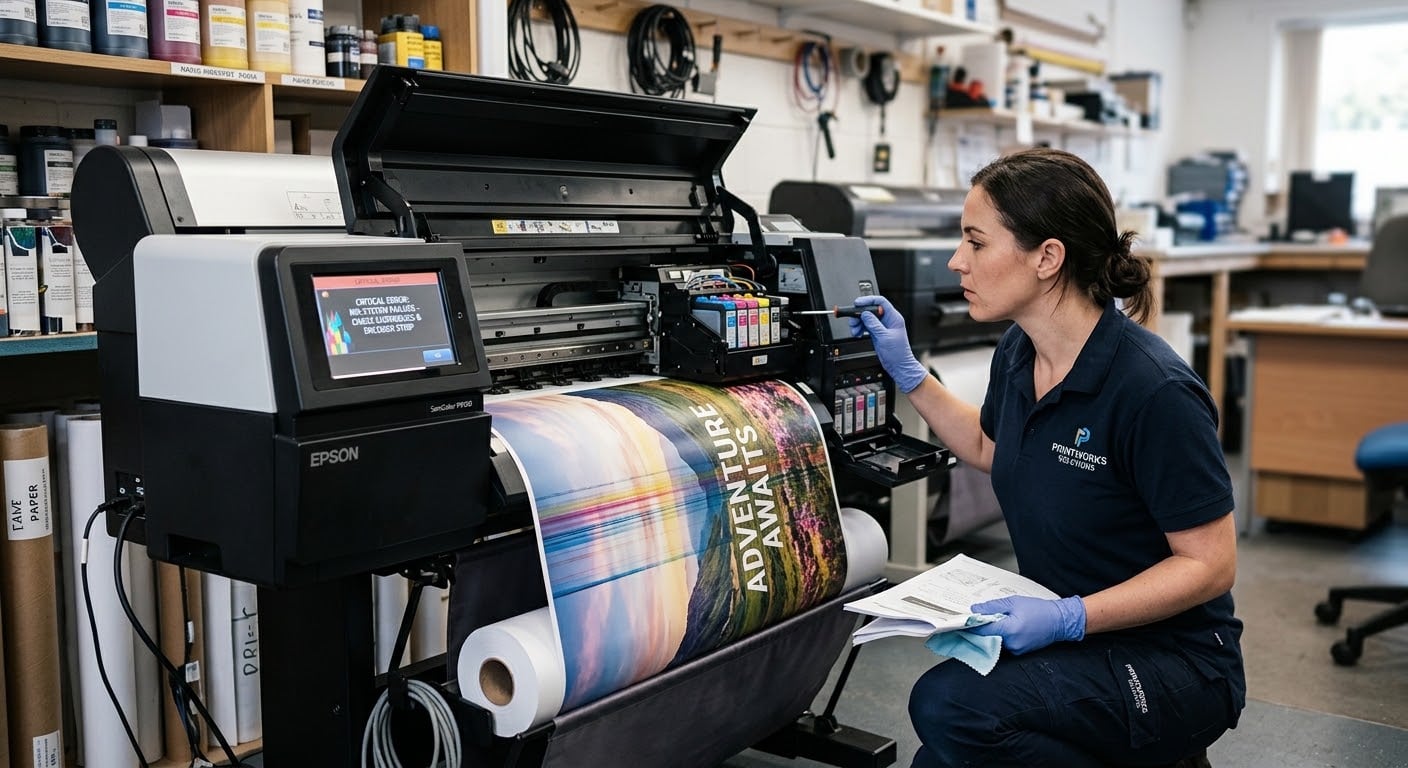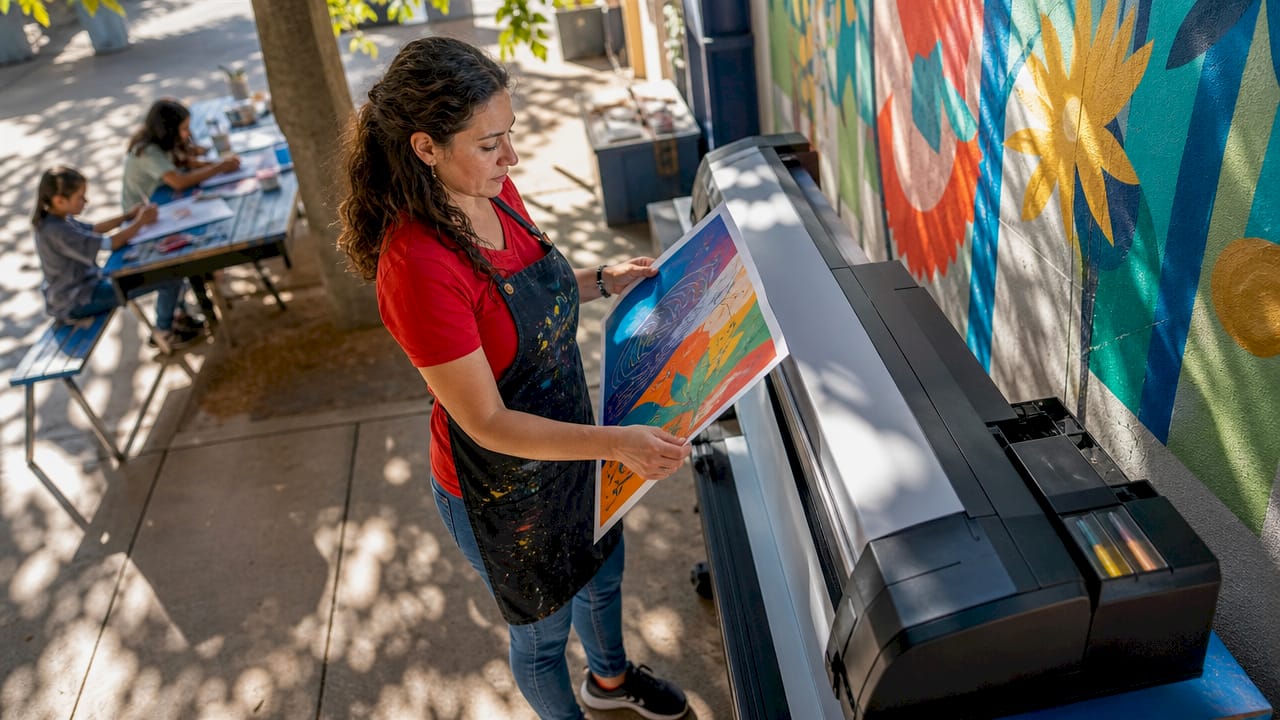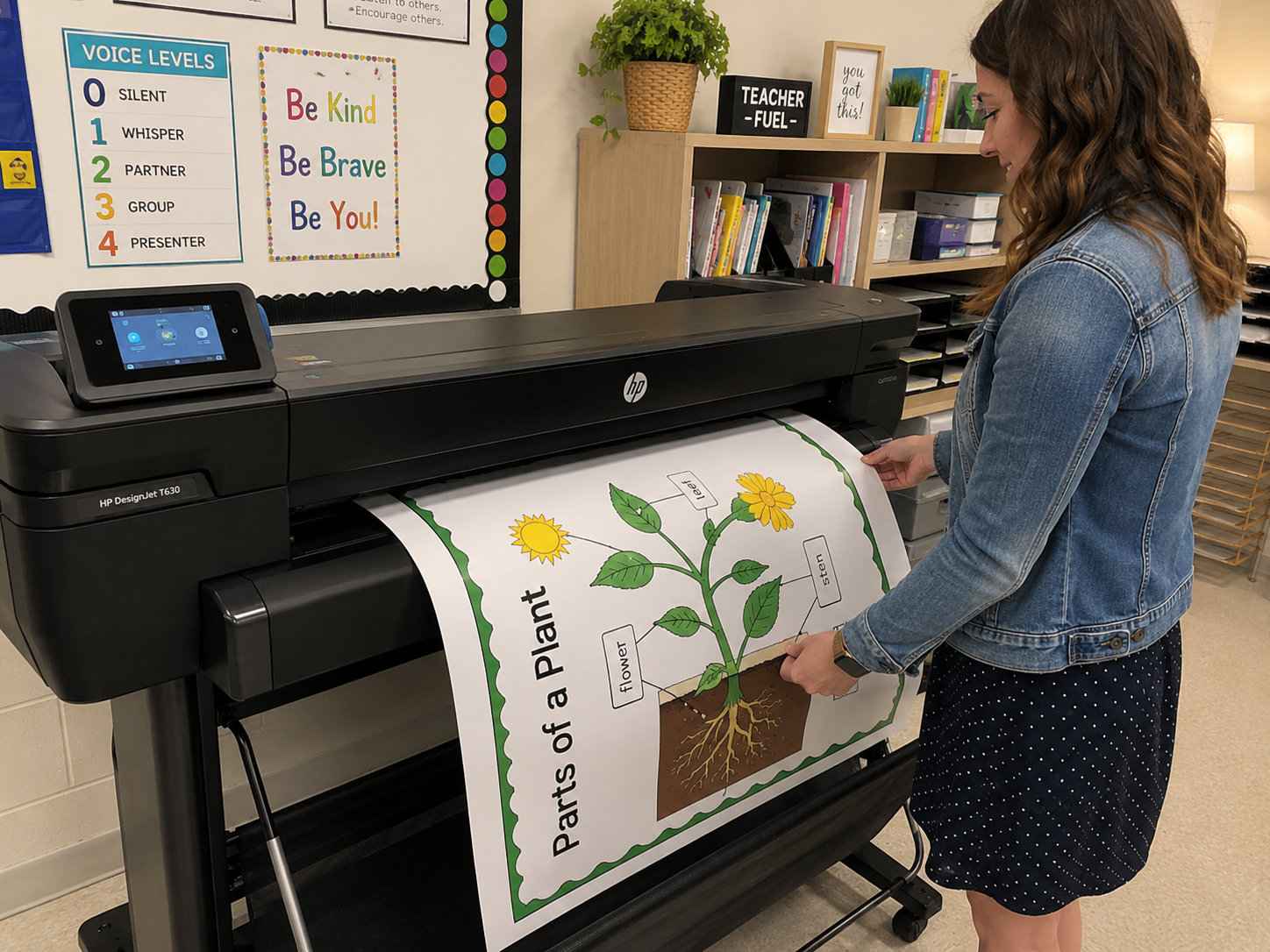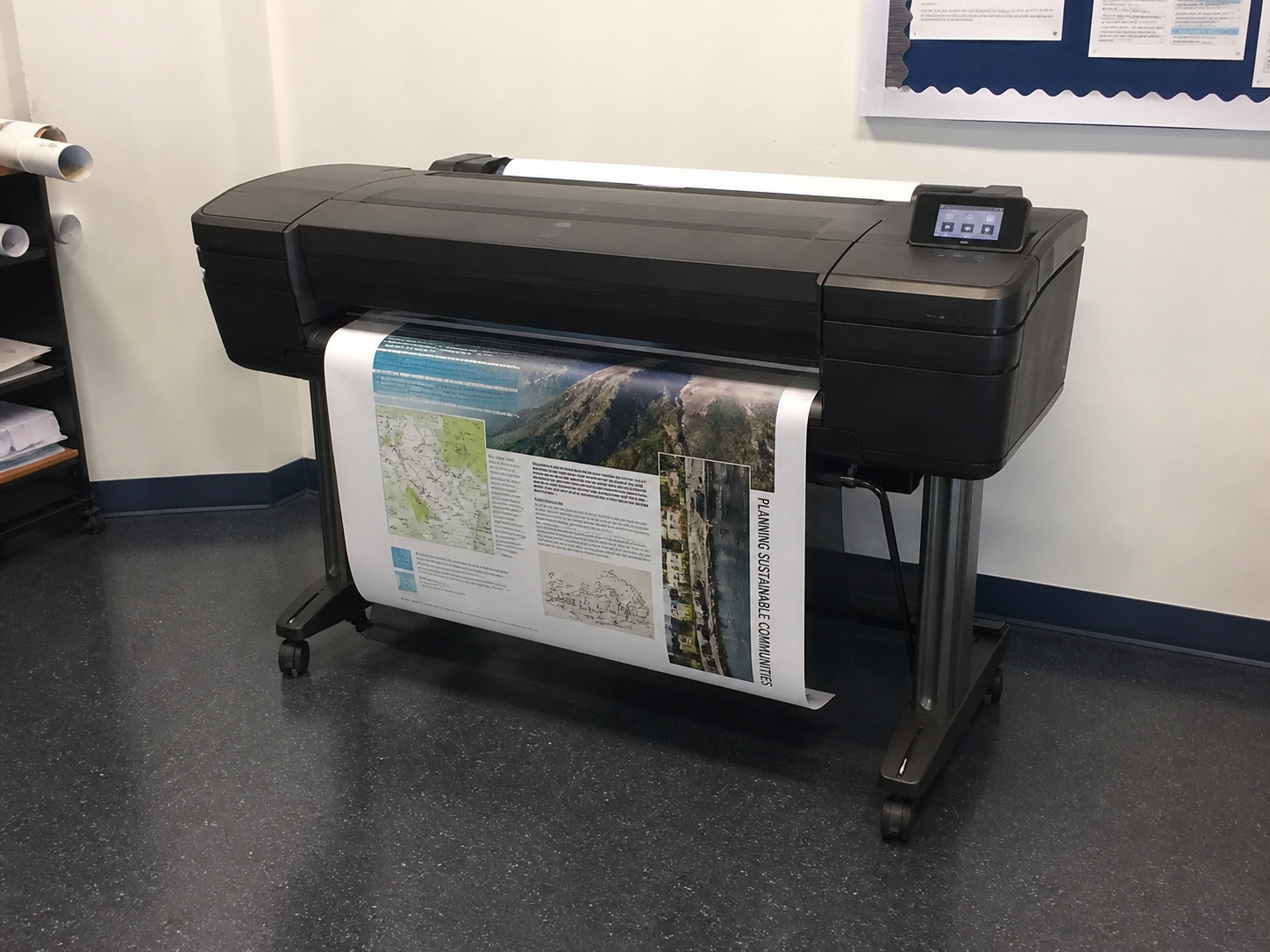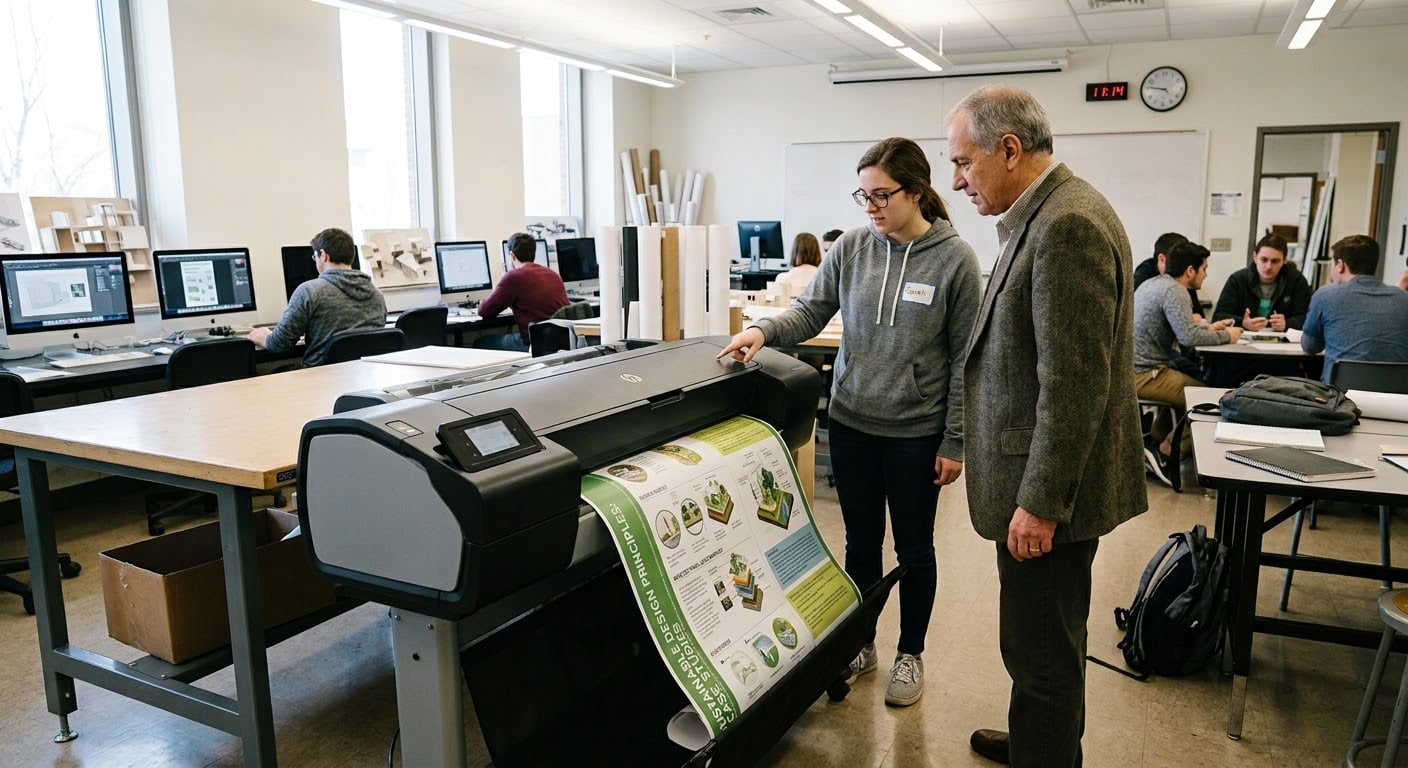

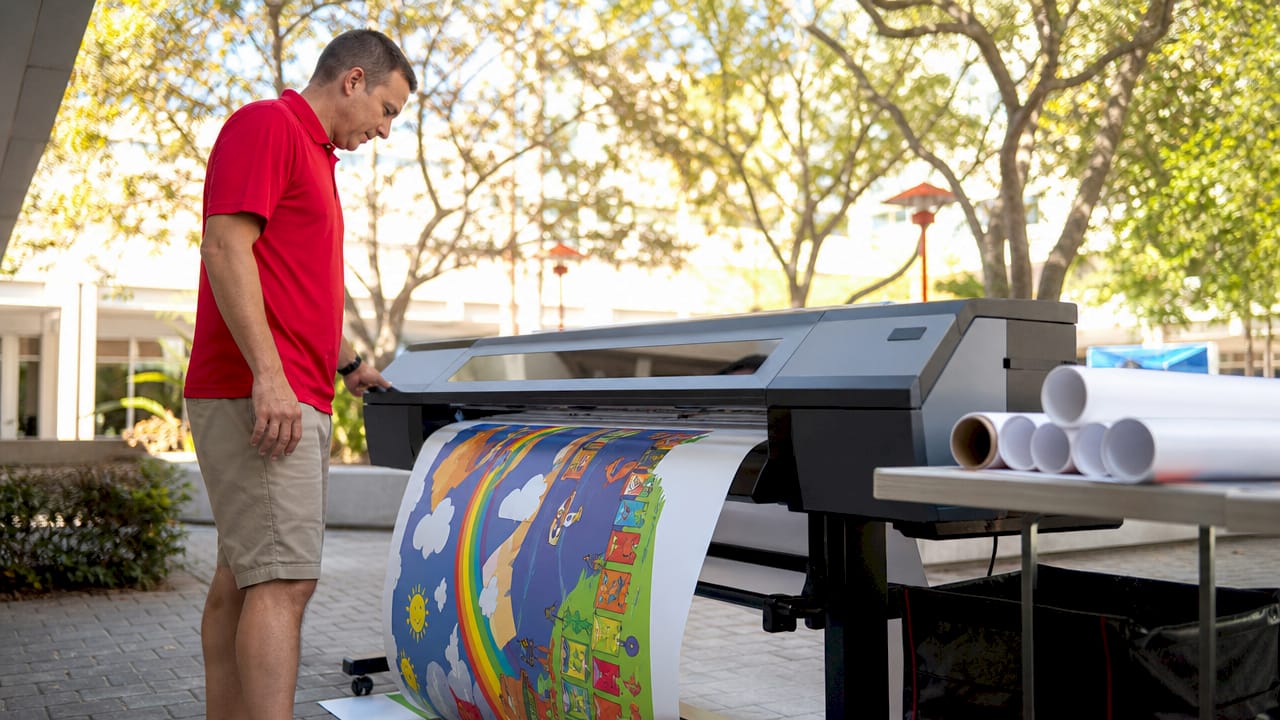
Inkjet poster printing is defined as a digital process that sprays microscopic droplets of liquid ink onto paper or other substrates to produce large-format, full-color posters from digital files. For educators and school staff, this technology means you can create professional-quality classroom displays, event signage, and student project posters entirely in-house, without outsourcing to a print shop. Using cyan, magenta, yellow, and black inks (CMYK), inkjet printers build images dot by dot with thousands of tiny nozzles, delivering the color depth and visual clarity that makes school environments come alive. Schoolposterprinters specializes in exactly this technology for the K-12 market, and this guide breaks down everything you need to know.
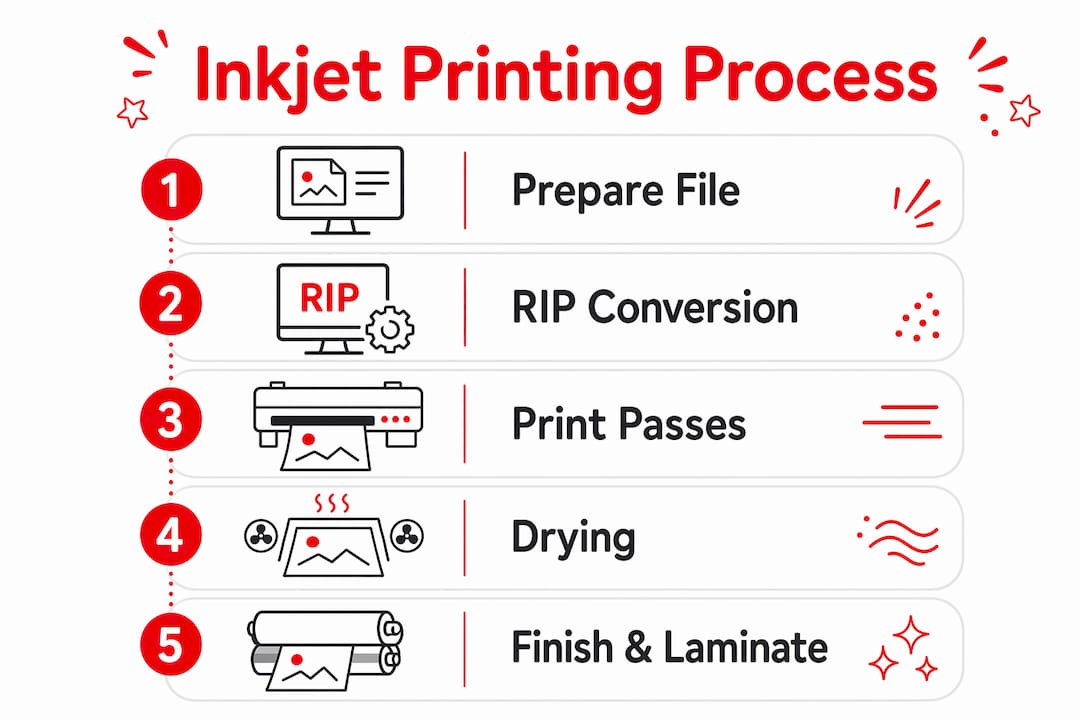
Inkjet poster printing works by moving a printhead across a wide-format media surface, depositing precisely controlled ink droplets that combine to form a complete image. The printhead contains hundreds of microscopic nozzles, each firing droplets smaller than a human hair in patterns dictated by your digital file. Two core technologies power this process, and understanding them helps you choose the right equipment for your school.
Thermal vs. piezoelectric printheads
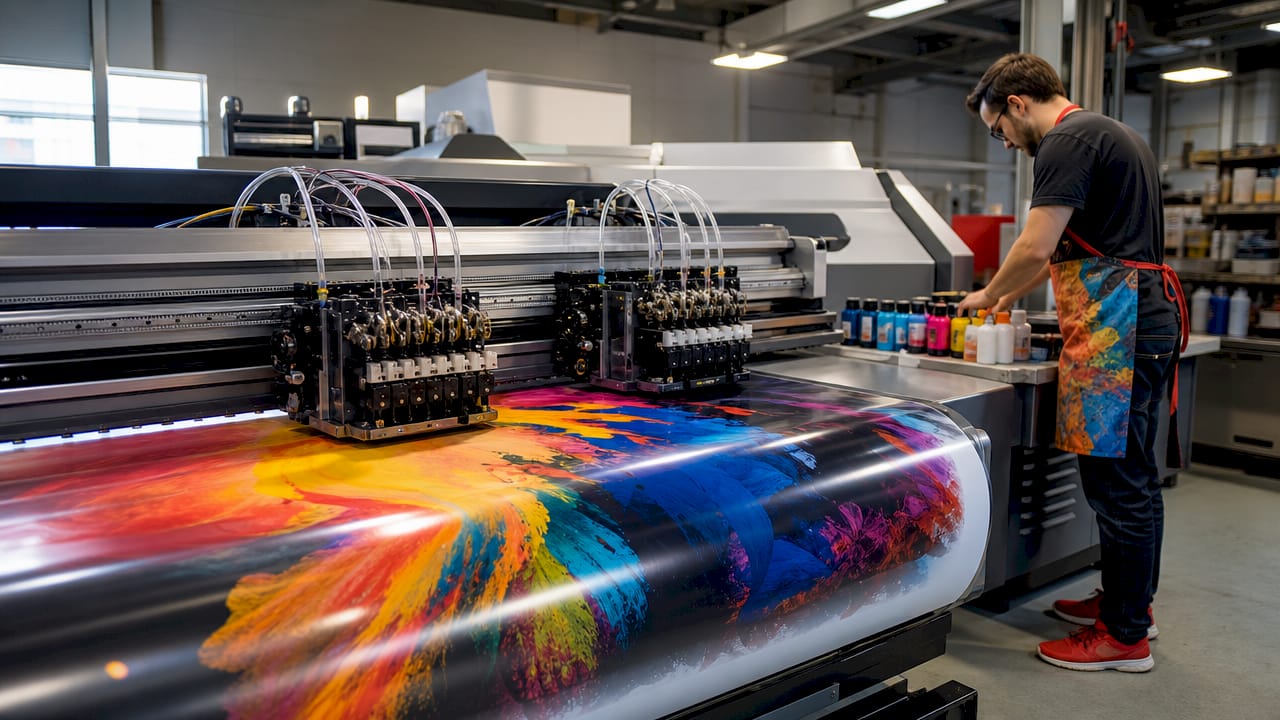
Thermal inkjet printheads eject ink by heating it rapidly to create a vapor bubble that forces a droplet through the nozzle. Piezoelectric printheads use an electrical charge to flex a crystal, which physically pushes the ink out. Piezoelectric heads offer finer droplet control and tend to last longer, making them common in wide-format printers designed for school environments. Thermal heads are less expensive to manufacture but can be more sensitive to ink chemistry changes.
The role of the Raster Image Processor (RIP)
Before a single drop of ink hits the page, your design file passes through a Raster Image Processor, or RIP. The RIP converts your artwork into a precise dot map that tells each nozzle exactly when and where to fire. It manages color accuracy, halftoning (the pattern of dots that creates the illusion of continuous color), and print speed. Without a properly configured RIP, you get banding, color shifts, or muddy gradients. Most wide-format printers built for schools include RIP software or integrate with it directly.
Multi-pass printing for quality
Most inkjet poster printers make multiple passes over the same area rather than printing everything in a single sweep. Each pass adds a layer of ink, building up color density and reducing visible banding. This is why a high-quality poster takes longer to print than a standard document. The tradeoff is worth it: the result is smooth gradients, rich solid colors, and photographic-quality images that hold up on a classroom wall.
Pro Tip: Set your printer’s quality mode to “best” or “photo” for classroom display posters. Draft mode saves ink but produces visible banding that undermines the visual impact of your educational materials.
Getting your file right before you print is the single most effective way to avoid wasted ink, reprints, and frustration. Print quality issues almost always originate in pre-print decisions around resolution, color mode, bleed, and substrate choice, not in the printer itself.
Follow these steps to prepare a print-ready poster file:
Set your resolution to 150-200 PPI at final size. Posters are viewed from roughly one to two meters away, so 150-200 PPI at final poster size is the standard target. Designing at 600 PPI adds file complexity and slows processing without improving what the human eye actually sees at normal viewing distance.
Work in CMYK color mode, not RGB. Screens display color using RGB (red, green, blue), but inkjet printers mix CMYK inks. Designing in RGB and converting at the last moment causes color shifts, especially in blues and purples. Set your document to CMYK from the start in tools like Adobe Illustrator, Adobe InDesign, or Canva Pro.
Add bleed to your document. Bleed is an extra border of color or background that extends beyond your poster’s trim edge, typically 0.125 inches on each side. Without bleed, trimming the poster even slightly off-center leaves a thin white edge that looks unprofessional.
Embed all fonts. If your design uses a custom font that is not embedded in the file, the printer’s computer will substitute a default font, changing your layout entirely. In Adobe programs, use “Package” or “Export with embedded fonts” before sending the file to print.
Verify final dimensions before export. A print-ready file should match the exact output dimensions of your poster. Scaling up a small file at the printer introduces pixelation that no amount of print quality settings can fix.
Run a preflight check. A structured preflight check covering resolution, bleed, font embedding, and color mode verification can drastically reduce reprint cycles in school printing projects. Many PDF export tools include a built-in preflight panel.
Pro Tip: Save your final poster as a PDF/X-1a file. This format flattens transparency, embeds fonts, and locks in CMYK color, giving you the most predictable result on any wide-format inkjet printer.
Choosing between inkjet and laser printing is a real decision for school staff managing budgets and timelines. Each method has genuine strengths, and the right choice depends on what you are printing and how it will be used.
| Feature | Inkjet poster printing | Laser printing |
|---|---|---|
| Color vibrancy | Superior, photographic depth | Good for text, limited for photos |
| Media variety | Wide: paper, canvas, vinyl, fabric | Mostly standard paper and card stock |
| Maximum print width | 24 to 60+ inches (wide-format) | Typically 8.5 to 13 inches |
| Print speed | Slower, especially in quality mode | Faster for high-volume documents |
| Ink/toner cost | Higher per square foot | Lower per page for text documents |
| Best use case | Classroom displays, event posters, photo-quality visuals | Handouts, worksheets, text-heavy documents |
Inkjet printing supports a wider variety of media types and finishes, which is the decisive advantage for schools producing large posters. Laser printers cannot print on vinyl, canvas, or most specialty substrates, and their maximum paper width rarely exceeds 13 inches. For a classroom display that needs to fill a bulletin board or hallway wall, inkjet wide-format printing is the only practical in-house option. The higher ink cost per square foot is offset by the elimination of outsourcing fees and the ability to reprint on demand.
Inkjet poster printing transforms how schools communicate, teach, and celebrate. Educators use inkjet poster printing to produce custom classroom visuals, event signage, and student project displays with durable, vivid prints. Here is how that plays out in practice:
Classroom learning displays. Print labeled diagrams of the human body, world maps with political boundaries, historical timelines, or math reference charts at a size students can actually read from their desks. A 24×36 inch poster printed in-house costs a fraction of a commercially produced equivalent and can be updated whenever the curriculum changes.
Event signage and school promotions. Announce spirit weeks, science fairs, sports events, and parent nights with full-color posters that match your school’s branding. Printing in-house means you can finalize the design the day before the event rather than waiting a week for an outside vendor.
Student project displays. Students who present research projects on large, professionally printed posters engage their audience more effectively than those using handwritten boards. Inkjet printing gives every student access to the same quality output regardless of their at-home resources, which levels the playing field.
Hallway and common area culture-building. Motivational quotes, school values, student artwork, and achievement recognition printed at large scale turn blank hallways into living learning spaces. This is one of the most visible ways a school can reinforce its culture without a major budget commitment.
Curriculum-aligned visual aids. Science teachers can print cell diagrams. Art teachers can display reproductions of famous works. Language arts classrooms can post grammar reference charts. The ability to transform your classroom with custom visuals is one of the most practical benefits of having an in-house wide-format printer.
Managing print workflow matters as much as the design itself. Establish a shared file naming convention, keep a folder of approved templates, and schedule print jobs during off-peak hours to avoid bottlenecks before major school events.
Inkjet poster printing gives schools the ability to produce professional-quality, large-format visuals in-house by combining CMYK ink technology, RIP-driven dot mapping, and proper file preparation.
| Point | Details |
|---|---|
| Core technology | Inkjet printers spray CMYK ink droplets through hundreds of nozzles to build large-format images. |
| File preparation | Set files to 150-200 PPI, CMYK color mode, with bleed and embedded fonts before printing. |
| Inkjet vs. laser | Inkjet wins on color depth and media variety; laser wins on speed and cost for text documents. |
| School applications | Classroom displays, event signage, student projects, and hallway culture-building all benefit from in-house inkjet printing. |
| Print quality control | RIP software, multi-pass printing, and substrate choice determine final output quality more than printer brand alone. |
I have worked with hundreds of schools setting up in-house printing programs, and the pattern is consistent: the printer almost never causes the problem. The problem is almost always the file. A teacher spends an hour designing a beautiful poster in Google Slides, exports it as a low-resolution JPEG, and then wonders why the printed result looks blurry and washed out. The printer did exactly what it was asked to do. It just received a bad file.
The second most common issue is color mode. Schools design everything on screens, which display RGB color beautifully. When that file hits a CMYK inkjet printer without conversion, the reds shift orange, the blues go muddy, and the school logo looks nothing like it does on the website. This is not a printer defect. It is a workflow gap that a five-minute color mode check eliminates entirely.
What I find genuinely exciting about inkjet poster printing for schools is that the barrier to professional quality is almost entirely knowledge-based, not budget-based. Once your staff understands resolution, color mode, and bleed, the printer delivers results that would have cost hundreds of dollars per poster at an outside vendor. That knowledge compounds over time. The second year of running an in-house program is always dramatically more efficient than the first, because the file preparation habits are already built.
My honest advice: invest thirty minutes training whoever manages your school’s print queue on the six file preparation steps covered in this article. That single session will save more time and ink than any hardware upgrade you could make.
— Kyle
Schoolposterprinters equips K-12 schools with wide-format inkjet poster printers, cold laminators, and all the supplies needed to produce professional-quality educational materials entirely in-house. Every printer we recommend supports print-ready file formats, integrates with RIP software, and handles the full range of poster substrates from standard paper to vinyl. Our team provides setup guidance, file preparation support, and ongoing help so your staff prints confidently from day one. Explore our poster printing equipment and find the right solution for your school’s classroom and event printing needs.
Inkjet poster printing is a process where a wide-format printer sprays microscopic CMYK ink droplets onto paper or other media to produce large, full-color posters from a digital file. It is the standard method for producing high-quality classroom displays and school signage in-house.
Design your poster at 150-200 PPI at final size for the best balance of print quality and file manageability. Higher resolutions like 600 PPI rarely improve visible quality at typical poster viewing distances of one to two meters.
Inkjet printing produces superior color vibrancy and supports wide-format media up to 60 inches wide, while laser printing is faster and cheaper for text documents but limited to standard paper sizes and less vivid color reproduction. For classroom posters and event signage, inkjet is the clear choice.
Always set your design file to CMYK color mode before exporting for inkjet printing. RGB files converted at the printer can produce unexpected color shifts, particularly in blues, purples, and brand colors.
Wide-format inkjet printers support a wide variety of media including matte and glossy paper, canvas, vinyl, and fabric substrates. Choosing the right media for your application, whether a temporary event poster or a permanent classroom display, directly affects durability and visual impact.
Article generated by BabyLoveGrowth
When an inkjet poster printer acts up, these step-by-step troubleshooting fixes solve most streaks, jams, and ink errors.