
DISCOUNTED EDUCATION PRICING! CALL 1-877-891-8411. We Gladly Accept School Purchase Orders!
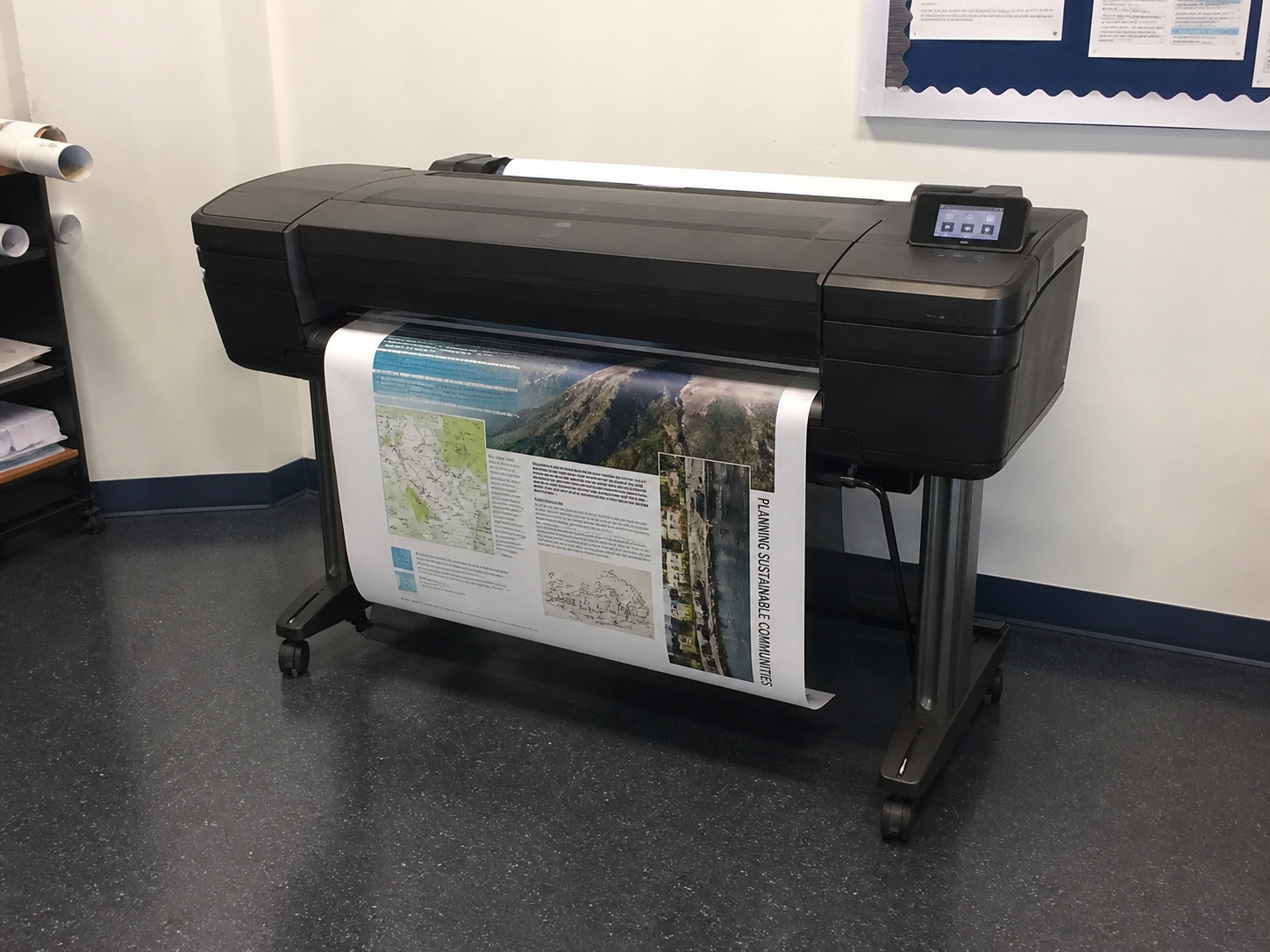
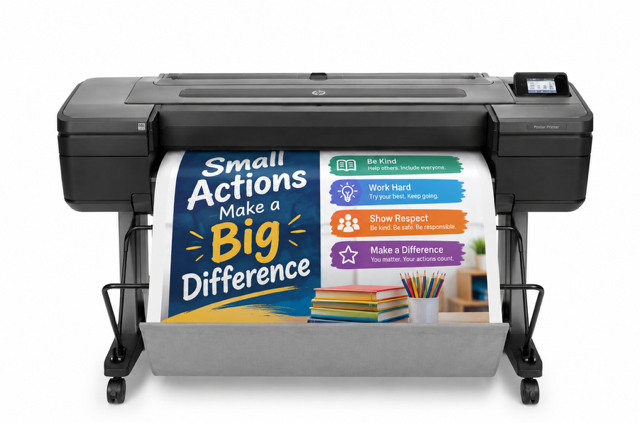
Poster makers for school districts work best as one standard system across every building: the same Education Graphics Poster Maker™ software, supplies and training, with each school’s printer width (24″, 36″ or 44″) matched to how that building actually prints. Start with an inventory of buildings, assign a width to each, then buy through one purchase order so every school can print a full-color poster for about $1.30 in ink and paper.
This guide is for district technology directors, purchasing staff, curriculum leaders and principals planning more than one machine. It covers planning, sizing, rollout, funding, purchasing, supplies and support, and it stays focused on the district view. If you are equipping a single school, start with how to choose the right poster printer for your school.
Written by the Education Graphic Solutions team. We have worked with K–12 schools since 2003, and the figures here match what we publish on our cost to print school posters (https://schoolposterprinters.com/cost-to-print-school-posters/) and poster maker packages pages. We do not quote district discounts or invent volumes; ask us for a multi-building quote instead.
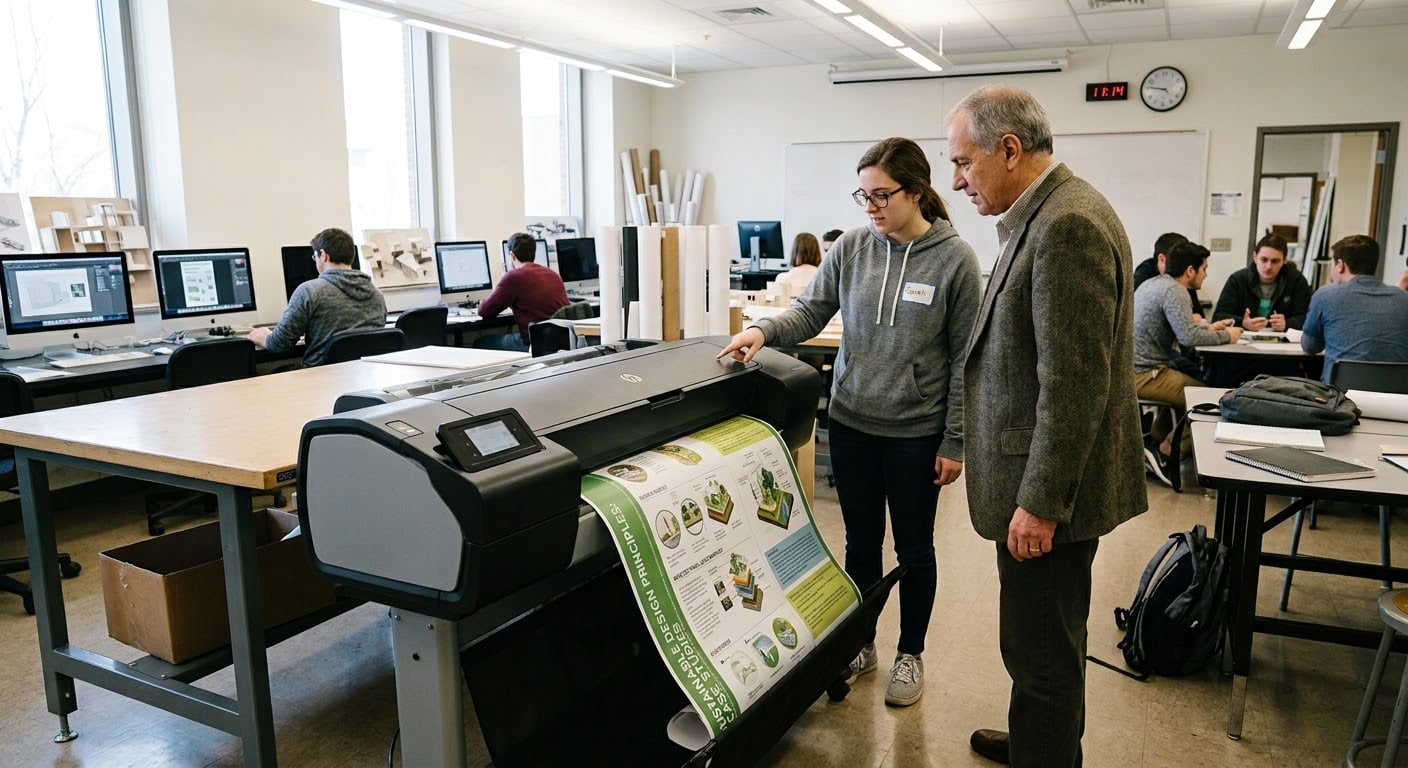
Standardizing means every building runs the same software, orders the same ink and paper, and trains staff the same way. That makes support simpler for your technology team, lets schools share templates and designs, and gives your business office one vendor, one quote format and one supply catalog instead of a different setup at every school.
Use this checklist before you request a district quote:
Match the printer width to the largest piece that building prints regularly. This table shows typical uses only; your schools may differ.
| Building type | Suggested width | Typical use |
|---|---|---|
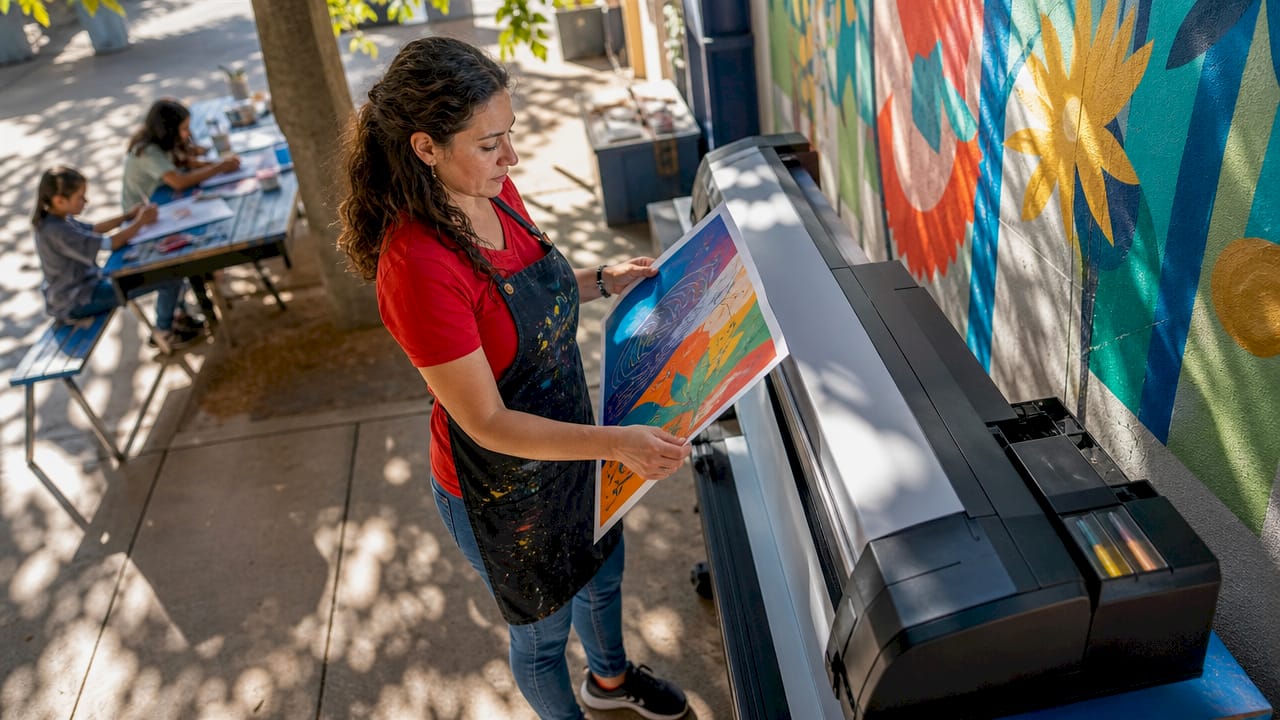
| Elementary school | 24″ | Anchor charts, classroom posters, hallway expectations, family-night signs |
| Middle school | 24″ or 36″ | Classroom posters plus hallway displays and club or event banners |
| High school | 36″ | Hallway posters, athletics and event banners, CTE and club displays |
| CTE center or career academy | 36″ or 44″ | Student project output, program signage, larger event graphics |
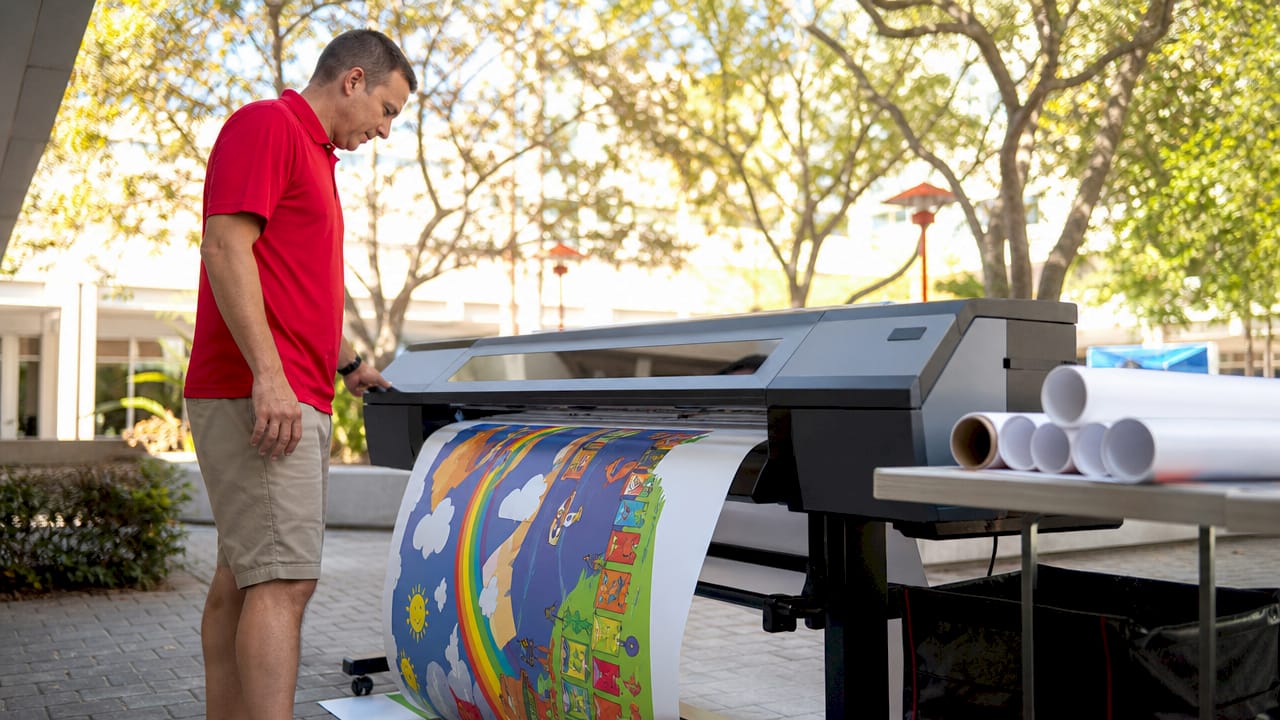
| District print or media center serving several schools | 44″ | Gym-scale and campus-wide signage, large banners, outdoor banners |
| Small or alternative program | 24″ | Everyday classroom and office posters |
Bronze is 24″ only, Silver and Gold come in 24″ or 36″, and the Z6 is the only 44″ model and the only one that prints outdoor vinyl. Compare them side by side on our models page (https://schoolposterprinters.com/poster-printers/), see the 24″ and 44″ Z6 (https://schoolposterprinters.com/product/24-education-graphics-z6-full-color-poster-printer/) for outdoor and gym-scale work, and view all poster maker packages, starting at $2,495.
Many districts combine sources. Common options:
Schools and districts can buy the Education Graphics Poster Maker™ with a purchase order. Ask for a formal itemized quote to attach to your requisition, then submit your purchase order. We help with W-9 forms and vendor packets for your business office.
Some districts buy through a cooperative purchasing contract, such as TIPS (https://www.tips-usa.com/), to meet competitive-bid requirements. Ask us which cooperative options apply to your district before you issue the PO.
In-house printing costs about $1.30 in ink and paper for a full-color 24″ × 36″ poster on standard matte, and up to about $2.84 on premium paper. To keep that cost predictable district-wide:
Every Education Graphics package includes setup, training and lifetime phone support, along with design software, templates and starter supplies. For a district, we suggest training at least one owner per building plus any staff who will print often, so each school has someone on site who can help colleagues. Teachers can design in Canva, Google Slides or PowerPoint and print over Wi-Fi.
For most districts, the best choice is one standard system in every building, with the printer width matched to each school: 24″ for most elementary schools, 36″ for many high schools, and 44″ for a district print or media center. Using the same software, supplies and training everywhere keeps support and budgeting simple.
Most districts plan one machine per building that prints regularly, plus an optional 44″ machine at a district print or media center for large and outdoor banners. Start with your building list and the planning checklist above.
Education Graphics Poster Maker™ packages start at $2,495 per building, and printing costs about $1.30 in ink and paper per full-color 24″ × 36″ poster. Ask us for a multi-building quote itemized by school.
Yes. Schools and districts can buy with a purchase order. Request an itemized quote, then submit your PO. We help with W-9 forms and vendor packets.
Often Title I can, when the purchase supports needs in a school’s Title I plan and supplements state and local funds. Title IV-A may apply to well-rounded education or technology activities, within federal limits on equipment. Districts set allowable uses, so confirm with your federal programs coordinator.
Not necessarily. Standardize the software and supplies, but match the width to each building. Most schools start at 24″, buildings that print banners often choose 36″, and the 44″ Z6 suits gym-scale and outdoor work.
Education Graphic Solutions / School Poster Printers · Working with K–12 schools since 2003.