Back to School
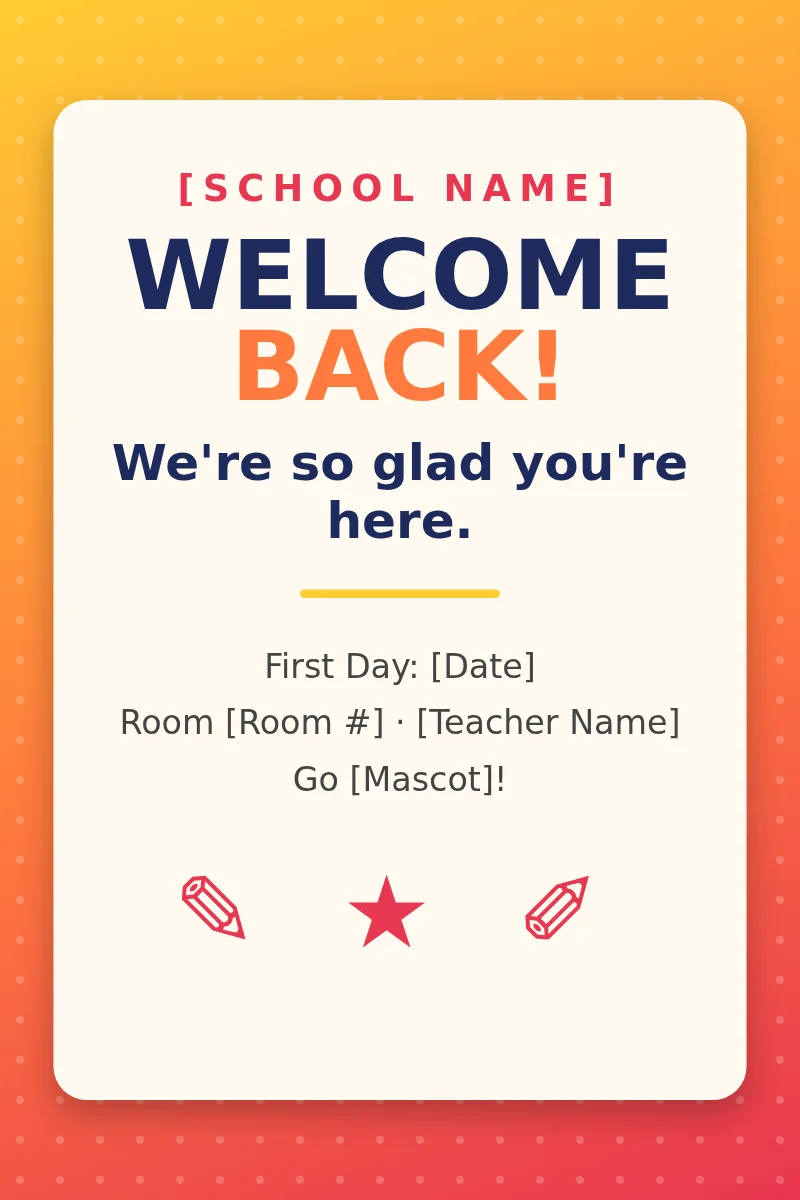
Back to School Welcome Poster Template
Greet students on day one with a bold welcome banner for halls, doors and front offices.
Or download the 12×18 half-scale version
Free, editable school poster templates for teachers, built at 24×36. Download a Word file, type in your school name and dates, and print it on your school's poster printer. New designs are added by category.
Greet students on day one with a bold welcome banner for halls, doors and front offices.
Or download the 12×18 half-scale version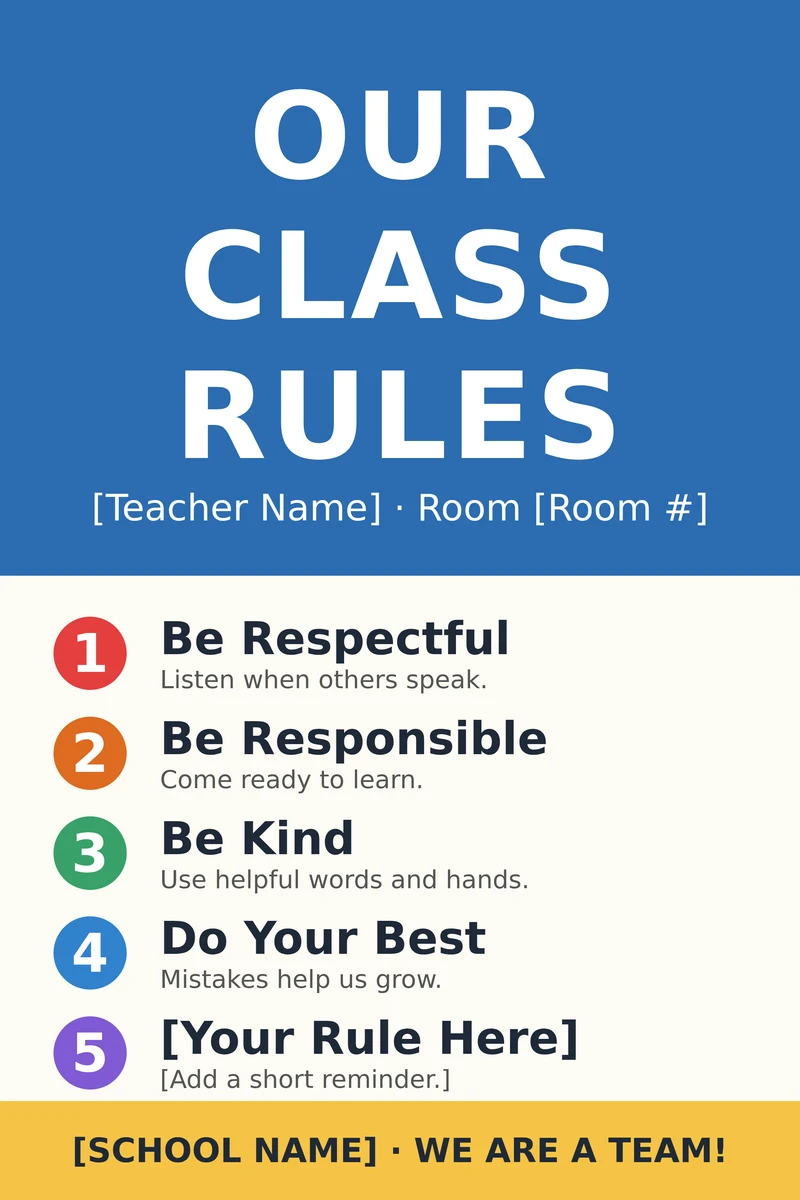
A clear, editable rules chart for the first week of school and every week after.
Or download the 12×18 half-scale version
Encourage independent reading in libraries, reading corners and ELA classrooms.
Or download the 12×18 half-scale version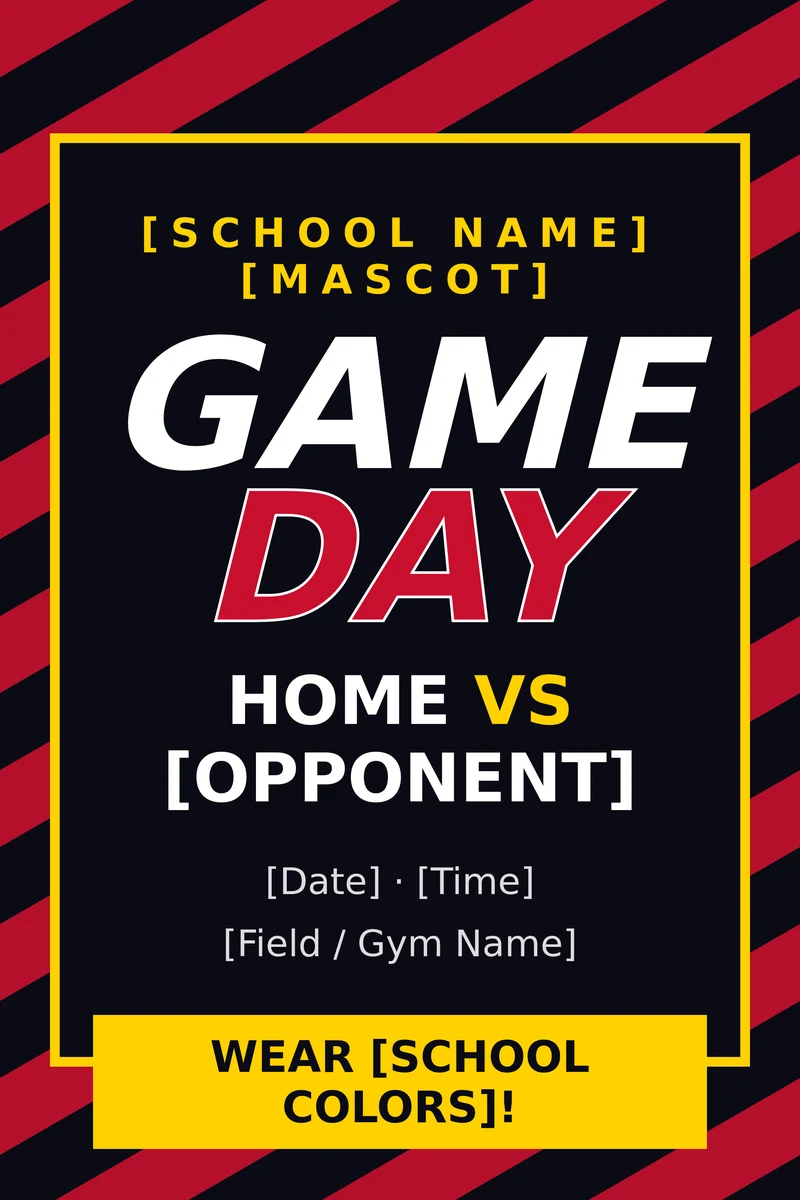
Pump up pep rallies, homecoming and game nights with a school-spirit poster.
Or download the 12×18 half-scale version
Promote science fairs, STEM nights and makerspace showcases.
Or download the 12×18 half-scale versionWe are adding new school poster templates all year. Check back for more categories, or browse our poster printers to print the ones above in-house.
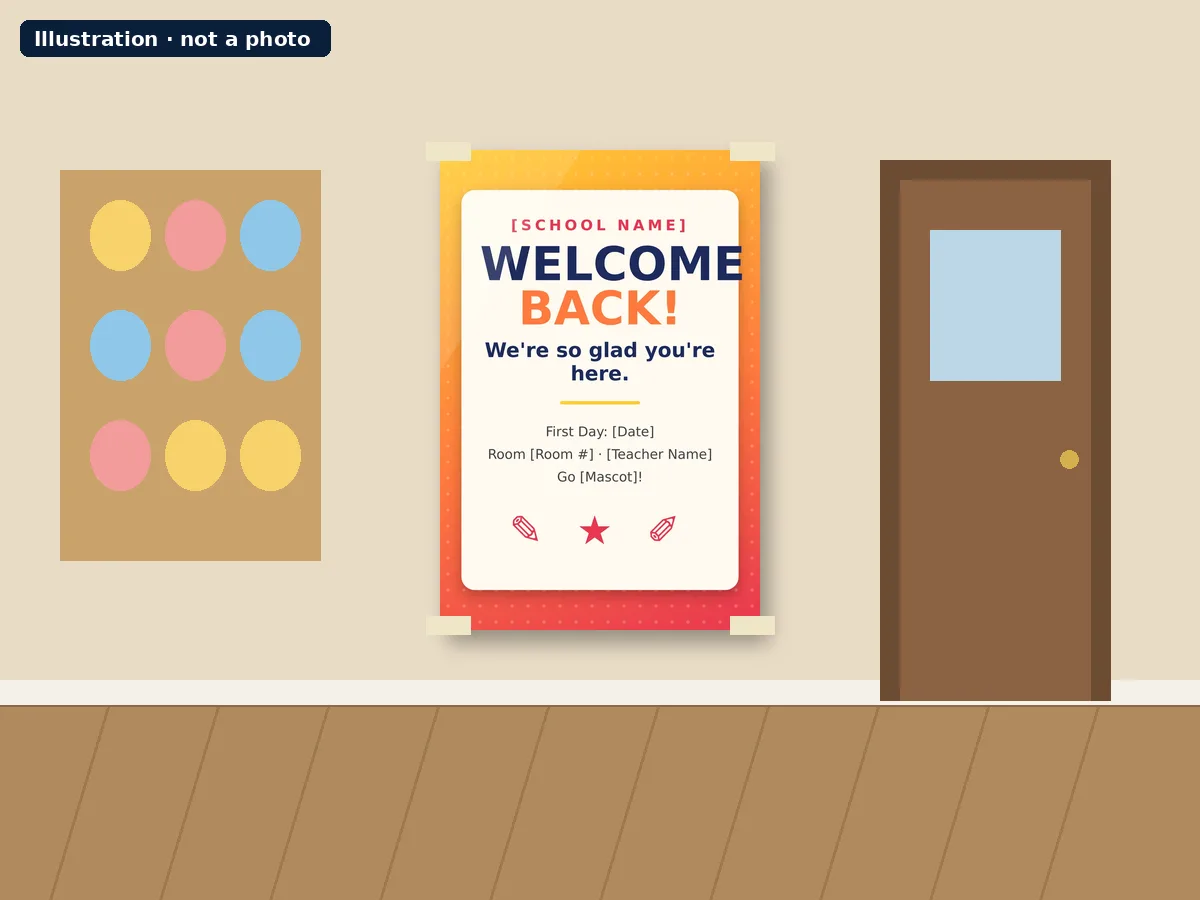
Illustrations of each template printed at 24×36 and hung in a school. These are drawn mockups, not photos.
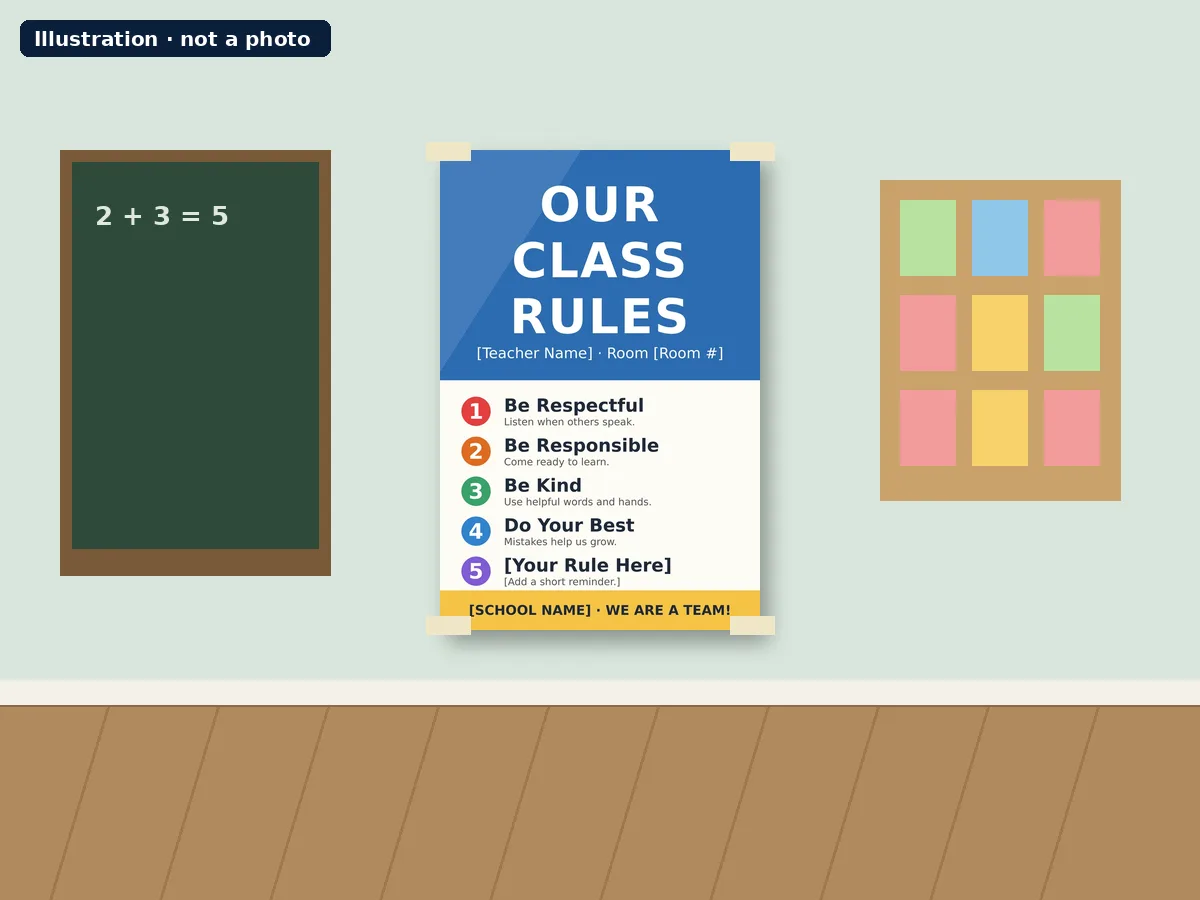
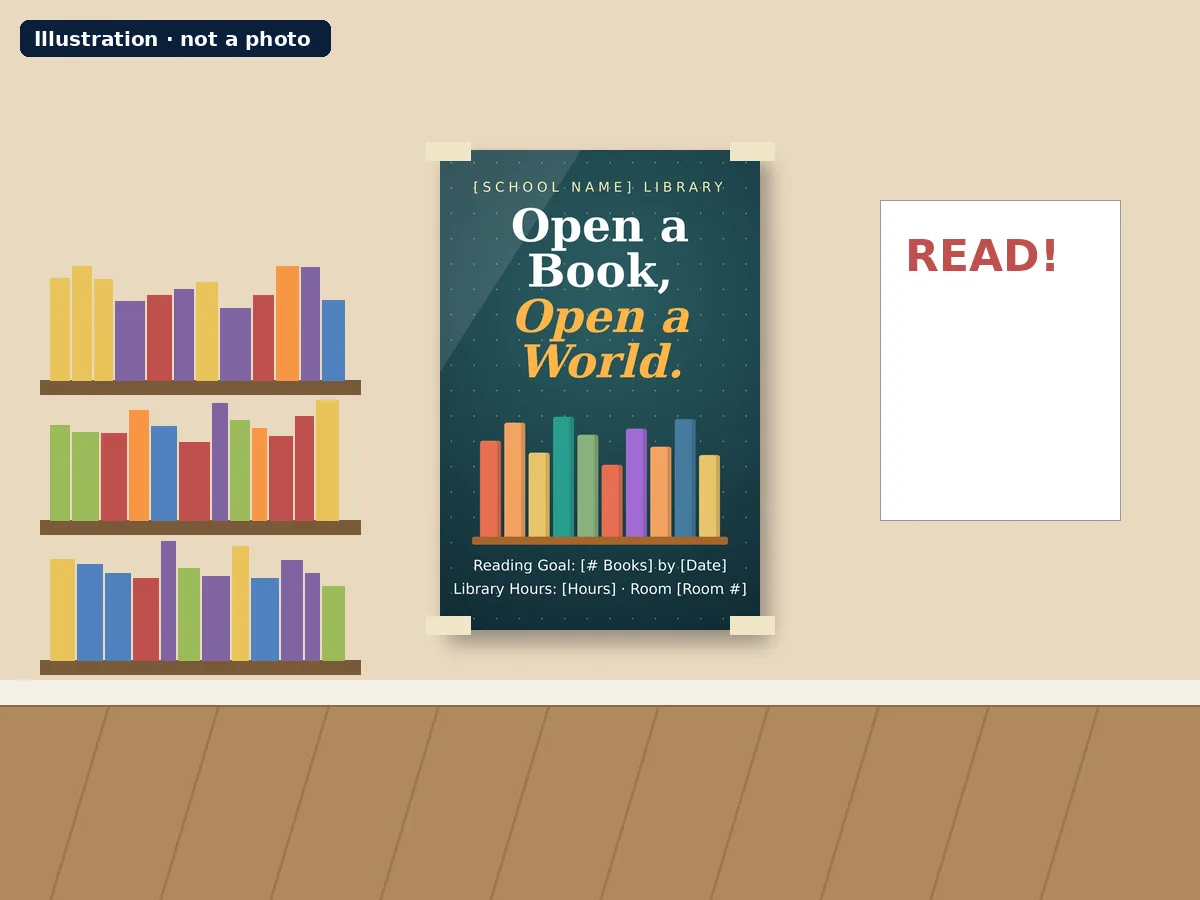
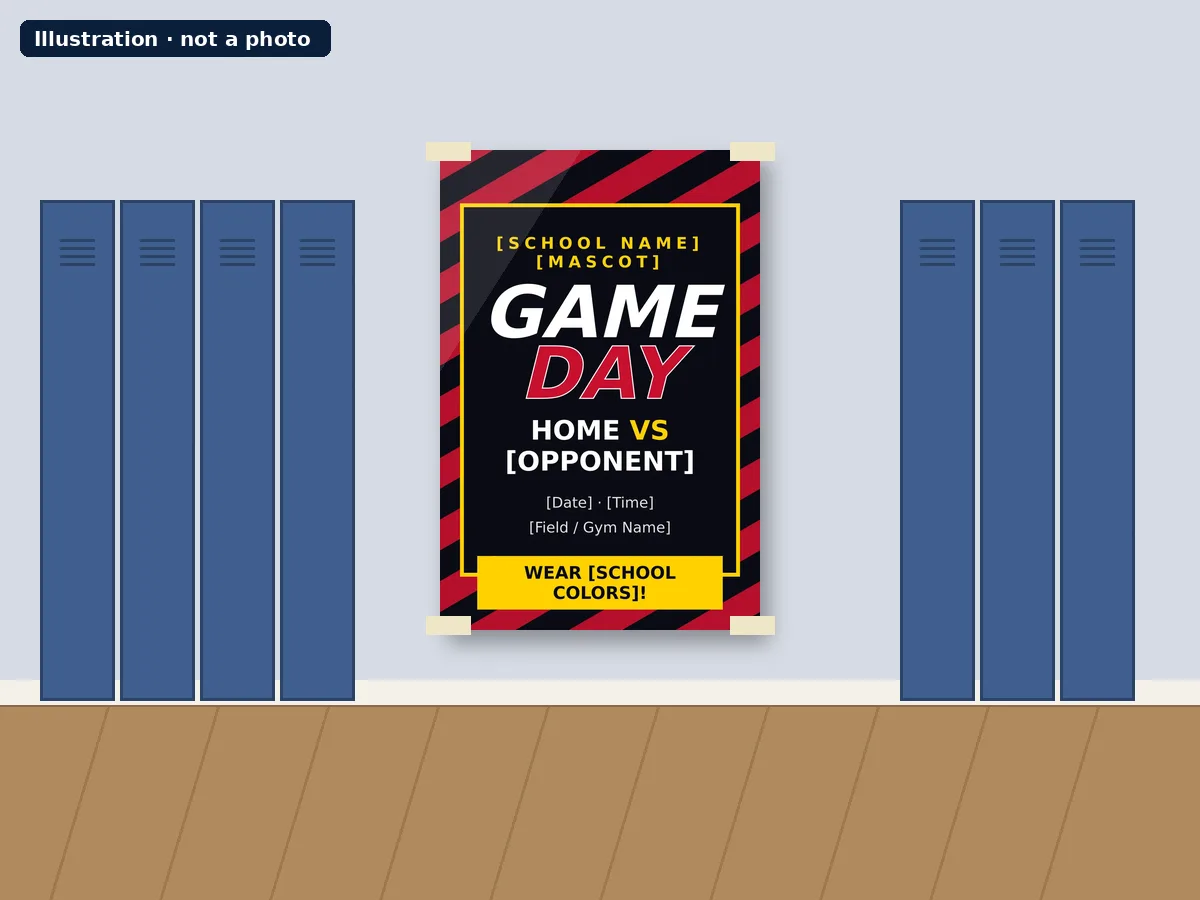
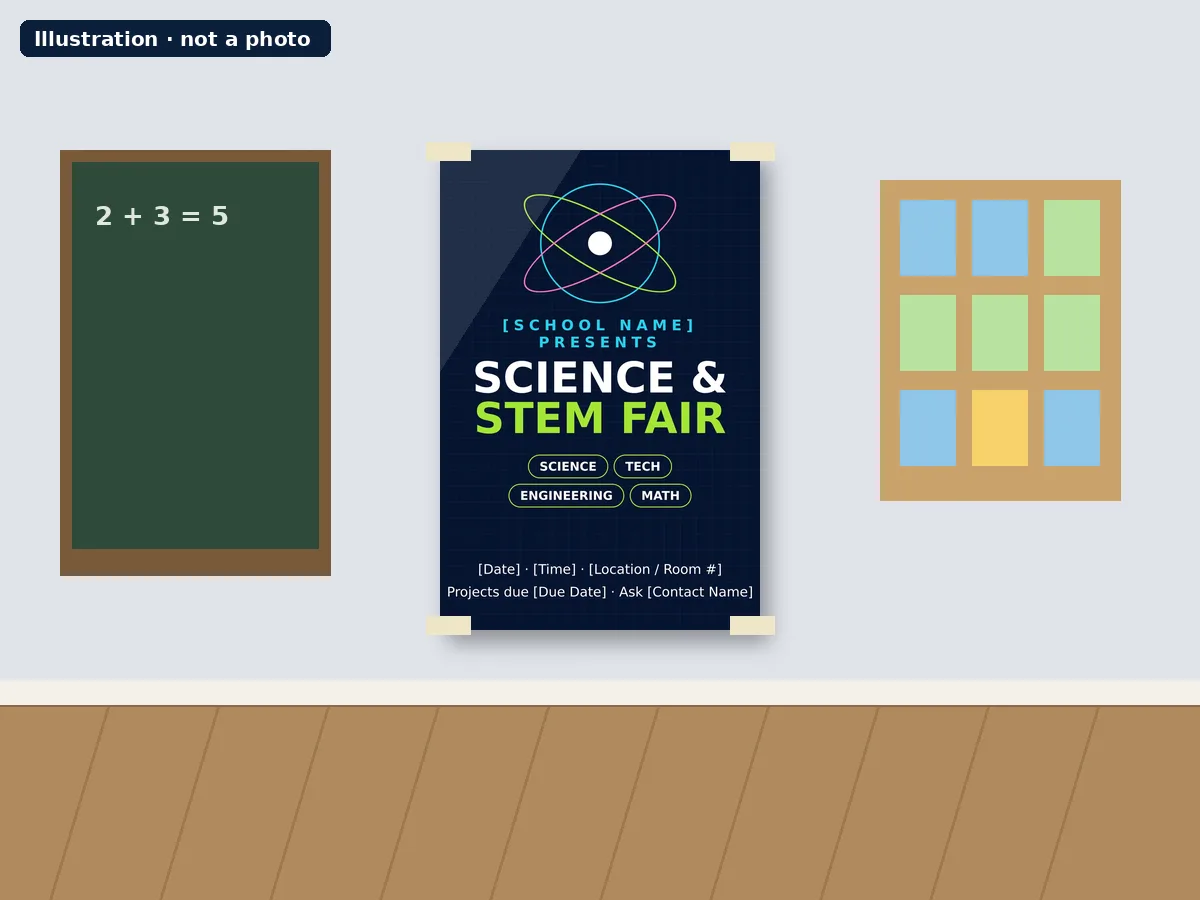
Every template on this page is a free Word (.docx) file designed for a 24×36 poster, the size most schools use for hallways, entrances and bulletin boards. Teachers use them to welcome students back, post classroom rules, promote reading goals, build hype for game day and announce science fairs and STEM nights. Office staff, librarians, coaches and student council advisors use the same files for school-wide signs.
Word limits page width to 22 inches, so some versions of Word may shrink the full 24×36 file when it opens. If that happens, use the 12×18 half-scale version under each card. It opens cleanly in Word and prints at 200% to fill a 24×36 sheet.
Our school poster printers are Canva-ready. Many teachers recreate a template in Canva to change photos or the full color scheme, then print straight from Canva using the same 24×36 size.
The templates are built for 24×36 inches at 300 DPI, which keeps text sharp and colors clean from across a room. Print the full-size file directly, or the 12×18 file at 200%. For a first test, print one copy, check spelling and dates, then print as many as you need. If your school is printing posters in-house for the first time, our poster maker packages bundle the printer with supplies.
Looking for interactive charts to build with students instead? See our anchor chart guide.
Find a classroom poster template for every part of the school year.
Welcome signs, open house and first-day posters.
Rules, routines and expectations charts. See our anchor chart guide.
Reading motivation, science fair and STEM night posters.
Game day, pep rally and homecoming posters.
Yes. Each template is a free Word (.docx) download you can edit and print for your school.
Yes. Text sits in editable boxes, so you can click and type your school name, dates and details.
They are designed for 24×36 inch posters, a common size for school hallways and bulletin boards.
Yes. Our poster printers print 24×36 at 300 DPI and are Canva-ready, so you can also rebuild any design in Canva and print it.
Word limits page width to 22 inches. Use the 12×18 half-scale version and print it at 200% to fill a 24×36 sheet.
School poster printers that print 24×36 at 300 DPI, set up in under 30 minutes and ship within 24 hours of your PO.